Presettings
Operating instructions GLP
3 -- 155
6.562.98.5.01.18
Storing the scanning rules
The changed scanning rules may be stored and the editor exited.
Operating sequence: Description
------------------------------------------------------------------------------------------------------------------------------------------------------
[ENTER] [ENTER] -- Exit the editor. This causes the following dispay to appear:
Cancel <ESC>
OK <ENTER>
no
Editor being exited.
yes
Save data
[ ] [ENTER] -- Select ”no” and acknowledge if the editor is to be exited with-
out storing the scanning rules.
[ ] [ENTER] -- Select ”Return” and acknowledge if the editor is to be reac-
cessed.
[ENTER] -- S
elect ”yes” and acknowledge if the scanning rules are to be sto-
red and the editor is to be exited. The following display appears:
OK <ENTER>
Cancel <ESC>
Replace existing record?
yes
no
[ENTER] -- Select ”yes” and acknowledge if the current scanning rules
are to be replaced.
[ ] [ENTER] -- Select ”no” if the existing scanning rules are not to be re-
placed. You will return automatically to the editor where the
data may be changed again, or as described above, the editor
exited without the storage of rules
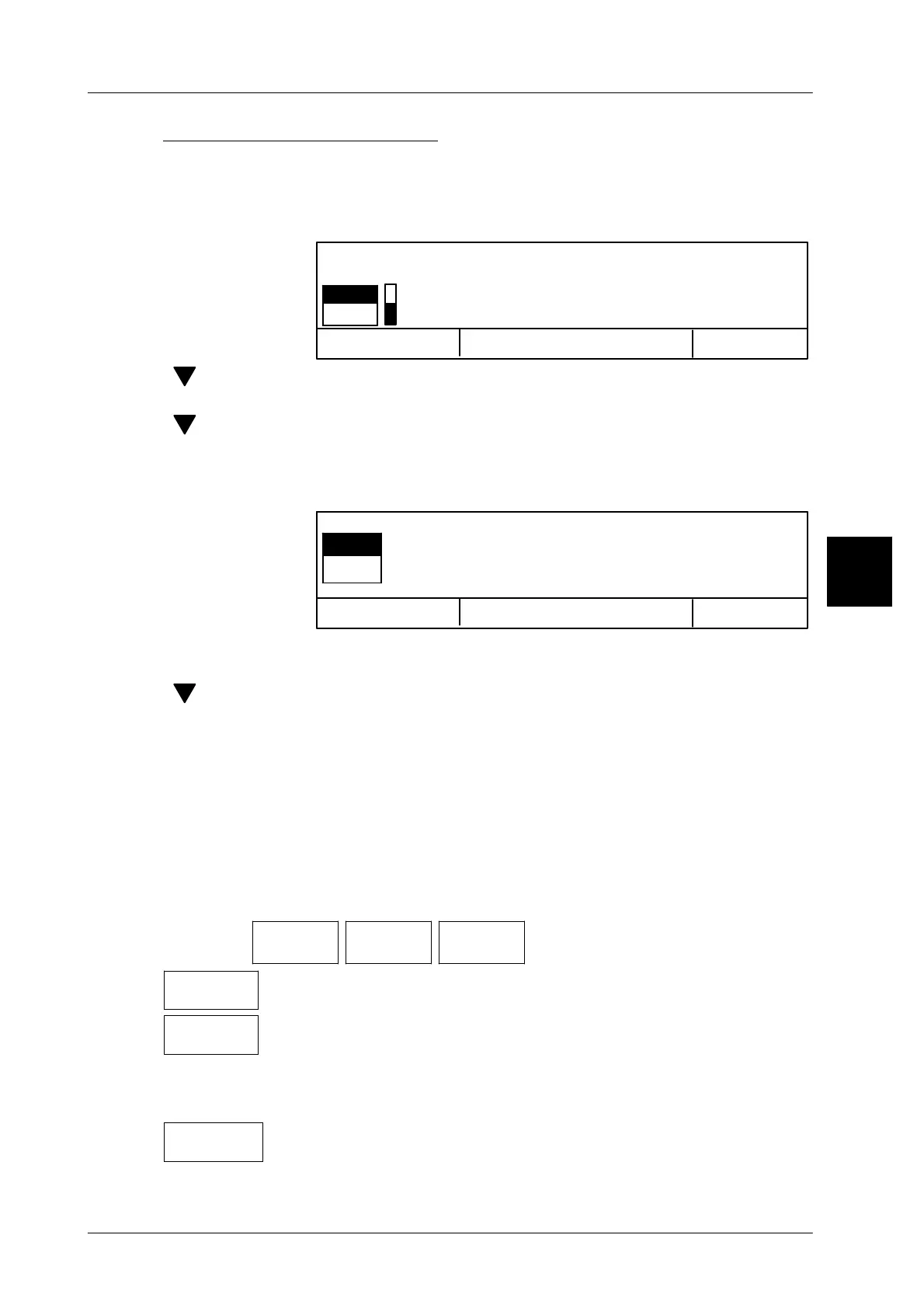
3.8.4.3 Prompting compulsory (scanning is compulsory)
You may preset here, if during scanning error the correct scan code is to be ent-
ered by user or if the code is to be re--scanned . These presettings per article may
also be made in the PLU data!
Operating sequence: Description
------------------------------------------------------------------------------------------------------------------------------------------------------
[MODE] 2
Printer +
interface
Scanner Scan.
compuls.?
-- Call up the selection menu
Scan. not
compuls.
The compulsory prompt is switched off. In the case of error, the scan-
code or an incorrect content must be manually entered (standard).
Scanning
compuls.
The compulsory prompt is switched on.
The operator is forced to
carry out the scanning procedure if:
-- the scanning rules are changed
-- new scanning rules are loaded
-- the same scanning rules are reloaded
on change
Scan.comp.
The functional procedure is identical to that carried out for ’Scan-
ning compulsory’ Exception: scanning is not compulsory when loa-
ding identical scanning rules.
3


 To Next Page
 Loading...

