Presettings
Operating instructions GLP
3 -- 159
6.562.98.5.01.18
B) Select respective e--mail text from text number
list:
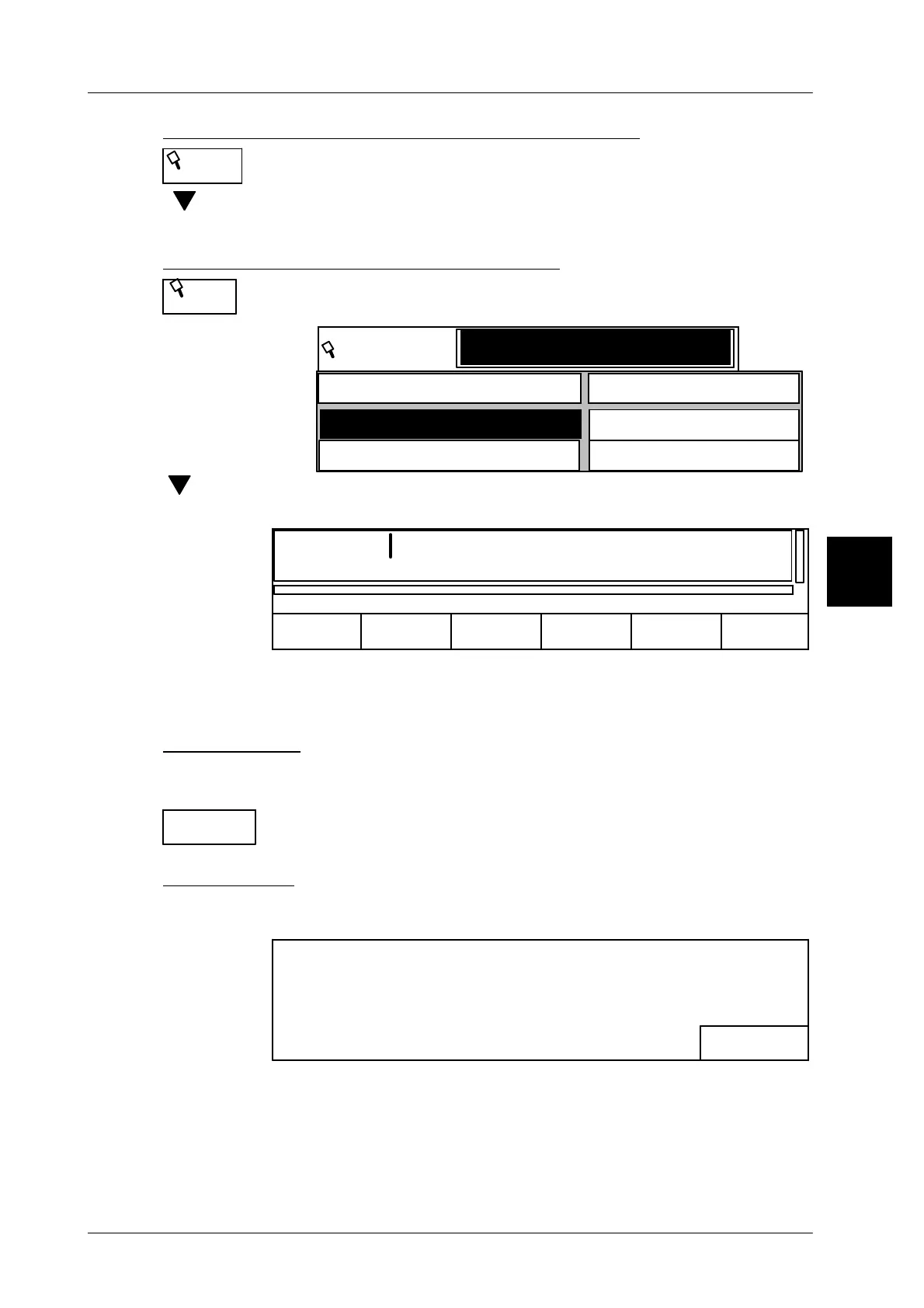
Press softkey “Text number”. The stored text numbers are dis-
played with the respective texts.
[ ] -- Select respective text.
[ENTER] [ENTER] -- Display respective e--mail text in the editor
C) Select respective e--mail text from text list
Confirm the softkey “Text”. The textes stored are displayed with their
respective text number in alphanumberic order.
Text
Text number
1001
Text
1000
Motor defective
Call customer service
[ ] -- Select corresponding text and confirm with
[ENTER].
[ENTER] [ENTER] -- Display corresponding e--mail text in the editor.
Load
0
Send
mail
Motor defekt
Cancel
The e--mail text loaded via text name or text number is displayed in the editor and
the text number is displayed in the upper status line. The subject text can also be
modified in the text editor before storing, if necessary.
Sending e--mail
The e--mail can be sent to the e--mail addresses stored under the selected reci-
pient names after storing the subject and e--mail text.
-- Press softkey “Send email”.
The e--mail is sent to the respective e--mail addresses.
Error message
If after calling up the function “Send email” the following error message is dis-
played, please check the respective e--mail address!
OK <ENTER>
One or more email could not be send!
Maybe email configuration error!
[ENTER] -- Confirm error message.
3.1
Text
number
Text
Send email



 To Next Page