Presettings
Operating instructions GLP
3 -- 162
6.562.98.5.01.18
3.9.4 Value range of total 1, total 2 or total 3 numerator
See description on page 3 -- 160.
Operating sequence: Description
------------------------------------------------------------------------------------------------------------------------------------------------------
[MODE] 2 [ETC]
Numer--
ators
-- Call up the input menu.
Val.range
*1 num.
-- Call the value range of total 1 numerator.
Val.range
*2 num.
-- Call the value range of total 2 numerator.
[ETC]
Val.range
*3 num.
-- Call the value range of total 3 numerator.
xxx -- Enter the start value, e. g. 1 (see example A).
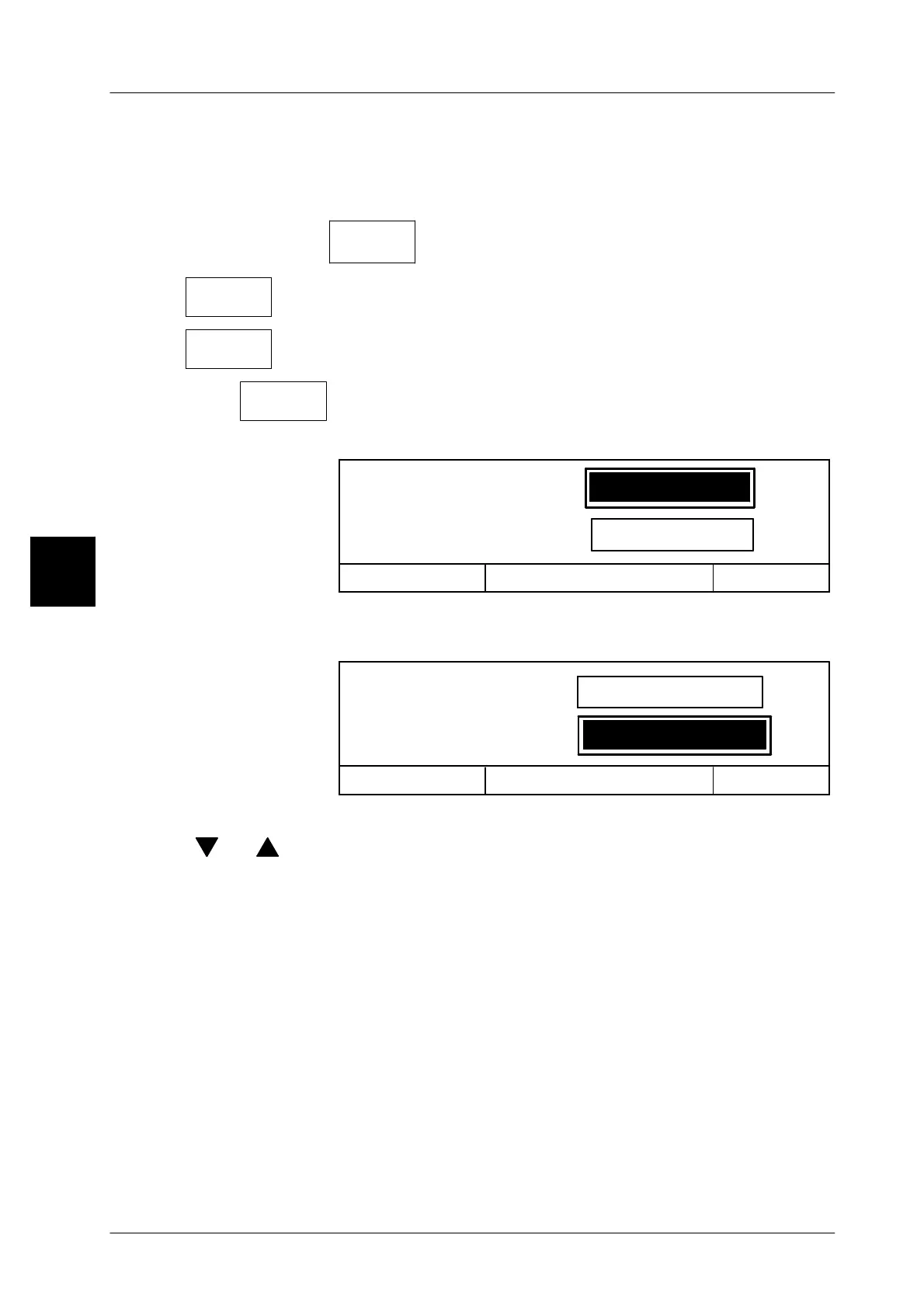
Val.range *1 num.: Start
_1
99999999
Cancel <ESC>
OK <ENTER>
Val.range *1 num.: End
[ENTER] -- Enter input. Advance to end--input.
xxx -- Enter the end value, e. g. 10 (see example A).
Val.range *1 num.: Start
Cancel <ESC>
OK <ENTER>
Val.range *1 num.: End
1
_10
[ENTER] [ENTER] -- Acknowledge input and exit the input menu.
[ ] , [ ] The start or end input field may be directly selected using the
cursor keys.
3.9.5 Manipulating counter 1
Counter 1 is a freely configurable counter which is incremented in conjunction
with the preset counting event. Depending on the type of package preset, counter
1 is also decremented if a package or a carton is cancelled. The content of counter
1 may be printed on customer--specific labels which are configured accordingly.
For this purpose, the configurable counter 1 is to be allocated to the content of a
general number (1 -- 3) (see programming instructions).
3



 To Next Page