Overview of equipment
Operating instructions GLP
1 -- 13
6.562.98.5.01.18
1.2.7 Configuring or operating the GLP via the PC
1.2.7.1 Description
The GLP labeler may also be configured or operated via a PC or a laptop in re-
mote service without the display and operating unit GT 240.
A prerequisite is that the PC or the laptop used operates with the Win95/98 or NT
operating system and a common Internet browser, such as the Internet explorer
or Netscape. When operating via the Ethernet, a network card common in trade
and an Ethernet card in the GLP are required.
The setup of network and dial--up connections on the PC is described under point
“Setup of network and dial--up connections”. If required, this separate documen-
tation with additional detailed descriptions of presettings and settings in relation
to the interface may be obtained directly from Bizerba.
For the configuration or operation of the GLP from the PC, two connection types
are offered for selection, i. e. SLIP via EDP1/Minibus or Ethernet. In both cases,
all data is sent by the GP on HTTP basis, received on the PC side and edited by
means of a browser.
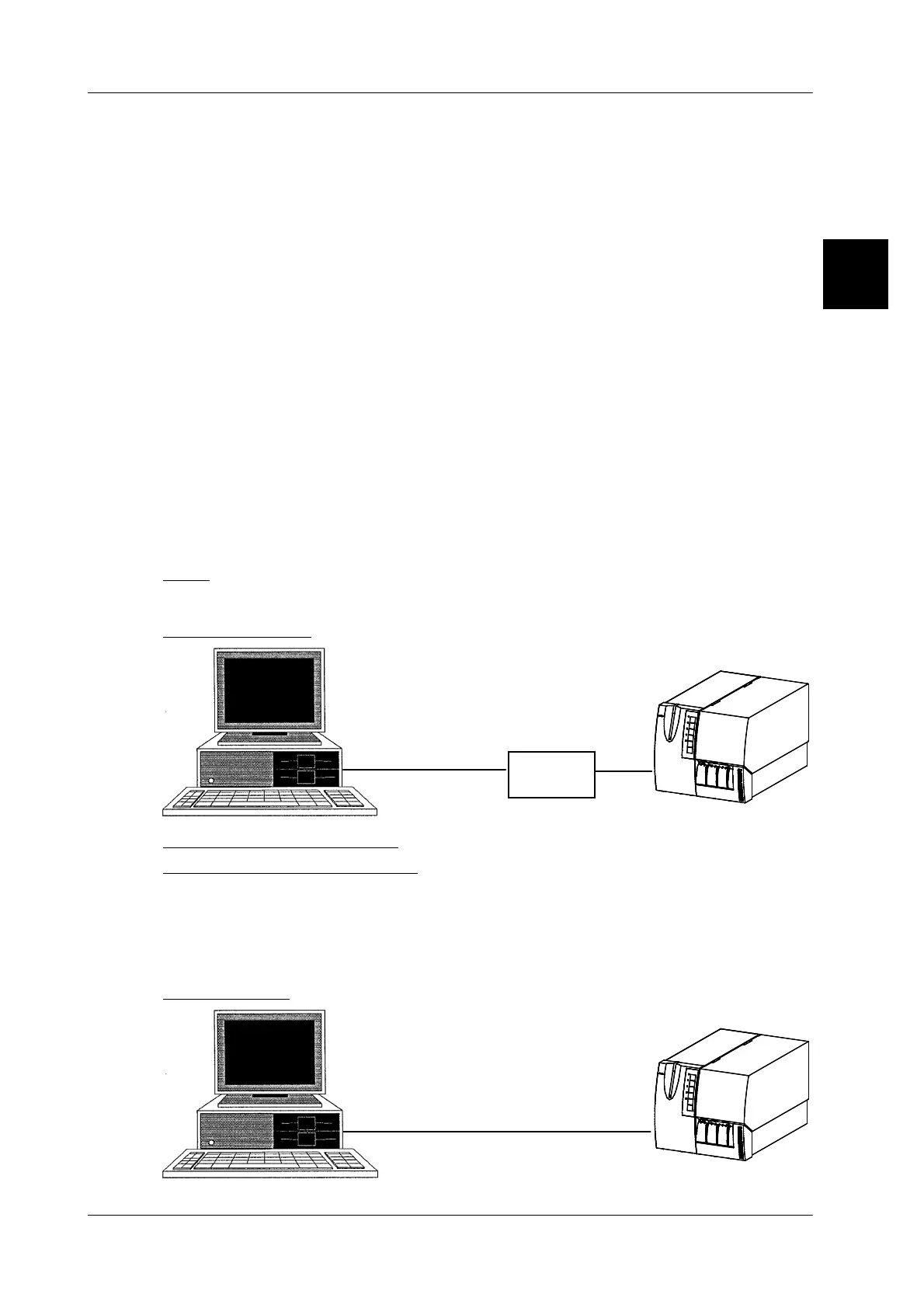
1.2.7.2 Connection between PC and GLP via SLIP and Minibus or EDP
SLIP:
Here, a distinction is made between the two following cases:
SLIP via Minibus
SLIP via
Minibus
Minibus
adapter
Laptop
Mini--
bus
COM
Settings to be made on GLP: none
Settings to be made on the PC: dial--up connection with TCP--IP to the ad-
dress 10.1.1.1.
The homepage of the GLP may be loaded to the computer via a dial--up connec-
tion set up on the PC (see separate description) by means of an Internet browser
via the address 10.1.1.2. This page is then the same in all operating modes.
SLIP via EDP1
1.2
SLIP via
EDP1
PC or
laptop
EDP1
COM



 To Next Page