Display and operation
Operating instructions GLP
1 -- 39
6.562.98.5.01.18
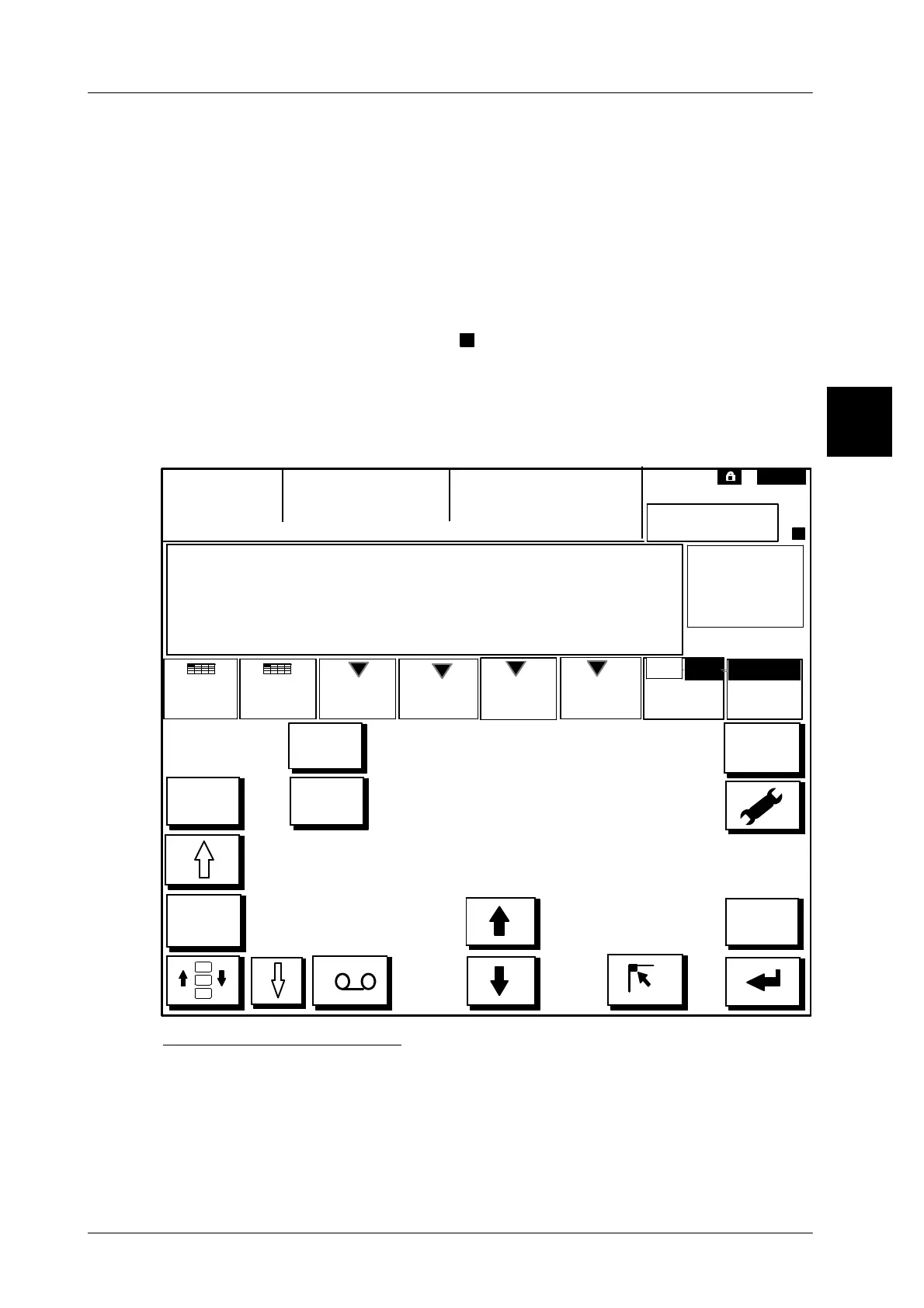
1.4.6.2 Description of the GT--CT display
For programming the GT--CT display comprises an own function menu. As soon
as a connection is set up to the display and operating unit GT--CT, a few status
symbols (see overview of symbols on page 1 -- 44), the mode level number (e.
g. mode 1), the system bus address of the terminal (e. g. ID: 20) and the preset
device name are indicated in the upper display half. If no device name is preset,
the text ’GX’ and the relevant system bus address appear instead, e. g. GX 20.
In addition to the article text, one up to three total windows as well as softkeys to
call up functions, inputs or presettings are indicated in the middle section of the
display. The indication of the symbol
>
at the right top of the status symbols, tells
the user that additional functions are available in an additional menu. The addi-
tional menu may be called up by means of the [ETC] key. The [ETC] may also
be used to return to the basic display (see section 1.4.2.2 on page 1 -- 29).
The lower display section serves to indicate various function and cursor keys de-
pending on the function (see overview on page 1 -- 40 et al.).
Display
Total
display tool
BIZERBA
Mode 1
ID: 20
GT--CT
connection
1st total
window
2nd total 3rd total
Languages+
Mode
2nd
ALT
>
<
C
.
.
HOME
R
%
ê
*1: # 0
kg 0.000
$ 0.00
TR: kg 0.000
----
>
Menu path
WithW/o
Rumpsteak
Enlarged
No display
view
Entering key combinations
The desired key combinations must be activated in succession. An activated key
is shown in gray. In the case of incorrect entries, individual keys can be deselected
again by being re--activated. To display the 3
rd
total window or the statistical eva-
luation, the upper display area can be enlarged with the [MAX] -- key and reduced
again with the [MIN] -- key.
1.4



 To Next Page