Display and operation
Operating instructions GLP
1 -- 51
6.562.98.5.01.18
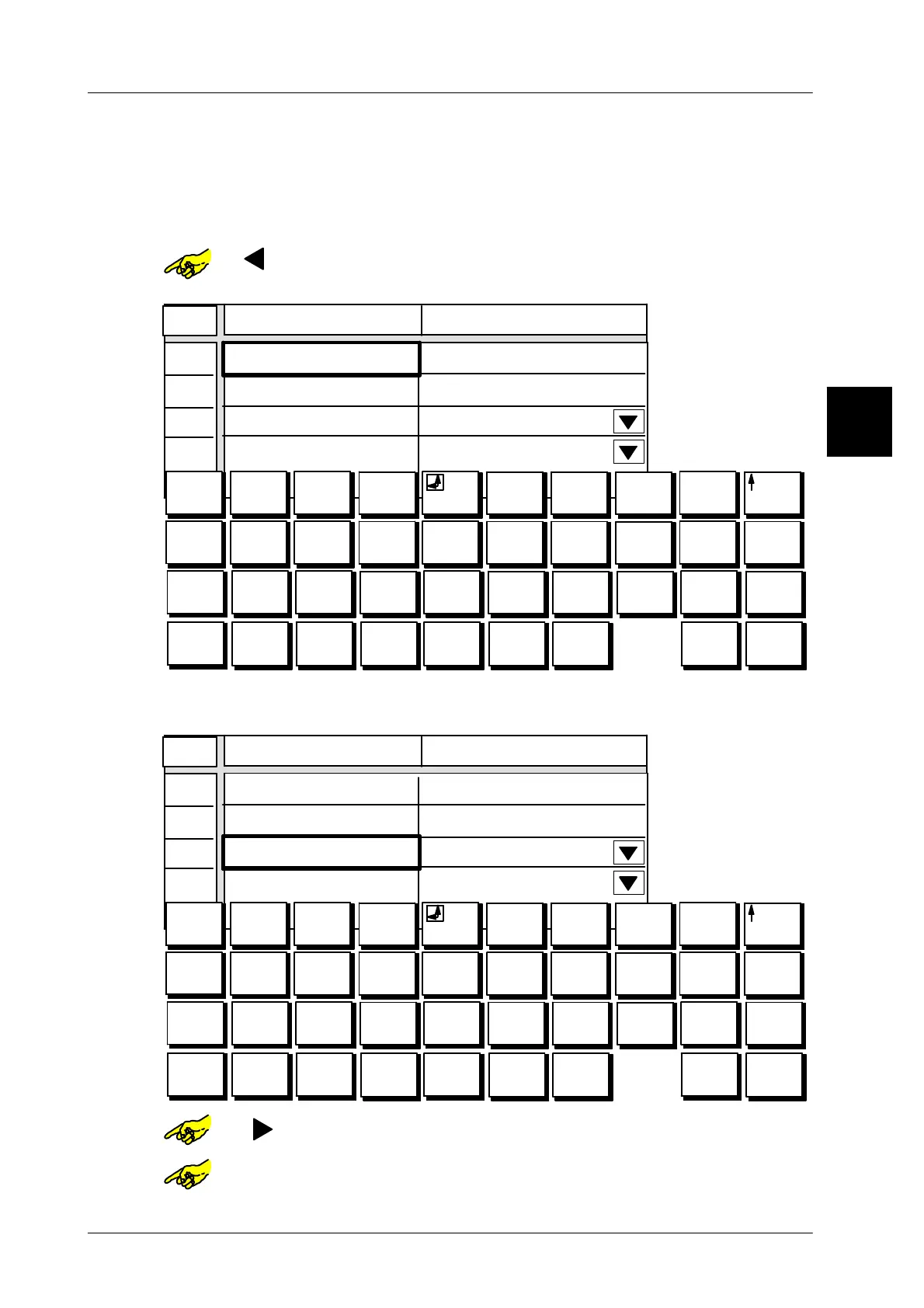
1.4.7.5 Calling up attributes by initial letters
In the tables containing line numbers the relevant attributes may be called up
by
entering the relevant initial letter. If attributes do have the same initial letter repeat
your entry until the required attribute appears.
Example: Preset operating mode for “Autom. PLU change”.
or [ ] -- Select column “Autom. PLU change”.
The alpha keyboard is automatically displayed.
01
02
03
04
0
0
1
+
2
*
3
=
4 5 6
e
7
$
8 9 0
Q W E R T Y U I O P
A S D F G H J K L Ü
@
#
è
é
&
ê
1/4 i /
ù
\
í
ß
?à
! (
) [ ]
< >
Â
Z
X
C V B N M Ö Ä
¿
¡
ç
:
;
Æ æ ø
Line
Value
PLU No.
Customer No.
Execute if
Operating mode PLU change after *
*1 reached
€
Auto. PLU change
O
--
Enter initial letter of the required attribute
,
e. g. O for “Operating
mode”. The marking moves to the relevant line.
01
02
03
04
0
0
1
+
2
*
3
=
4 5 6
e
7
$
8 9 0
Q W E R T Y U I O P
A S D F G H J K L Ü
@
#
è
é
&
ê
1/4 i /
ù
\
í
ß
?à
! (
) [ ]
< >
Â
Z
X
C V B N M Ö Ä
¿
¡
ç
:
;
Æ æ ø
Line
Value
PLU No.
Customer No.
Execute if
Operating mode PLU change after *
*1 reached
€
Auto. PLU change
or [ ] -- Again select column “value” for the presetting.
or [SELECT] -- Activate etc. the selection menu.
1.4



 To Next Page