Display and operation
Operating instructions GLP
1 -- 53
6.562.98.5.01.18
1.4.8.2
Select specific display connection
Depending on the configuration of the display connection table, the device to be
displayed or operated can be selected in three different ways. Only those devices
are displayed that are both configured and switched on. The selection of the spe-
cific devices can be limited by a switch in mode level 5 of the GT--CT (see pro-
gramming instructions on page 1--65). If the “Locked” setting is on, the connec-
tion selection is only possible via the variant A möglich (see following
description)!
A) Select device to be displayed via scrolling menu
Operating sequence: Description
------------------------------------------------------------------------------------------------------------------------------------------------------
[SECOND] [MODE] -- Call up the display connection table
[SELECT] -- Activate scrolling menu in the first table line
[ ] , [ ]
-- Select specific display connection with cursor keys,
e.g. 20 GT--CT.
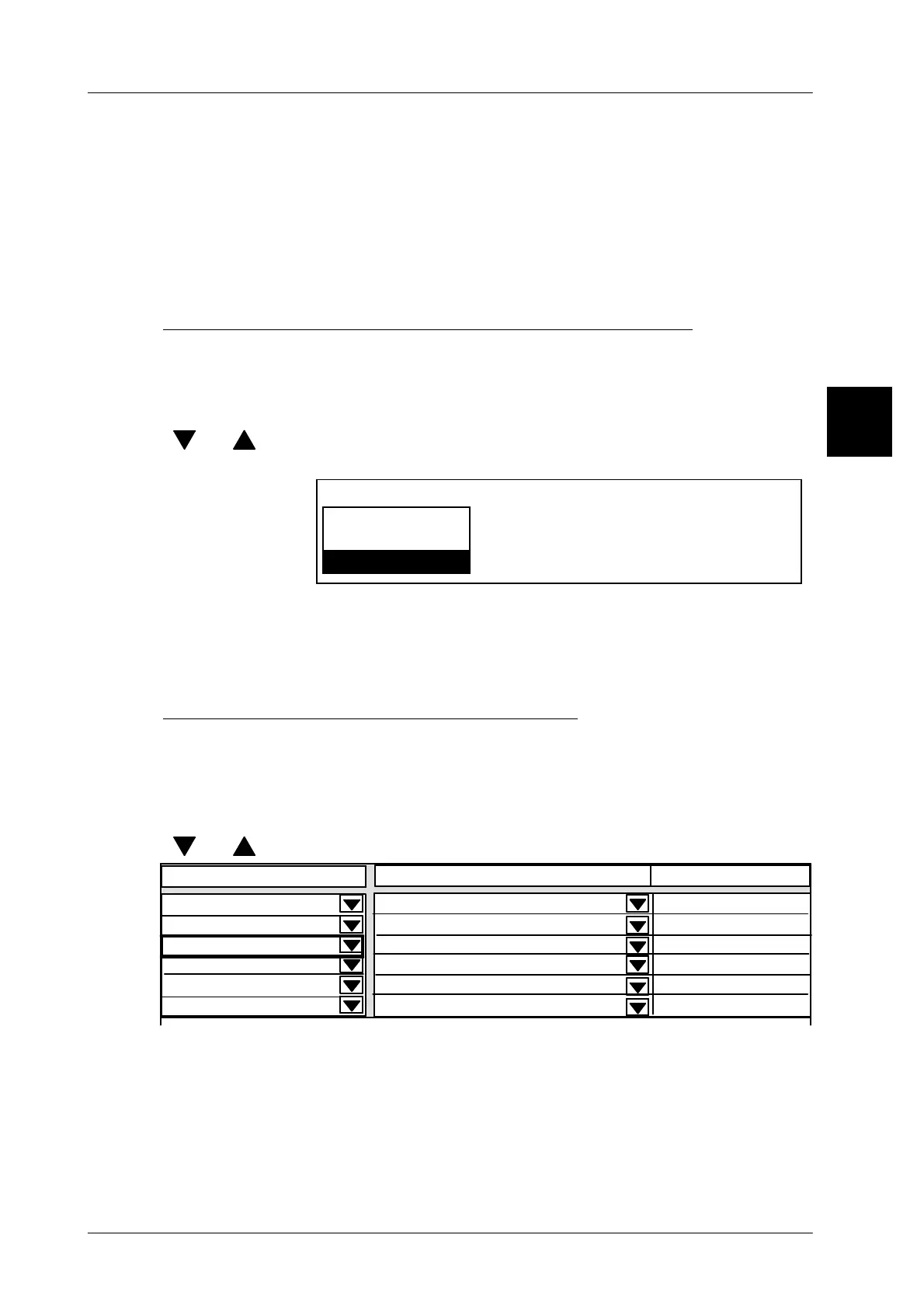
Displ. connection fr. 20 to
2 GLP 1
20 GT--CT
3 GLP 2
[ENTER] -- Acknowledge the selection.
[ENTER] -- Save the connection table.
The device selected is set to the status of the previously selected device, e. g.,
to ’Operation’ and the operating unit of the device is displayed.
B) Select device to be displayed in table
If the specific devices are contained in different lines in the display table, and the
authorization is set to ”Allowed” in mode level 5 of the GT--CT, then the specific
device can also be selected directly in the table.
Operating sequence: Description
------------------------------------------------------------------------------------------------------------------------------------------------------
[ ] , [ ]
-- Select specific device with cursor keys, e.g. 20 GT--CT.
Status
not connected
----------------------------------
----------------------------------
0
2 GLP1
3 GLP2
20 GT--CT
0
Displ. connection fr. 20 to
Contents
Operation
Display only
Display only
Display only
not connected
----------------------------------
0
------xxxx--------------------
xxx--------xxxxxxxxxxxx
------xxxx--------------------
[ENTER] -- Acknowledge the selection.
The selected device is displayed.
1.4


 To Next Page
 Loading...

