Display and operation
Operating instructions GLP
1 -- 54
6.562.98.5.01.18
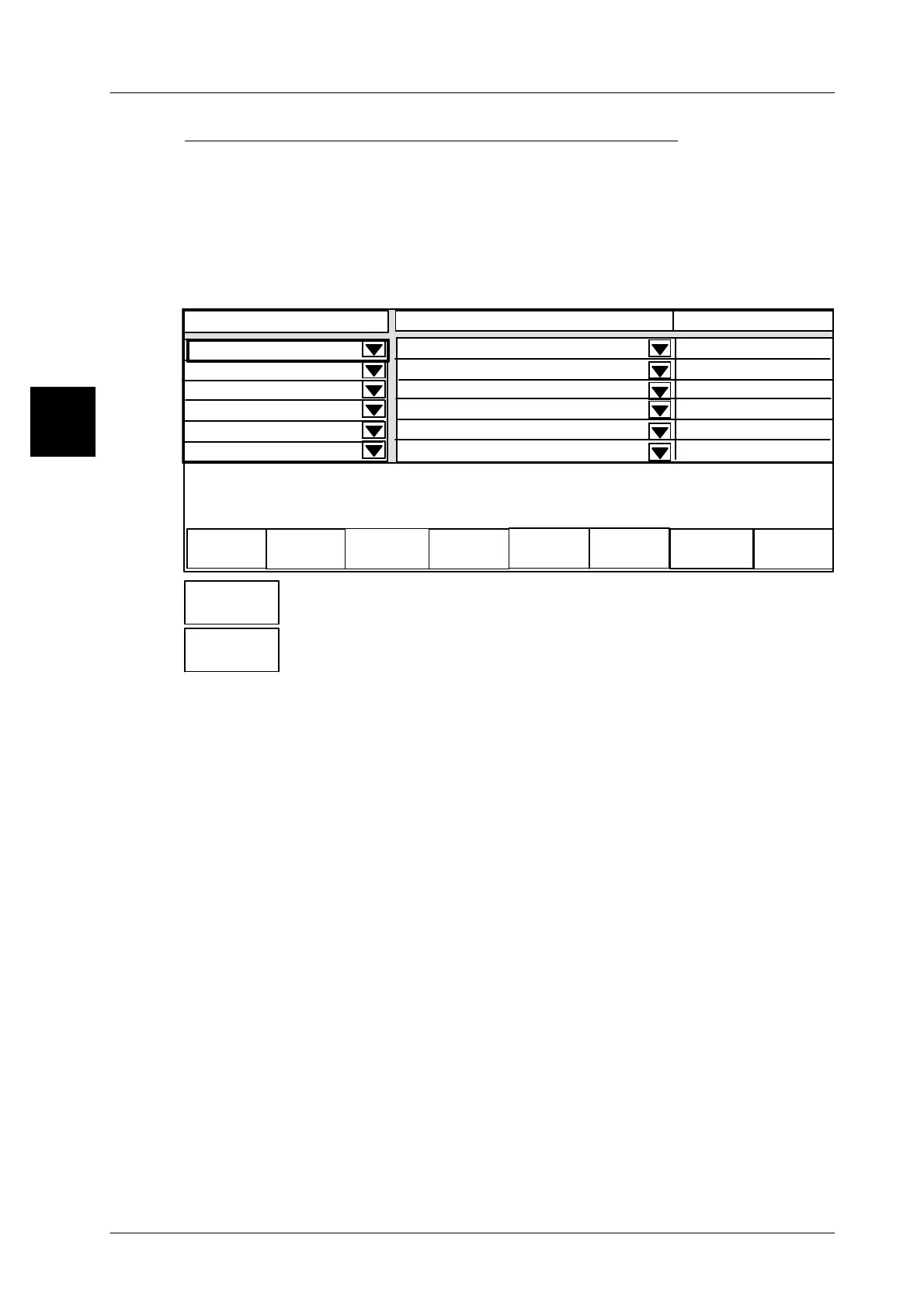
C:Selecting the display connection via softkeys
If the display connections for the devices to be operated have been copied to soft-
keys (see page 1 -- 57)
and if the authorization is set to ”Allowed” in mode level
5 of the GT--CT, the associated devices can be quickly and simply called up via
the specific softkeys.
Operating sequence: Description
------------------------------------------------------------------------------------------------------------------------------------------------------
[SECOND] [MODE] -- Call up the connection table
Status
----------------------------------
----------------------------------
0
0
2 Operation
GLP1
3 Operation
GLP2
5 Operation
GT--CT
not connected
2 GLP1
Displ. connection fr. 20 to
Contents
Operation
not connected
0
0
0
----------------------------------
----------------------------------
----------------------------------
xxx--------xxxxxxxxxxxx
not connected
not connected
not connected
-- Call up the operating and display unit of the GLP1. The operat-
ing and display unit of the GLP1 is immediately indicated.
-- Call up again the operating and display unit of the GT--CT ter-
minal. The operating and display unit of the GT--CT is immedi-
ately indicated.
1.4.8.3
Information on inserting the devices in the connection table
In the connection table the devices to be operated such as CWM and the additional
devices to be displayed as e.g. printer GLP can be entered as follows:
1. Enter the devices to be operated in the first table line. Then copy the respective
devices on the softkeys on the upper table border (see page 1 -- 57). The devi-
ces to be operated may be simply and quickly called up by using these soft-
keys. It is even more customer--friendly if the softkeys are directly copied to the
customer--specific mode level T for direct operation (see programming istruc-
tions section 1).
2. Please enter the devices only to be displayed in the following table rows. Use
the cursor keys to display them.
Presetting the contents to be displayed please note, that the four error messages
must be active in the devices to be displayed, so these messages are displayed
for the device only to be displayed.
Example:
Display content of the device to be operated: xxx--------xxxxxxxxxxxx
Display content of the device to be diplayed: ------xxxx------------------------
(See description on page 1 -- 59).
1.4
2 Operation
GLP1
20 Operation
GT--CT


 To Next Page
 Loading...

