Display and operation
Operating instructions GLP
1 -- 55
6.562.98.5.01.18
1.4.9 Setting up the display connection for a new device
If a new device is integrated into the device line, a relevant display connection is
to be set up. For this purpose, the new device must be switched on and connected
to the system bus.
To do this, proceed as follows:
-- In mode level 5 of GT--CT approve the change of all presettings in the display
connection table (see programming instructions page 1--65).
-- In the GT--CT service menu in mode level 5 give the new device a device
name, e.g. GLP4.
-- In the GT--CT, mode level 5/device operation, in the ”Authority display
for..” table grant the specific authority under the specific system bus address.
1.4.9.1
Include display connection in display table
The new device must be included in the display table; specifying the contents to
be displayed and stipulating the specific display or operating status.
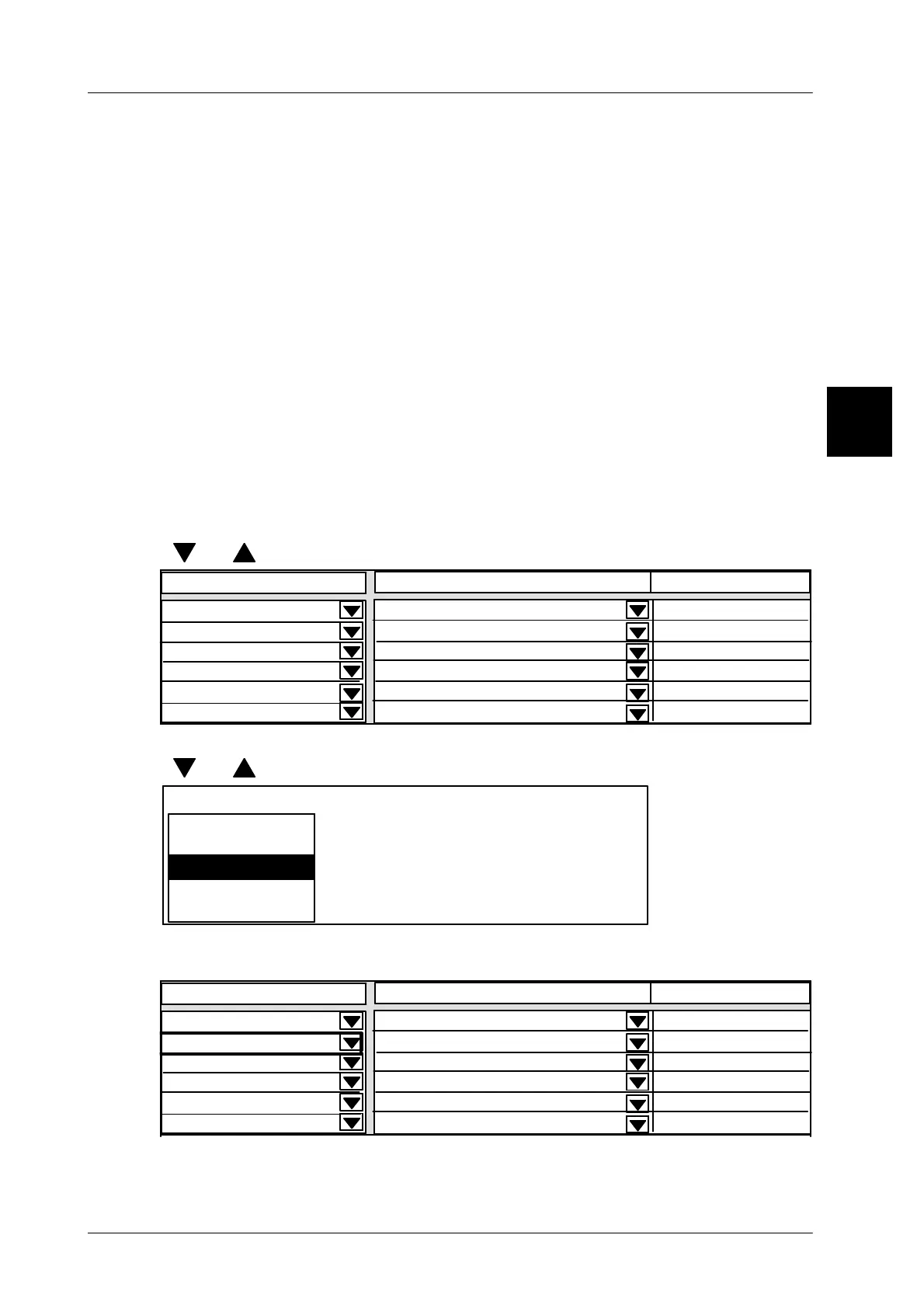
Operating sequence: Description
------------------------------------------------------------------------------------------------------------------------------------------------------
[SECOND] [MODE] -- Call up the connection table
[ ] , [ ]
-- Select free row in table
Status
not connected
----------------------------------
----------------------------------
0
2 GLP1
0
Displ. connection fr. 20 to
Contents
Operation
not connected
xxx--------xxxxxxxxxxxx
----------------------------------
----------------------------------
----------------------------------
not connected
not connected
not connected
0
0
0
[SELECT] -- Activate device selection menu
[ ] , [ ]
-- Select new device with cursor keys, e.g. 5 GLP4.
Displ. connection fr. 20 to
2 GLP1
3 GLP2
20 GT--CT
4 GLP3
[ENTER] -- Confirm selection.
The new device will be displayed in the selected row.
Status
not connected
----------------------------------
----------------------------------
0
2 GLP1
4 GLP3
Displ. connection fr. 20 to
Contents
Operation
Display only
Display only
Display only
not connected
0
0
0
----------------------------------
xxx--------xxxxxxxxxxxx
----------------------------------
----------------------------------
Afterwards, first specify the data to be displayed (see page 1 -- 58) and then the
specific status of the device as described on page 1 -- 56.
1.4


 To Next Page
 Loading...

