Display and operation
Operating instructions GLP
1 -- 59
6.562.98.5.01.18
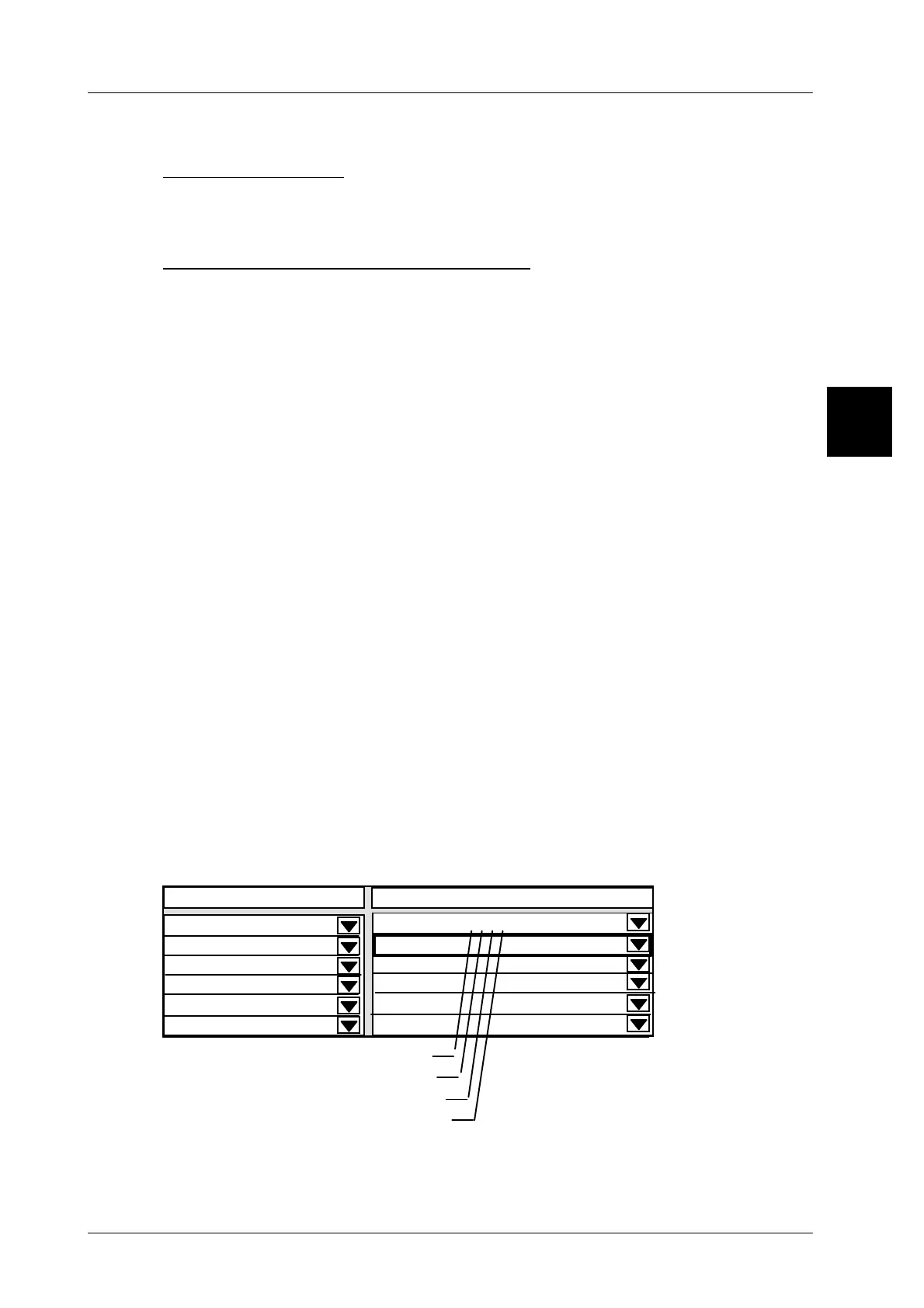
The data selected is marked x in the table under ’Contents’.
Saving the
selection
[ENTER] -- Acknowledge the selection and exit the scroll menu.
[ENTER] -- Save the presettings made in the connection table.
Description of the selectable display data
Revers. channel operation: make the setting for the dialog GT--CT <--> device.
Statistics data for histogram: define the statistics data for the display.
Verification display: define the verification display of the relevant device.
Error messages: define the errors of the device for the indication.
Lock dialog display: lock dialog, e. g. indicate when the PLU is wrong, etc.
Error display (PaErrPut): error messages that can be activated at mode level 5.
Aut. labeler messages: show the automatic labeler messages in the display.
Icons except those for macros
Total 1 for total window: define total 1 for the total window.
Total 2 for total window: define total 2 for the total window.
Total 3 for total window: define total 3 for the total window.
Article
total for total window:
define the article total for the total window.
Product group total for total window:
define the PG* for the total window.
Daily total for total window: define the daily total for the total window.
Tare total for total window: define the tare total for the total window.
Nmb. of buffered remote labels for total window:
Show the number of remote labels.
Total 1 of. act. PLU tot. column for total window:
Show total 1 in the total window.
Total 2 of. act. PLU tot. column for total window:
Show total 2 in the total window.
Example
1.4
Content
----------------------------------
----------------------------------
0
----------------------------------
----------------------------------
0
0
0
------xxxx------------------------
20 GT--CT
Error messages
Lock dialog display
Error display (PaErrPut)
Aut. labeler messages
----------------------------------
0
Displ. connection fr. 20 to



 To Next Page