Display and operation
Operating instructions GLP
1 -- 60
6.562.98.5.01.18
1.4.10.2
Total display tool
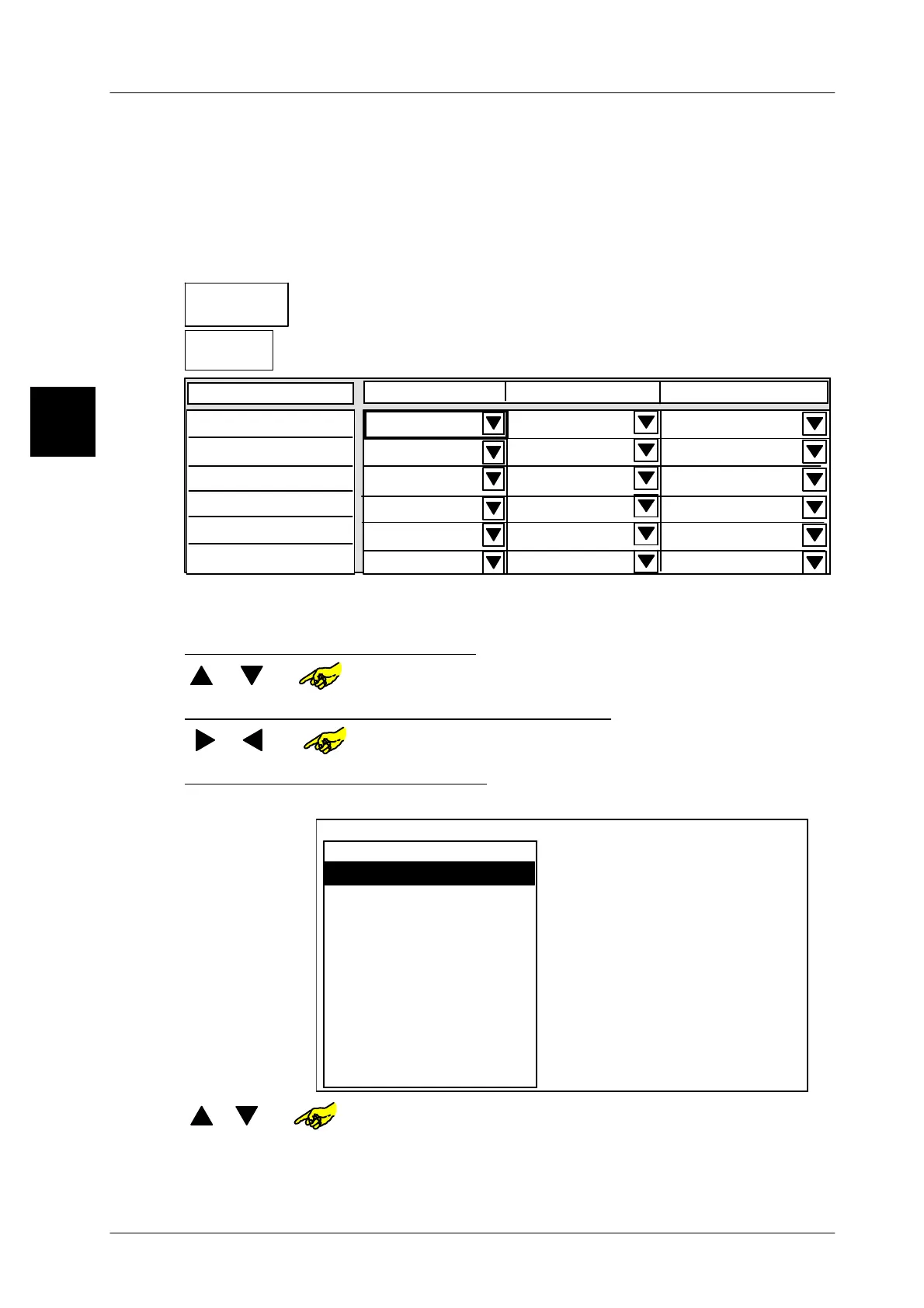
If the totals of several devices are to be displayed in the total windows of the
GT--CT display, you can preset in a table editor which total from which device is
to be displayed in which total window.
Operating sequence: Description
------------------------------------------------------------------------------------------------------------------------------------------------------
[SECOND] [MODE] -- Call up the connection table
20 Operating
GT--CT
-- Call up the GT--CT operating level via softkey.
Total
display tool
-- Call up table editor for total display.
1st total window 2nd total window 3rd total window
Display connection 1
Total display
Total 1 No total
No total
Display connection 1
Total 1 No total
No total
Display connection 1
Total 1 No total
No total
Display connection 1
Total 1 No total
No total
Display connection 1
Total 1 No total
No total
Display connection 1
Total 1 No total No total
The display connections 1--6 detailed in the 1
st
column correspond in order to
the connections defined in the display connection table.
Selecting the display connection
[ ] , [ ]
or
-- Select the display connection and thus, the device.
Selecting the total window of the GT--CT display
[ ] [ ]
or
--Select the total window, e. g. 1.
Selecting the total to be displayed
[SELECT] -- Call up the scroll menu to select the total memory to be displayed.
Total 2
1. total window
Prod. group total
Article total
Tare total
Daily total
*2 of act. presel.col
*1 of act. presel.col.
Remote labels
Total 1
No total
Total 3
[ ], [ ]
or
-- Select the total.
[ENTER] -- Acknowledge the selection.
[ENTER] -- Save the total display table.
1.4



 To Next Page