Display and operation
Operating instructions GLP
1 -- 61
6.562.98.5.01.18
Cancel
OK
Editor being exited.
yes
Save data?
no
Return
[ENTER] -- Select ’yes’ and acknowledge if the data is to be saved.
[ ] [ENTER] -- Select ’no’ and acknowledge if the data is not to be saved.
[ ] [ENTER] -- Select ’Return’ if the editor is to be reaccessed.
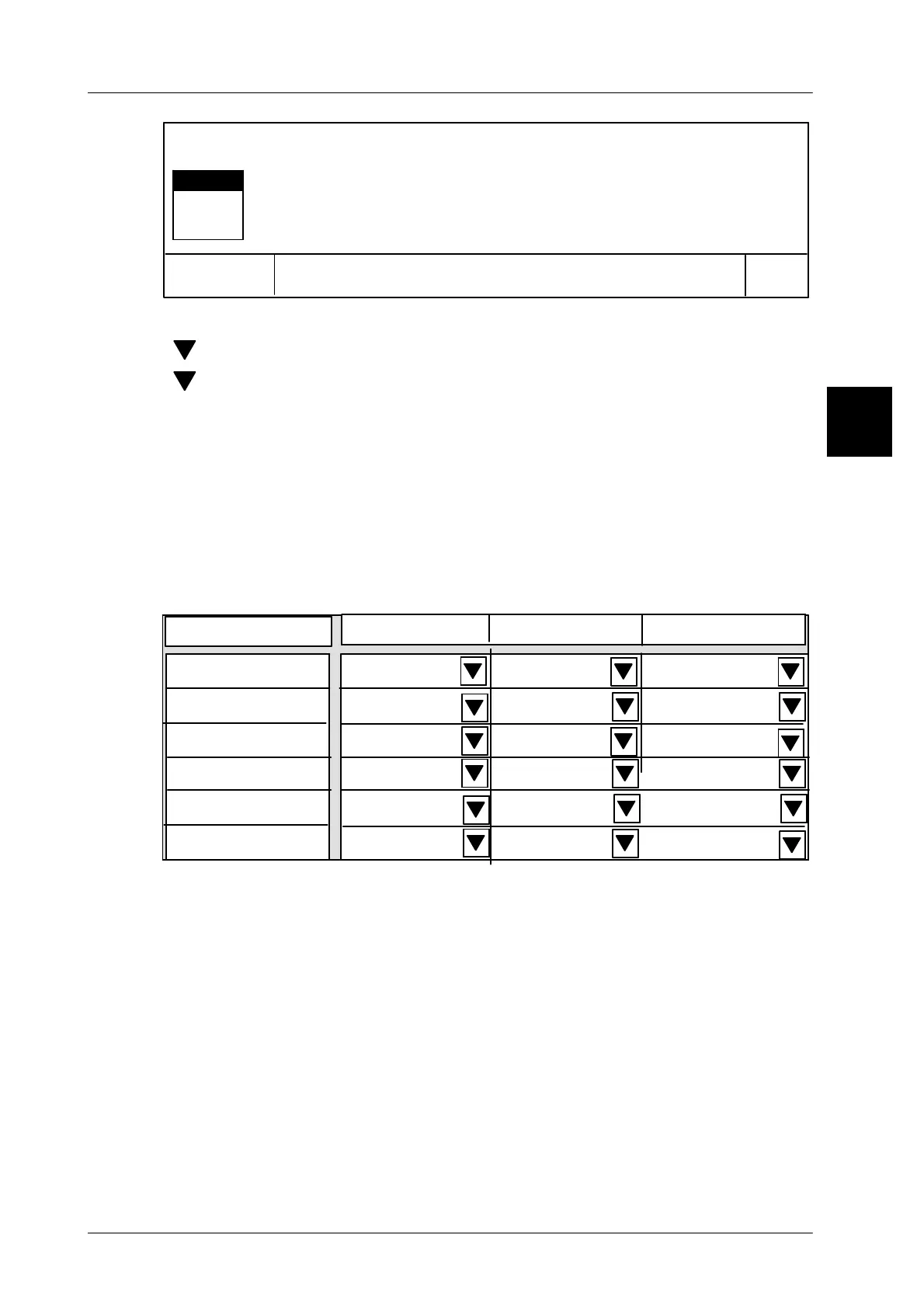
If totals are defined for the total windows in the total display tool, this is indicated
in the preselection menu for the total window 1--3 by a black scroll bar above the
softkey ’W. total display tool’ in the ETC section. The total to be displayed in total
windows 1--3 may be preset as described on pages 1 -- 62 to 1 -- 64.
If the total is preset as described on pages 1 -- 62 to 1 -- 64, the preset total type
per total window is used for all connections (1--6), e. g. total 1 in the 1st total
window and total 2 in the 2nd total window. (In the following example on page
1 -- 62 total 1 was set for the 1st total window and on page 1 -- 63 total 2 for the
2nd total window).
1st total window
2nd total window
3rd total window
Display connection 1
Total 1
Total display
Total 1
Total 1
Display connection 2
Display connection 3
No total
No total
No total
Display connection 4
Display connection 5
Display connection 6
Total 1
Total 1
Total 1
No total
No total
No total
Total 2
Total 2
Total 2
Total 2
Total 2
Total 2
1.4



 To Next Page