Display and operation
Operating instructions GLP
1 -- 70
6.562.98.5.01.18
1.4.12 Other presettings for GT--CT
1.4.12.1
Adjusting the touch screen
In the case of error, the touch screen keys in the display may be readjusted. When
booting the display, a message appears after completion of the first self--test tel-
ling the user that 2 seconds or 1 second are/is still available to call up the adjust-
ment procedure. During this period, touch any point of the display. This will cause
the process dialog for the adjustment to appear.
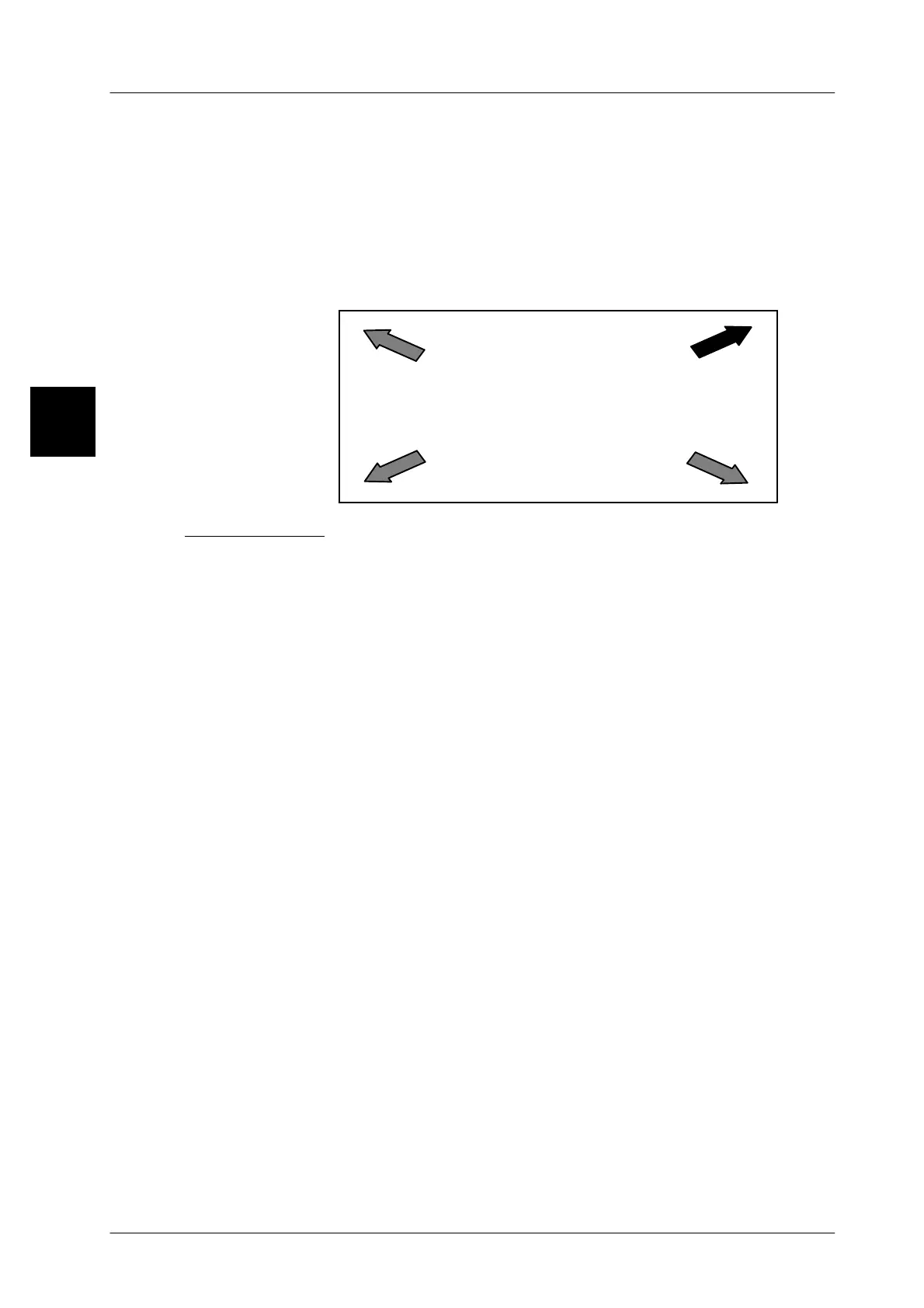
Touch at
B
A
C
D
Process dialog:
With the display ’Touch at A’, touch at A using your finger (see illustration).
With the display ’Touch at B’, touch at B using your finger (see illustration).
With the display ’Touch at C’, touch at C using your finger (see illustration).
With the display ’Touch at D’, touch at D using your finger (see illustration).
Once again is diplayed “Touch at A”. Then touch A in the center using your finger.
So the evaluation and displaying of the coordinates is carried out, the display is
recalibrated and the basic display appears.
1.4



 To Next Page