Display and operation
Operating instructions GLP
1 -- 74
6.562.98.5.01.18
1.4.13.5
Assigning quickbutton to GxNet command
If programmed appropriately GxNet commands can be sent to the entered device
address via the quickbuttons. When pressing the quickbuttons special functions
and commands can be activated. The programming of the GxNet commands
must be done by using notation “Readable ASCII”. The target address may be
freely selected based upon the set connection parameters.
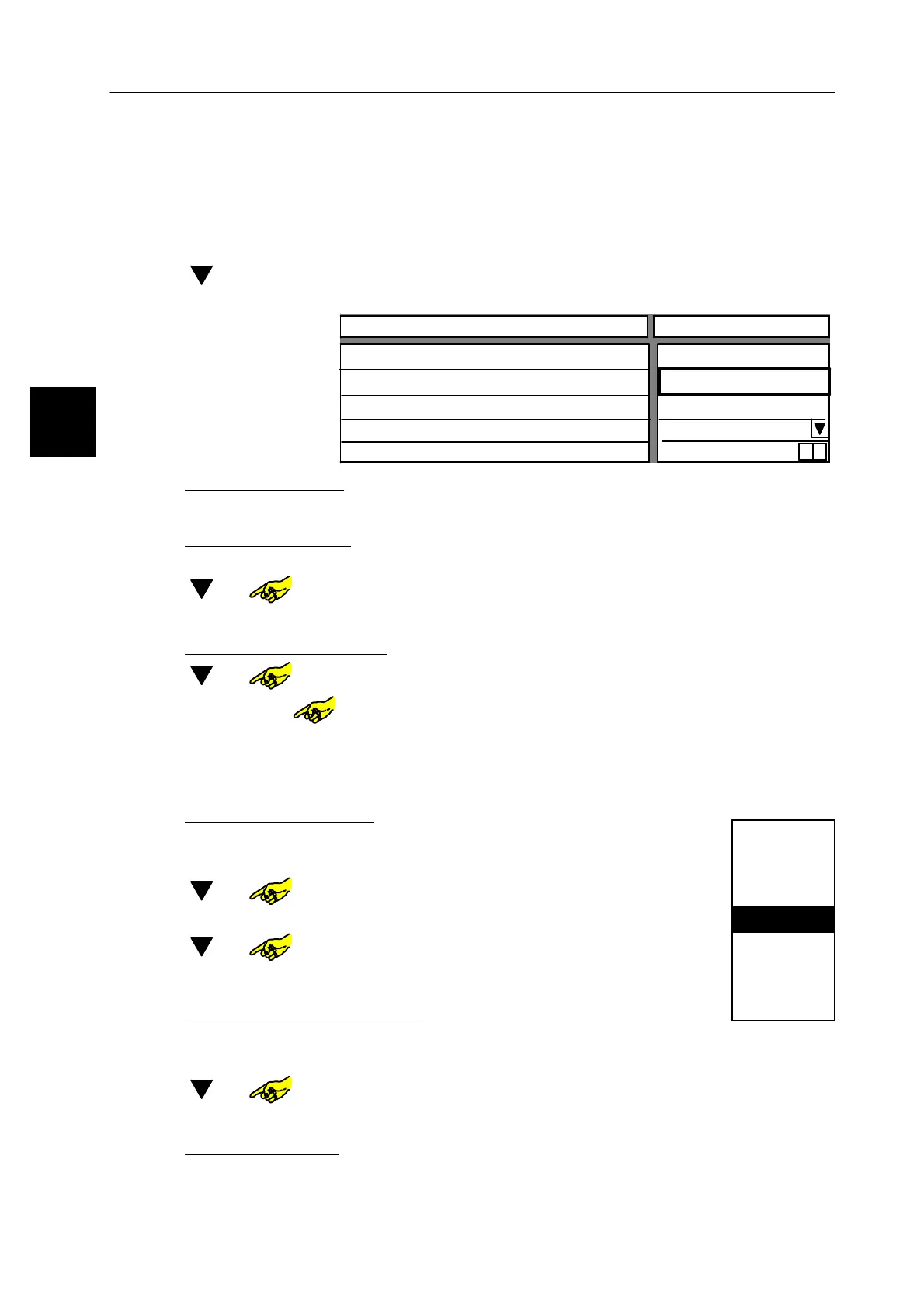
[ ] [ENTER] -- In selection menu (see page 1 -- 73 top) select function “As-
sign key with GxNet command” and confirm.
Logo number
GxNet command
Target adress
Key activated
0
yes
0
x
Configurable key
Value
Text key
4 GLM
Enter text for key:
xxxx [ENTER] -- Enter text for relevant key and confirm
.
Enter logo number
If there is a preset logo number a logo is displayed on the key.
[ ] or -- Select input field ”Logo number”.
x x [ENTER] -- Enter relevant logo number and confirm.
Enter GxNet command
[ ] or -- Select input field “GxNet command”.
[SELECT] or -- Call up text editor to enter the Gx net command.
xxxx [ENTER] --
Enter Gx net command
as “readable ASCII”
in capital letters.
You will find seperate input softkeys for the seperator I and the
control character ? in the text editor.
Select target address
Here you may select the target address of the device
to which the GxNet command is to be sent.
[ ] or -- Select input field “Target address”.
[SELECT] -- Activate selection menu
[ ] or -- Select relevant “Target address”
[ENTER] -- Confirm selection
.
Deactivating/activating key
If required, the article keys can be disabled (deactivated) or unlocked (activated)
when a call up is started. A disabled key is displayed in gray.
[ ] or -- Call up input field “Key activated”.
[TOGGLE] --
Switch activated key appropriately to “no” or “yes”.
Store presettings
[ENTER] -- Store presetting as decsribed on page 1 -- 78
1.4
Target adress
1
2
3
0
4 GLM
5
6
20 GT--CT
29



 To Next Page