Display and operation
Operating instructions GLP
1 -- 76
6.562.98.5.01.18
OK
or [ENTER] -- confirm selection
Adding other keys:
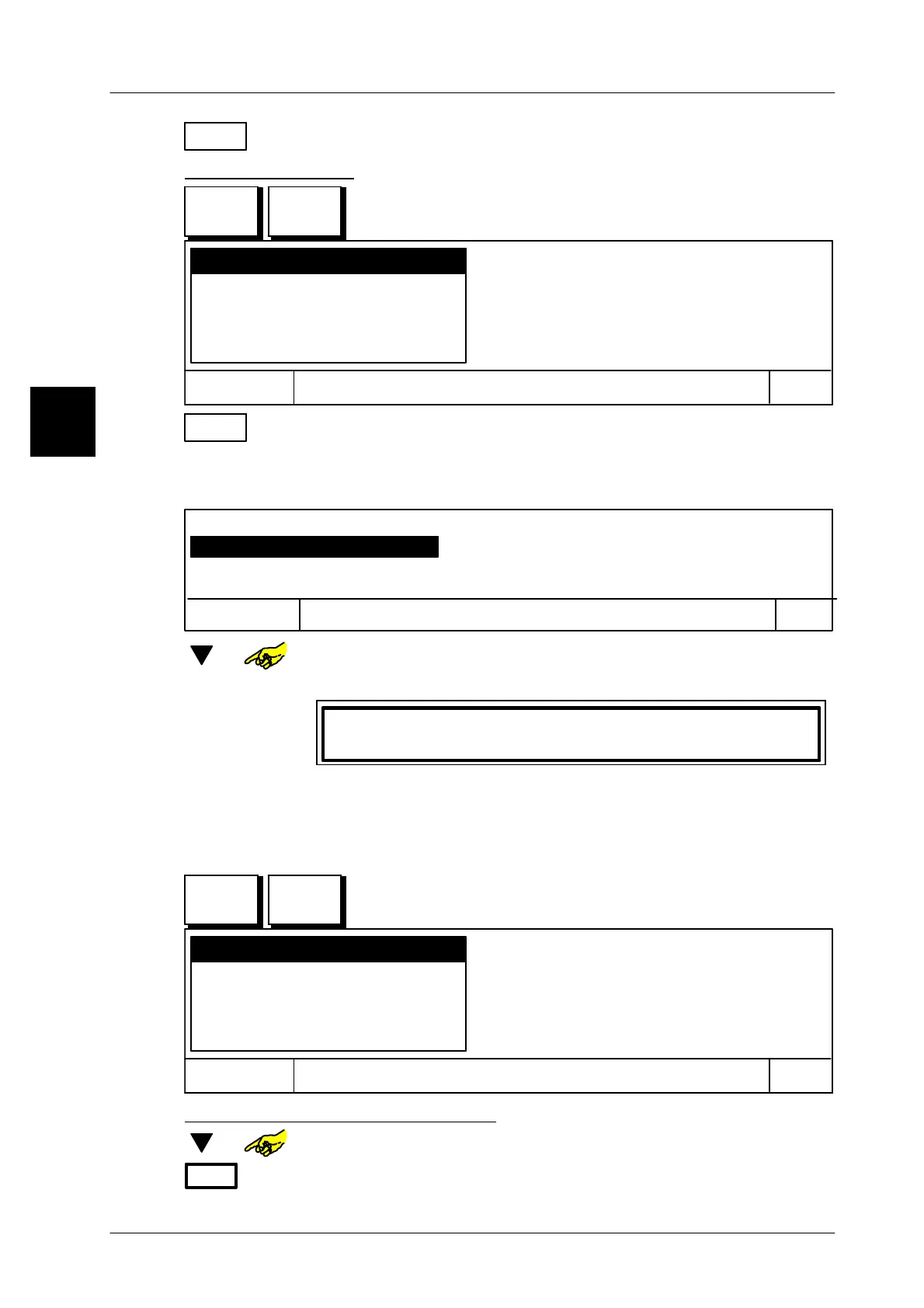
Activate edit and press the respective master key. The edit
menu is shown then:
Add key
Cancel
OK
Delete key
Dactivate key
Show master key properties
Delete master key
OK
or [ENTER] Confirm function “Add key”.
A selection menu is displayed, where the new key has to be inser-
ted. So it is possible to subsequently add funcions of keys anyw-
here in the funcion sequence.
Select key, to wich the new key is to be assigned!
Page 1, Key 2, xxxxxxxx
Page 1, Key 4, yyyyyyyyyy
Page 1, Key 6, zzzzzzzzzz
OK
Cancel
[ ] or --
Select respective position, if standard is active, select previous.
[ENTER] -- Confirm selection. The display shows the following text:
Press key to be added!
Press the key you want to add.
Repeat process, until all keys are added.
1.4.13.8
Editing presettings for master key
Call up the edit menu via the SET key and
the master key. The following menu appears:
Add key
Cancel
OK
Delete key
Dactivate key
Show master key properties
Delete master key
Delete key assigned to master key:
[ ] or -- In selection menu select the function “Delete key”.
OK
or [ENTER] -- Confirm selection. The display shows the following text:
1.4
SET
Master
key
SET
Master
key



 To Next Page