ENGLISH • 23
2. Children should be supervised to ensure that they do
not play with the appliance!
3. Do not expose the charger to moisture, rain, or snow.
4. Use of an attachment not recommended by the
battery charger manufacturer may result in a risk of
fire, electric, shock, or injury to persons.
5. To reduce risk of damage to electric plug and cord,
pull by plug rather than cord when disconnecting the
charger.
6. An extension cord should not be used unless
absolutely necessary. Use of an improper extension
cord could result in a risk of fire and electric shock. If
an extension cord must be used, make sure that:
f pins on plug of the extension cord are the same
number, size, and shape as those of the plug on
the charger;
f the extension cord is properly wired and in good
electrical condition; and
f wire sizes match the charger.
7. Do not operate the charger with damaged cord or
plug-have the cord or plug replaced.
8. Do not operate the charger if it has received a sharp
blow, been dropped, or otherwise damaged in
any way; contact the manufacturer for repair or
replacement.
9. Do not disassemble the charger. Incorrect
reassembly may result in shock or fire hazard.
10. To reduce risk of electric shock, unplug the charger
from the electric outlet before attempting any
maintenance or cleaning.
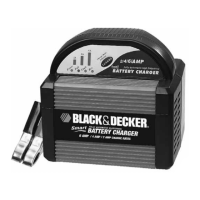
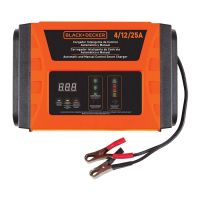
FEATURES (Fig.A)
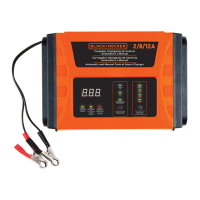
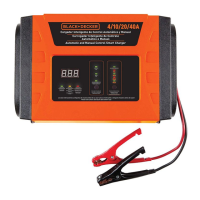
1. Display Panel: It can indicate present voltage,
present current, present battery capacity
or wrong condition code. The meanings
of the codes and the solutions are enumerated
in the table.
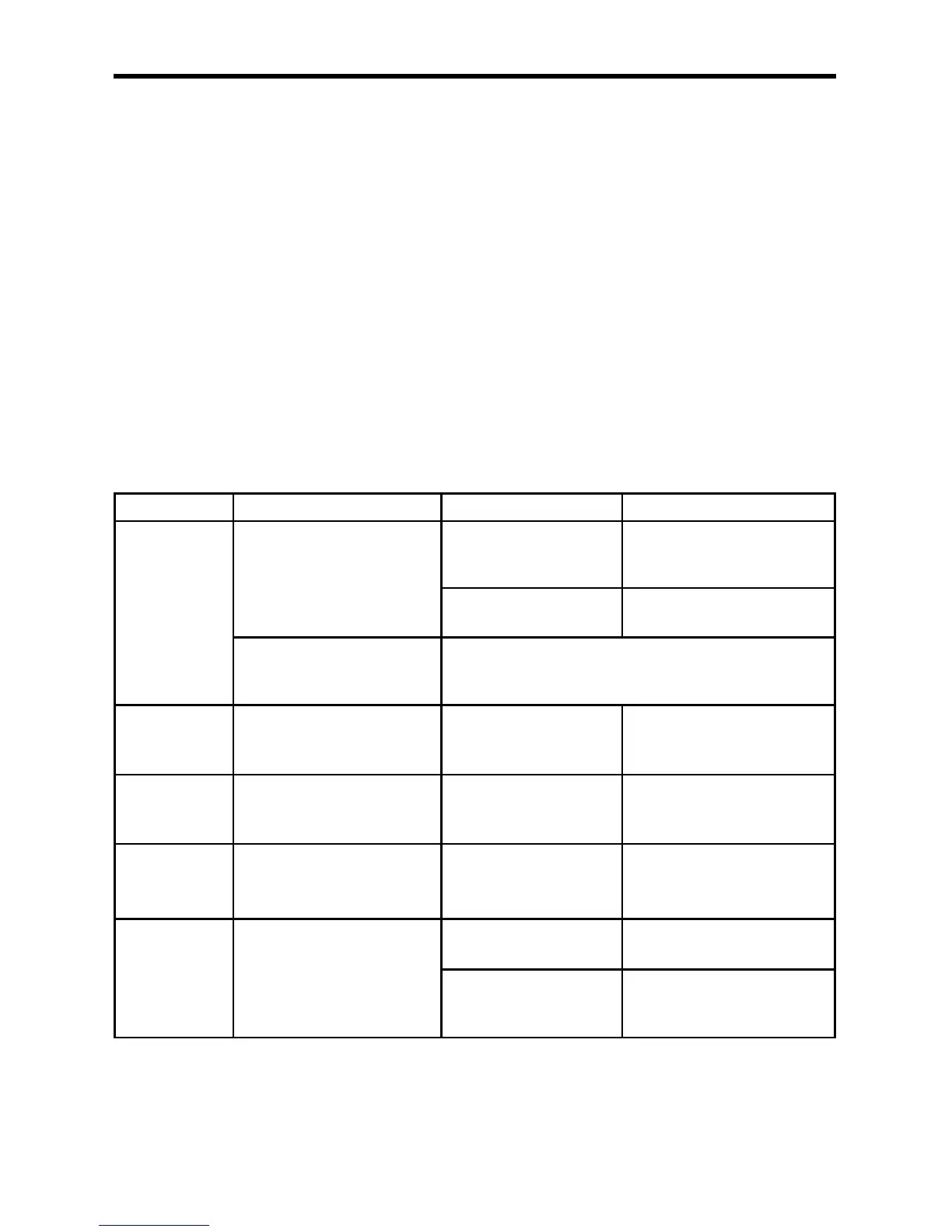
Code Condition Cause Solution
F01
The voltage of the battery is
lower than 10V after 10 minutes
charged.
There is short circuit in the
battery.
Replace the battery. Dispose of
the defective battery in a suitable
manner.
There is load connected to
the battery.
Disconnect the load from the
battery.
The voltage of the battery is
lower than 13V when the battery
goes into float charge.
Recondition the battery.
F02
The voltage between the two
clamps is higher than 19V during
charging.
The voltage between the
two clamps is too high.
Check whether the voltage of the
battery is 12V or 24V?
F03 The charge current is too high.
It happens when the high-
power load is connected to
the battery.
Charge the battery again.
F04
The temperature of the charger
core is too high.
It happens in the ambience
where the charger works
with high temperature.
The charger can rework
automatically after cooling.
F05
Maintenance mode change to
Floating charging Mode
The charging current is
too low.
Choose the higher current to
charge the battery.
Bad battery.
Replace the battery. Dispose of
the defective battery in a suitable
manner.
2. Current Indicator: It is a green LED indicator. When
the display panel indicates the present current, this
LED indicator illuminates.
3. Voltage Indicator: It is a green LED indicator. When
the display panel indicates the present voltage, the
voltage LED indicator illuminates.
4. Cooling fan: Built-in high-speed cooling fan. When
you charge battery in the constant current or constant
voltage condition, and the current is higher than 3.5A,
the fan will run automatically.
5. Battery capacity indicator: When the display panel
indicates the battery capacity, this LED indicator will
illuminate.


 To Next Page