EasyManua.ls Logo

Black & Decker BC40 - User Manual

Black & Decker BC40
30 pages
Go to English
Print Icon
To Next Page IconTo Next Page
Loading...
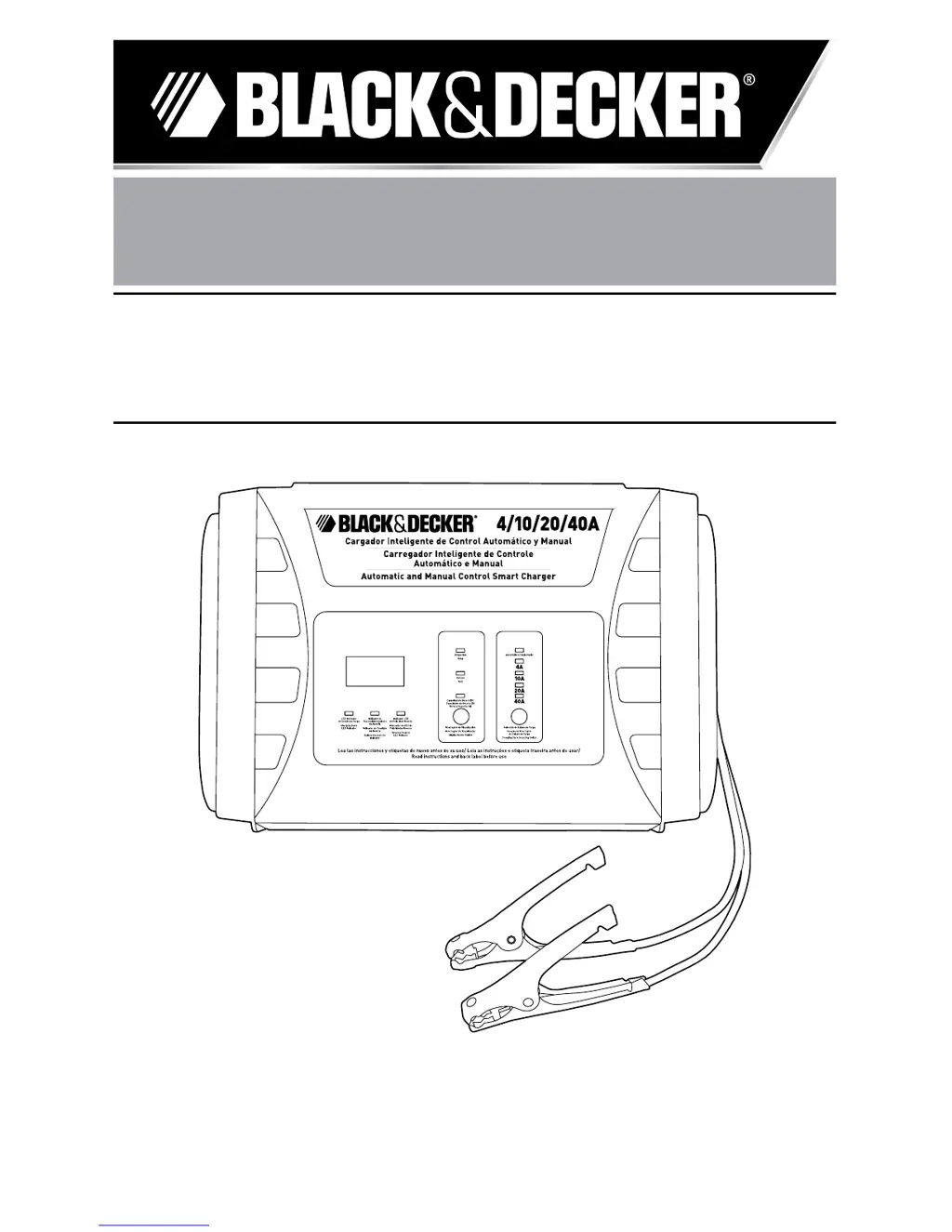
Cargador Inteligente de Control Automático y Manual
Carregador Inteligente de Controle Automático e Manual
Automatic and Manual Control Smart Charger
MANUAL DE INSTRUCCIONES
MANUAL DE INSTRÕES
INSTRUCTION MANUAL
Cat. Nº BC40
ADVERTENCIA: LEASE ESTE INSTRUCTIVO ANTES DE USAR EL PRODUCTO.
ADVERTÊNCIA: LEIA ESTAS INSTRUÇÕES ANTES DE USAR O PRODUTO.
WARNING: READ INSTRUCTION MANUAL BEFORE USING PRODUCT.
Español 3
Português 13
English 22

Questions and Answers

  • A
    Anna ThomasAug 2, 2025
    What to do if the red LED light turns on on my Black & Decker Automobile Battery Charger?
    • K
      Kimberly PowellAug 2, 2025
      If the red LED light turns on, it indicates reverse polarity. Check the polarity of your connections to resolve this issue.
  • A
    Amanda ThomasAug 11, 2025
    Why doesn't the LED indicator light up when I connect my Black & Decker BC40 Automobile Battery Charger?
    • M
      mcclurejohnAug 11, 2025
      There are several reasons why the LED indicator might not illuminate when you connect the charging cable: * There may be a loose connection at the terminals. Check the connection to ensure it is secure. * The outlet may not be receiving AC power. Ensure that the outlet has power. * The unit may have experienced an overheating shutdown. Clean any dirty ventilation openings or remove any objects covering the unit, and place it in a cooler location. * The unit may have experienced a short circuit shutdown. Disconnect the cables and verify that the power circuit is correct.
  • G
    garzadeannaAug 22, 2025
    What to do if the green LED light stays on even when batteries are not full on my Black & Decker BC40 Automobile Battery Charger?
    • A
      Ashley LoganAug 22, 2025
      If the green LED light remains on even when the batteries are not fully charged: * The battery voltage may be too low. Verify the battery voltage using a multimeter. If the voltage is too low, recycle the battery. * The battery clips may not be properly connected to the battery terminals. Inspect the connection and re-attach the clips securely to the terminals.

Summary

General Safety Rules for Smart Chargers

Important Safety Instructions

Electrical Safety Precautions

Details electrical safety, including double insulation, voltage checks, and cord damage procedures.

Battery Hazard Warnings

Warns against charging dry-cell batteries and highlights hazards like burst and explosive gases.

Shock Hazard and Extension Cords

Advises on safe use of extension cords and potential shock hazards.

Operational Cautions and First Aid

Battery Handling and Charging Cautions

Provides cautions for battery handling, charging adapters, computerized systems, and acid contact.

Jump-Starting Connection Procedures

Details safe procedures for connecting clamps to negative and positive ground systems.

First Aid for Battery Acid Contact

Outlines immediate first aid steps for skin and eye contact with battery acid.

Troubleshooting Common Issues

LED Indicator Problems

Addresses issues where LED indicators do not illuminate or stay on improperly.

Black & Decker BC40 Specifications

General IconGeneral
BrandBlack & Decker
ModelBC40
CategoryAutomobile Battery Charger
LanguageEnglish

Related product manuals