Page 8
SET UP & USE
OPERATING INSTRUCTIONS
Place the heater on a firm, level surface and plug the unit directly into a 120V AC
electrical outlet.
NOTE: Only operate heater in upright position.
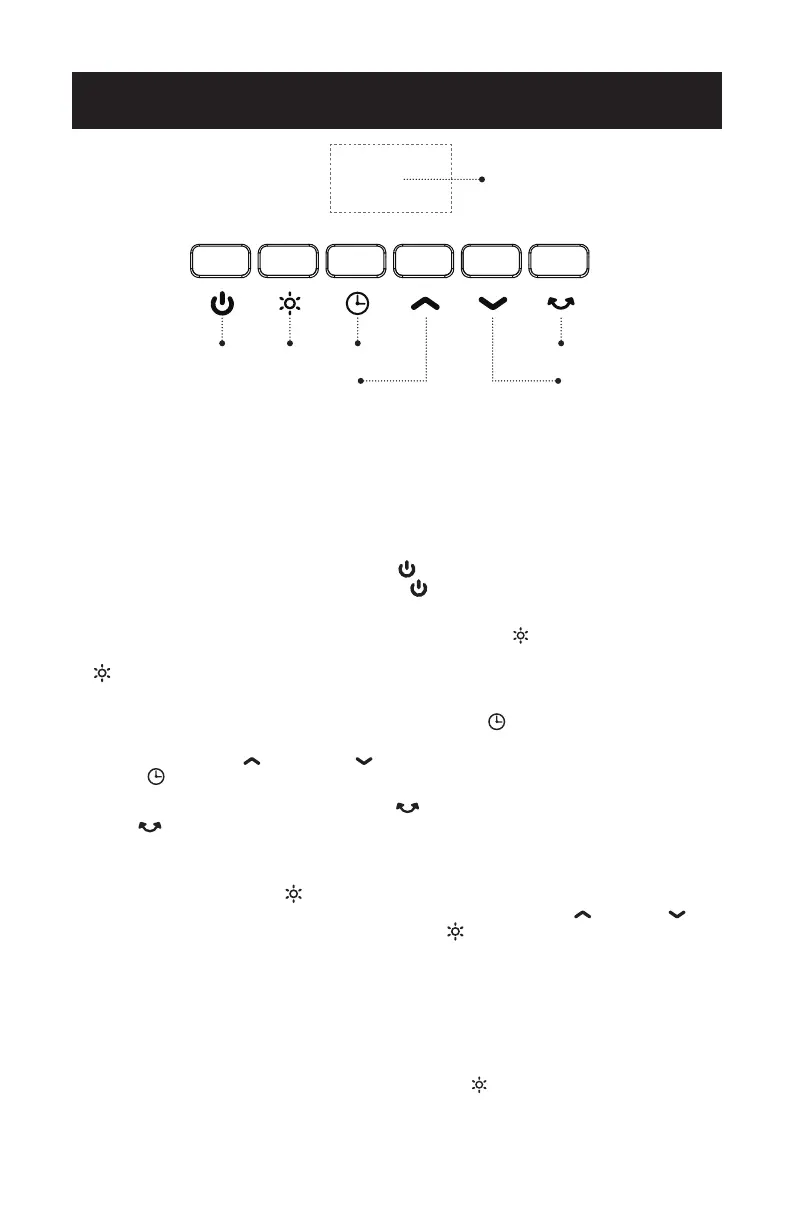
1. FOR FAN Operation: Press the ON/OFF button, the fan will automatically turn
on. To turn o the fan or heater, press the button again with a single click to
enter standby mode.
2. FOR HEAT MODE: When the fan is ON, press the HEAT button to desired heat
setting. One press for Low Heat (900W) or twice for High Heat (1500W). Press the
button again to turn o HEAT and return to FAN only function.
3. SLEEP TIMER Operation: Automatically shuts the unit OFF after the desired
amount of time has passed. Press the SLEEP TIMER button to initiate Timer
function. NOTE: The timer can be set up to 24 hours. “00” on display turns o the
Timer. Press the UP and DOWN buttons to set desired time. Press SLEEP
TIMER button again to set timer.
4. OSCILLATION: Press the OSCILLATION button to enter the oscillation function.
Press button again to turn o feature.
5. THERMOSTAT Operation: A thermostat / constant temperature feature is included
to maintain the desired temperature setting when in use.
Press and hold the HEAT button for 3 seconds to initiate the Thermostat
feature. Thermostat can be set between 59°-95°F. Press the UP & DOWN
keys to desired temperature. Then press HEAT again to set.
NOTE: The heater will automatically run on LOW or HIGH heat depending on the
ambient temperature and the set temperature. When the ambient temperature
and set temperature is greater than 2°, it will operate on a HIGH heat setting.
When the ambient temperature and set temperature is less than 4°, it will operate
on a LOW heat setting. When the dierence between the ambient temperature
and the set temperature is greater than 4°, the FAN ONLY setting will operate.
When Thermostat function is ON, press the HEAT button to turn o Thermostat
and enter normal mode.
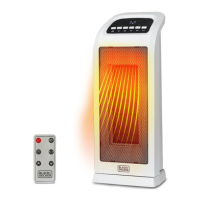
DIGITAL DISPLAY
POWER HEAT SLEEP TIMER OSCILLATION
“TEMPERATURE/TIME
DECREASE
TEMPERATURE/TIME
INCREASE




 To Next Page