4
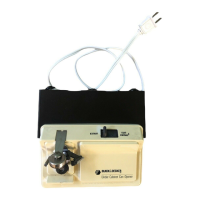
HOW TO USE CAN OPENER
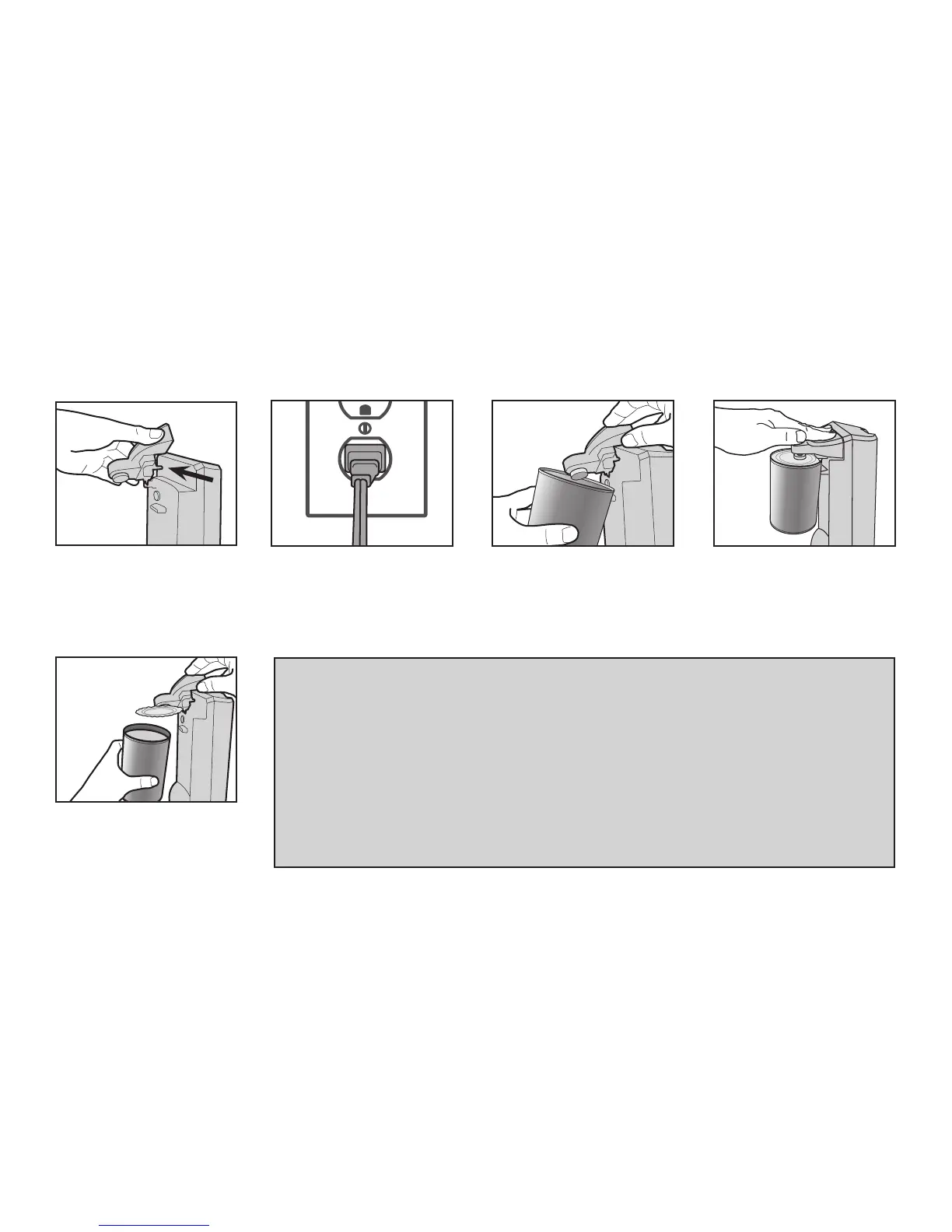
Slip the post on the cutting
assembly into the hole on the
upper left corner of the front
of the base.
Remove the can by holding it
with one hand and lifting the
lever with the other.
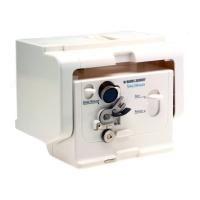
Plug power cord into outlet. Lift lever up. Tip the can
so that the rim is under the
locating post. Make sure that
the cutter is inside the rim
of the can.
Push down on the lever.
NOTES:
• This can opener will not open rimless cans or cans with angled corners and should not
be used to open cans with a peel-off foil or rolling key.
• Frozen juices or foods in cardboard cans should be opened as soon as they are
removed from the freezer. Aluminum lids will not stick to the magnet.
• It is not necessary to hold the lever down or support the can during cutting.
However, you may have to hold the base when cutting very tall or very heavy cans.
CAUTION:
• Avoid contact with the cut edges of the can or lids; they are sharp. Carefully remove
the lid from the magnet and discard.
1 2 3 4
5


 To Next Page
 Loading...