lb
9
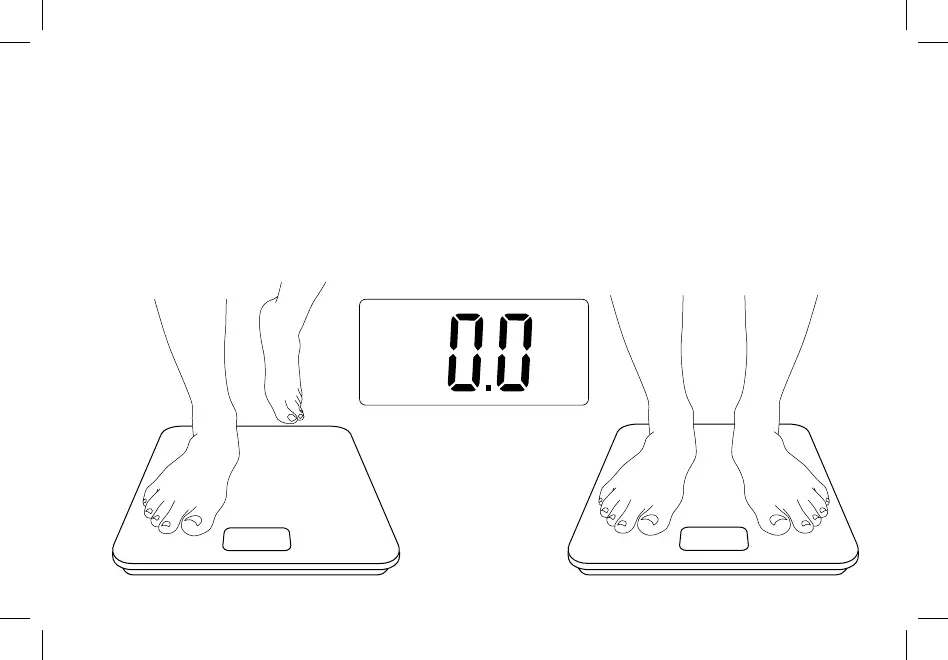
1. Place the scale on a hard, flat surface.
2. Step on the scale until digits appear on the
display, then step off.
3. The scale will show “ 0.0 ” when cleared.
Clearing the Scale
If the scale has been moved or flipped upside down,
it must be cleared to ensure accurate results.


 To Next Page
 Loading...