EasyManua.ls Logo

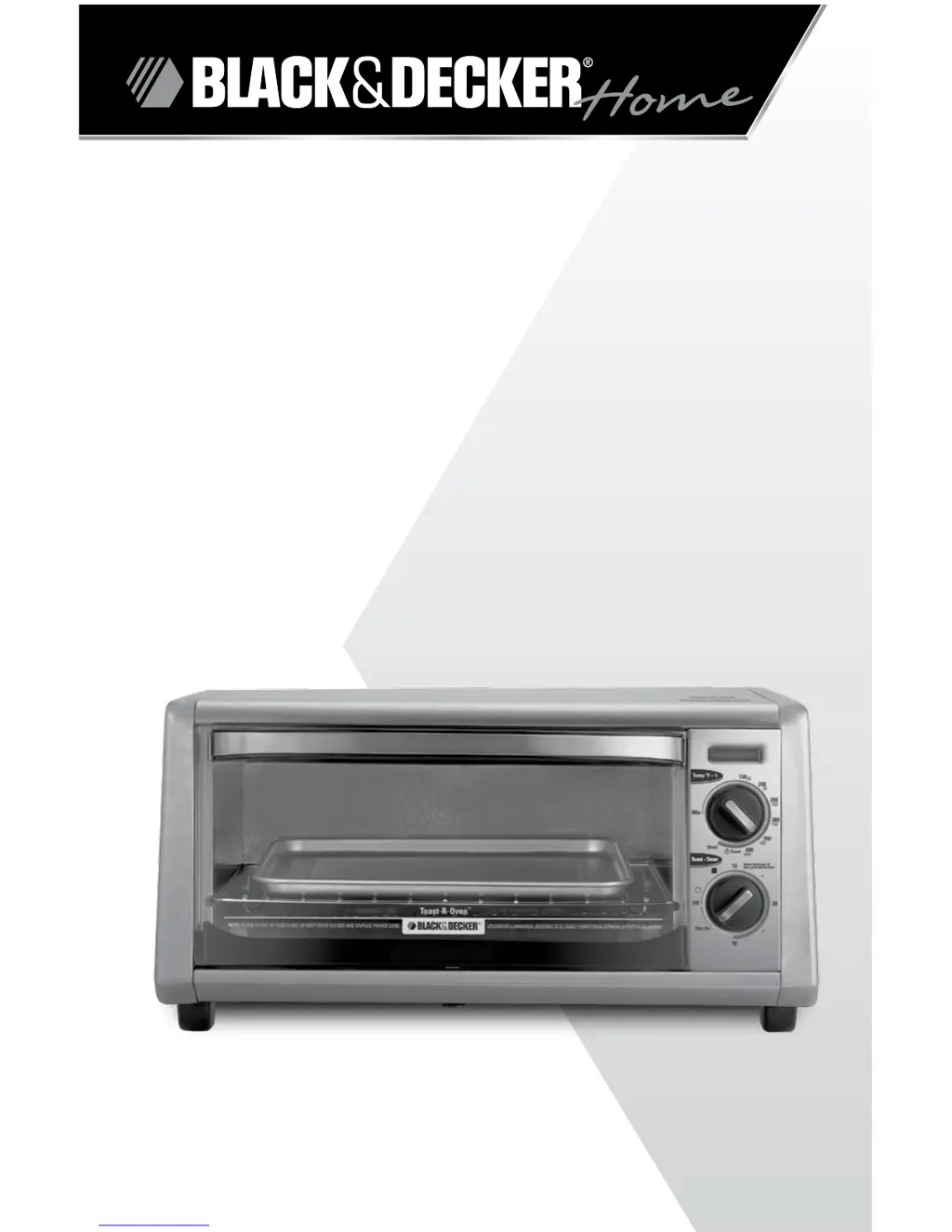
Black & Decker TO1430S - User Manual

Black & Decker TO1430S
32 pages
Print Icon
To Next Page IconTo Next Page
Loading...
MODEL/MODELO
TO1430S
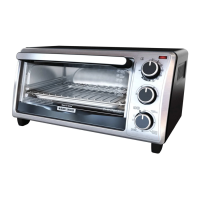
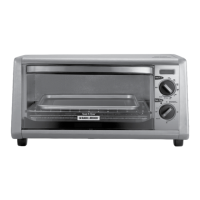
4-SLICE TOASTER OVEN
HORNO TOSTADOR
DE 4 REBANADAS
Customer Care Line:
USA 1-800-231-9786
Accessories/Parts (USA)
1-800-738-0245
For online customer service
and to register your product, go to
www.prodprotect.com/applica
Servicio para el cliente:
Mexico 01-800 714-2503
Accesorios/Partes (EE.UU)
1-800-738-0245

Questions and Answers

  • V
    Vicki RodriguezJul 26, 2025
    Why is my Black & Decker TO1430S Oven not heating?
    • A
      Angela MoonJul 26, 2025
      Your Black & Decker Oven might not be heating because it's not properly plugged in or the outlet isn't working. Ensure both knobs are set correctly and the power light is on. Also, verify that the outlet is functional.
  • A
    Amanda WillisJul 31, 2025
    What to do if my Black & Decker Oven smells burnt?
    • W
      Walter KingAug 1, 2025
      If your Black & Decker Oven smells burnt, it's likely due to food remnants on the oven walls or in the crumb tray. Make sure all parts of the oven are clean and free of debris.
  • N
    Nancy PerkinsAug 5, 2025
    Why is my Black & Decker TO1430S food overcooked?
    • D
      Destiny JarvisAug 5, 2025
      Food may be overcooked (or undercooked) in your Black & Decker Oven because the temperature or cook time needs adjustment. Since this oven is smaller than a conventional one, it may cook faster. Try lowering the temperature by 25 degrees from the recipe's suggestion.
  • M
    Michelle PierceAug 11, 2025
    How to fix Black & Decker TO1430S heating elements that don't seem to be on?
    • J
      Jennifer MillerAug 11, 2025
      The heating elements in your Black & Decker Oven cycle on and off during baking. Ensure the proper function is selected. Note that on broil, only the top heating elements will be active.
  • A
    Adam HarrisAug 15, 2025
    What to do if second toasting is too dark in Black & Decker TO1430S Oven?
    • T
      Timothy LeeAug 15, 2025
      If your second toasting cycle in the Black & Decker Oven is too dark, it's because the toast setting selected is too dark. When doing repeated toast cycles, remember to select a slightly lighter setting for the 2nd and 3rd toasting.
  • A
    Ann StuartAug 20, 2025
    Why does moisture form inside my Black & Decker Oven door?
    • N
      nathanieljohnsonAug 20, 2025
      Moisture forms on the inside of the Black & Decker Oven door during toasting because of the moisture content in the food. This is normal and usually disappears before the end of the cycle. Because the oven is a closed appliance, the moisture cannot evaporate as it would in a toaster.

Summary

Important Safeguards

Grounded Plug Safety

Explains the safety feature of a grounded plug for electrical shock prevention.

Tamper-Resistant Screw Warning

Warns against removing the outer cover due to a tamper-resistant screw for safety.

Electrical Cord Safety Guidelines

Details safety guidelines for using power supply and extension cords.

Control Panel Overview

Oven Components Identification

Identifies key external parts of the toaster oven with corresponding numbers.

Control Knobs and Indicators

Describes the functions of the power indicator, temperature, and timer selector knobs.

How to Use Your Toaster Oven

Getting Started Guide

Initial setup steps including unpacking, cleaning, placement, and plugging in the appliance.

Oven Operation Notes

Provides important notes on oven heat and initial use smoke/odor.

Baking Instructions

Preheat and Baking Steps

Detailed steps for setting temperature and timer for baking, including preheating.

Baking Methods

Illustrates three different ways to bake food in the oven.

Baking Guide and Recommendations

Food Baking Parameters

Provides specific temperature, time, and procedural guidance for various foods.

Broiling Guide

Broiling Steps and Tips

Instructions, tips, and best practices for broiling food effectively.

Toasting Guide

Toasting Procedure

Step-by-step instructions for toasting bread and bagels using the oven.

Toasting Tips

Provides tips for achieving desired toast shade and repeating toast cycles.

Keep Warm Function

Keep Warm Operation

Details how to use the keep warm feature for cooked food.

Care and Cleaning

Oven Component Cleaning

Instructions for cleaning the glass door, slide rack, and bake pan.

Crumb Tray and Exterior Cleaning

Steps for cleaning the crumb tray and exterior surfaces of the oven.

Interior Cleaning Methods

Advanced methods for deep cleaning and deodorizing the oven interior.

Troubleshooting Common Issues

Operational Problems and Solutions

Addresses issues like heating, toasting darkness, and moisture.

Food Quality and Odor Fixes

Solutions for overcooked/undercooked food and burnt odor or smoking.

Heating Element Functionality Check

Explains heating element cycling and checks for proper operation.

Recipes and Cooking Ideas

Basil Lemon Halibut Recipe

Provides ingredients and instructions for preparing basil lemon halibut.

Cinnamon Raisin Rollups Recipe

Lists ingredients and steps for making cinnamon raisin rollups.

Product Support and Warranty

Service and Contact Information

Contact information and procedures for obtaining service or repair for the appliance.

Two-Year Limited Warranty Details

Details what the warranty covers, its duration, exclusions, and legal rights.

Black & Decker TO1430S Specifications

General IconGeneral
BrandBlack & Decker
ModelTO1430S
CategoryOven
LanguageEnglish

Related product manuals