Page 112
724-746-5500 | blackbox.com
Chapter 4: Configuration
Table 4-18. Cancel and Save
selection buttons.
Button Function
Cancel Reject changes
Save Save changes
Java Tool
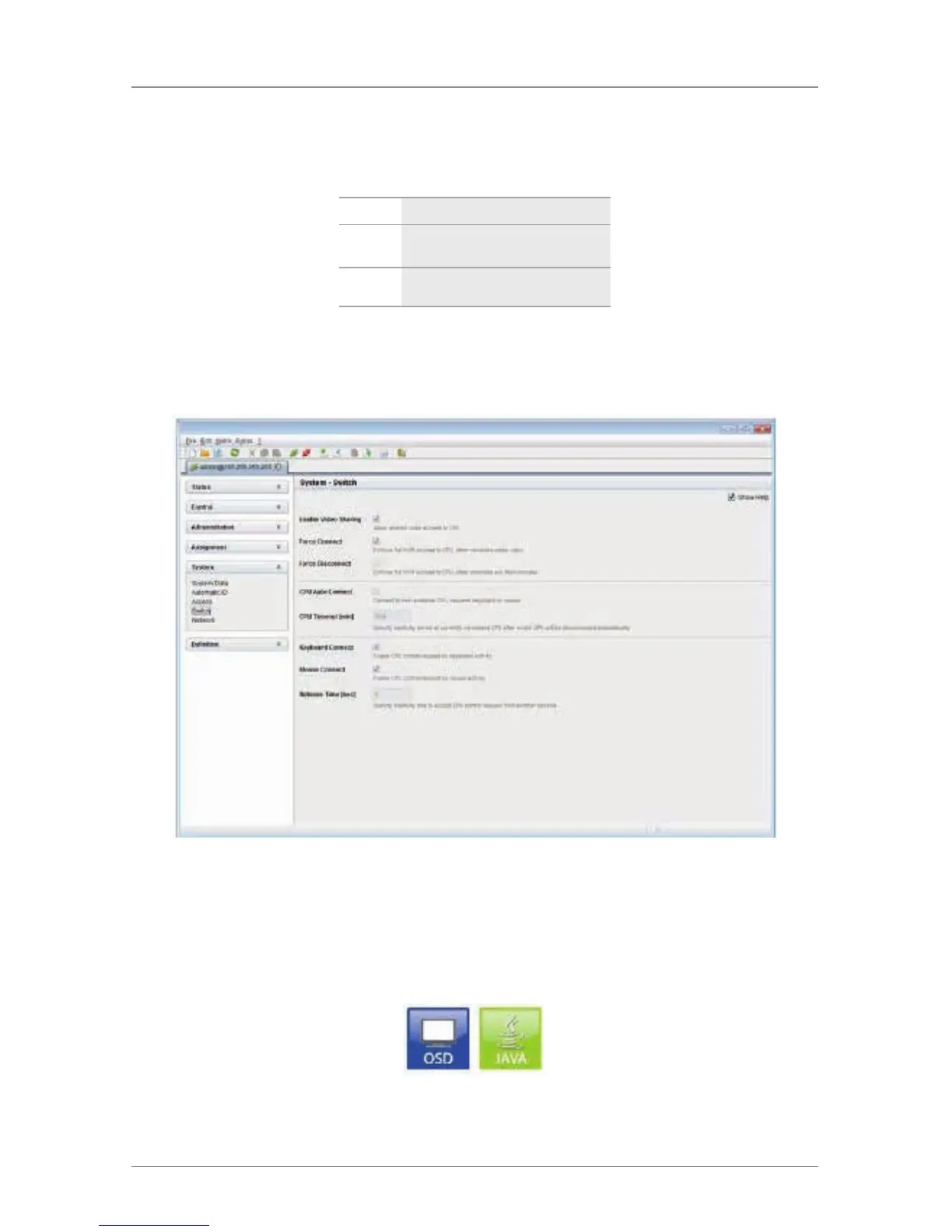
Select “System > Switch” in the task area.
Figure 4-27. Menu system—switch.
4.4.5 Network
The network configuration is set in this menu.
You have the following possibilities to access the menu:
Figure 4-28. OSD and Java icons.


 To Next Page