Page 191
724-746-5500 | blackbox.com
Chapter 5: Operation
5. If the Force CPU Scan option is enabled, the scan will automatically start
switching the CON device to any CPU device from the favorite list without you
presing the CPU Scanner button.
5.3 Extended Switching
You can perform switching operations via the OSD or Java icon.
Figure 5-5. OSD and Java icons.
OSD
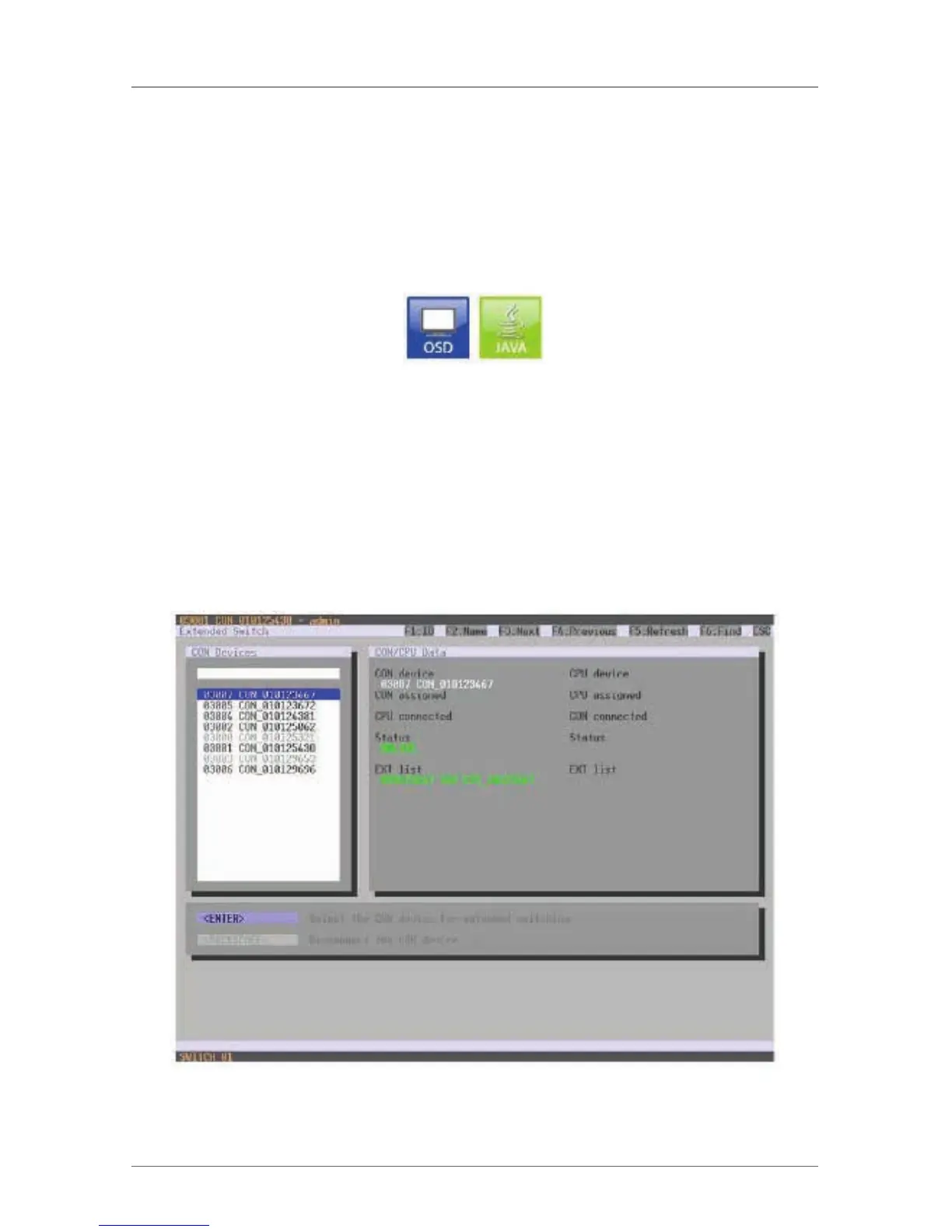
To switch any console to any available CPU, proceed as follows:
Select “Extended Switch” in the main menu.
NOTE: By pressing the key <F8>, inactive CPU Devices can be hidden to ensure a
better overview.
Figure 5-6. Menu Extended Switch.



 To Next Page