Hardened VDSL Ethernet Extender
Front Panel & LEDs
LED Indicators
The LED indicators give you instant feedback on status of the Hardened VDSL
Ethernet Extender:
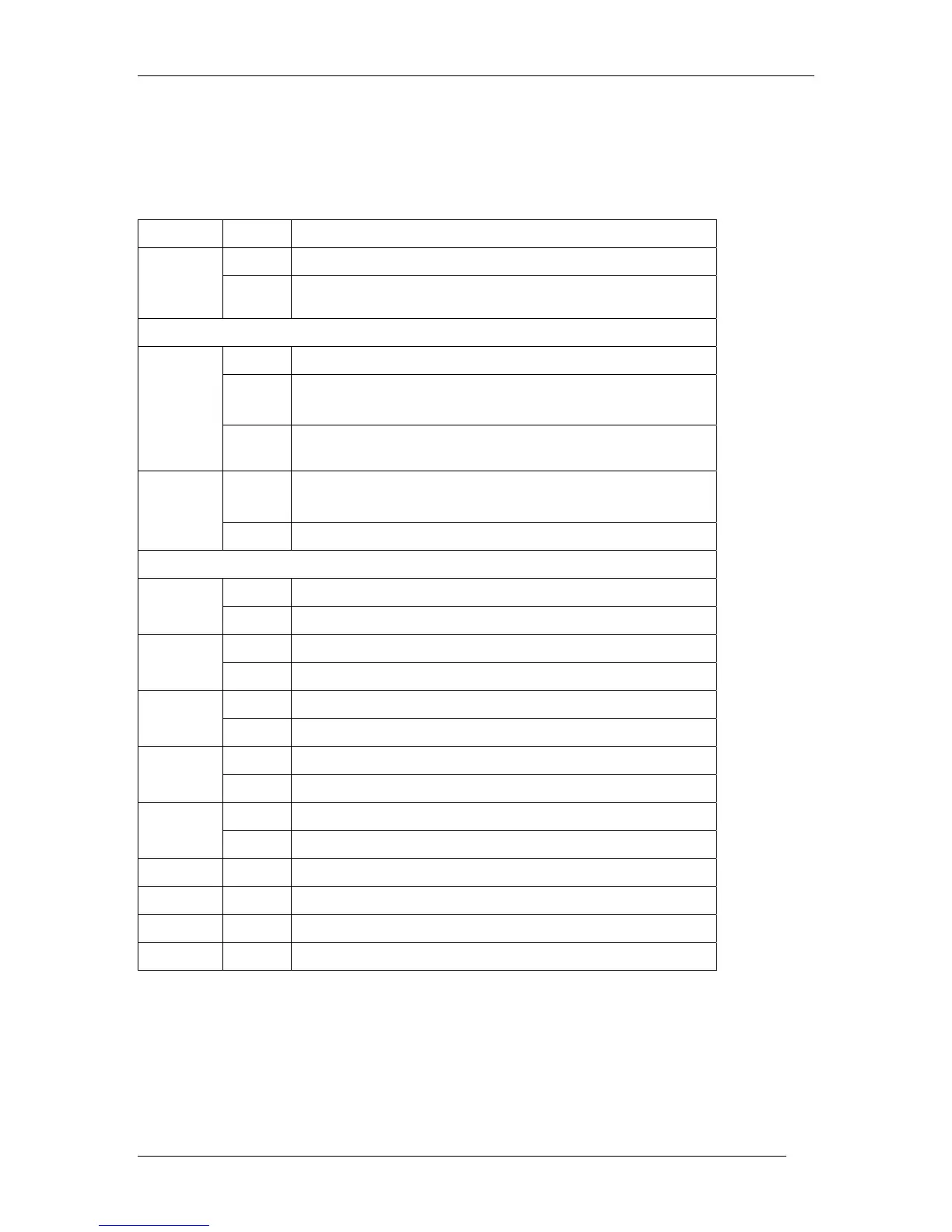
LEDs State Indication
Power1
Power2
Power3
Steady Power on
Off Power off
Ethernet
Link/ACT
Steady A valid Ethernet connection established
Flashing
Transmitting or receiving Ethernet data
ACT stands for ACTIVITY
Off
Neither valid Ethernet connection established nor
transmitting/receiving Ethernet data
FDX
Steady
Ethernet Connection in full-duplex mode
FDX stands for FULL-DUPLEX
Off Ethernet Connection in half-duplex mode
Ethernet over VDSL
1
Green The VDSL port transmitting/receiving at 1Mbps, up to 1900M
Amber The VDSL port transmitting/receiving at 3Mbps, up to 1800M
2
Green The VDSL port transmitting/receiving at 5Mbps, up to 1600M
Amber The VDSL port transmitting/receiving at 10Mbps, up to 1400M
3
Green The VDSL port transmitting/receiving at 15Mbps, up to 1200M
Amber The VDSL port transmitting/receiving at 20Mbps, up to 1000M
4
Green The VDSL port transmitting/receiving at 25Mbps, up to 800M
Amber The VDSL port transmitting/receiving at 30Mbps, up to 700M
5
Green The VDSL port transmitting/receiving at 40Mbps, up to 600M
Amber The VDSL port transmitting/receiving at 50Mbps, up to 300M
Remote Steady The device operates in remote mode
Local Steady The device operates in local mode
Error Steady Error occurred
Link Steady A valid VDSL connection established
9











 To Next Page