Page 18
724-746-5500 | blackbox.com
Chapter 4: Configuration
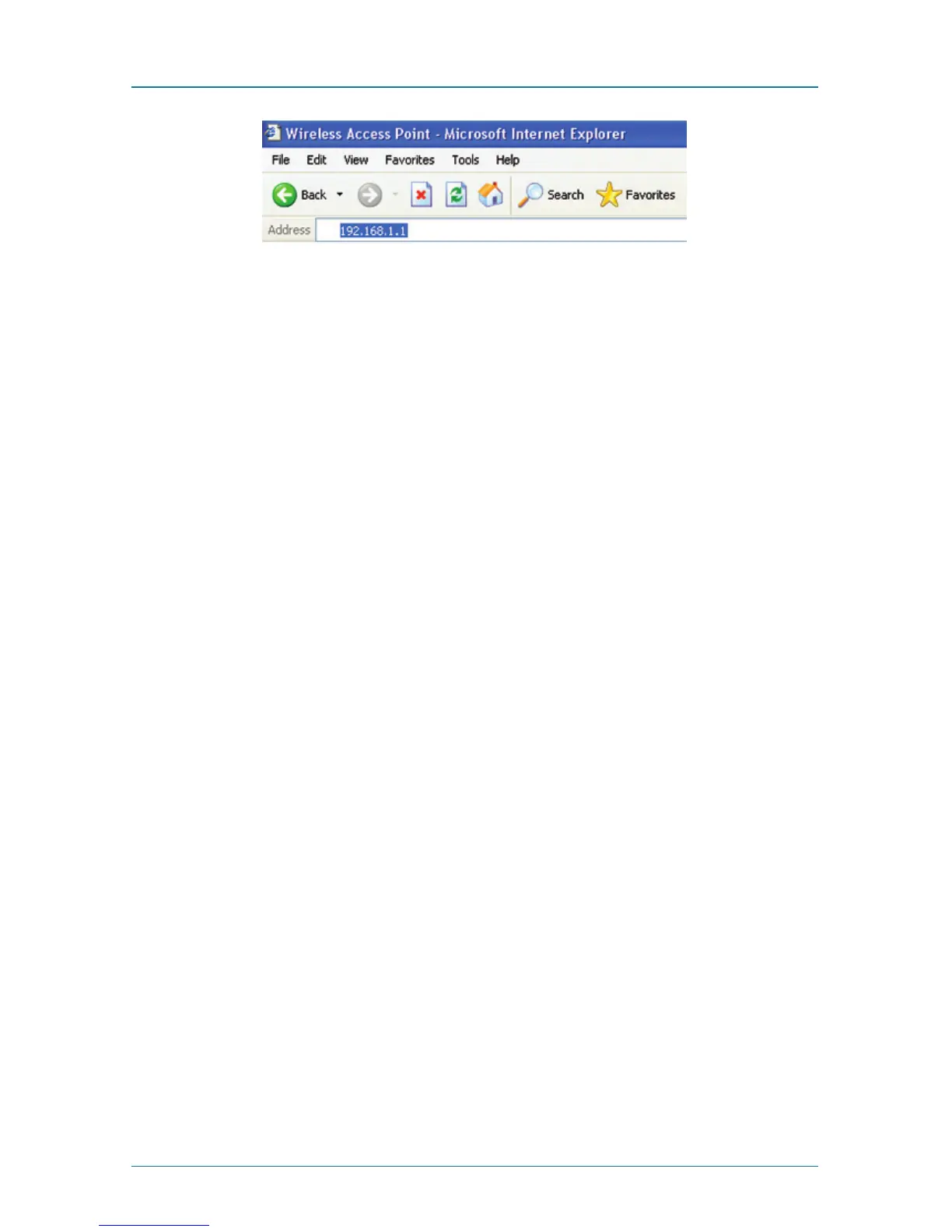
Figure 4-2. Address bar.
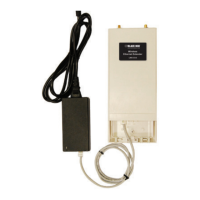
4. You will now see the login page of the Wireless Ethernet Extender. The default
“Name” and “Password” are “admin” and “password,” respectively. Enter
them and then click “Login.”
NOTE: The login page (not shown) contains a space where you can enter the
default Name (admin) and the default password (password).
Emter name: admin
Enter password: password
Figure 4-3. Login page.



 To Next Page