Page 9
724-746-5500 | blackbox.com
Chapter 3: System Installation
Install the External Antenna
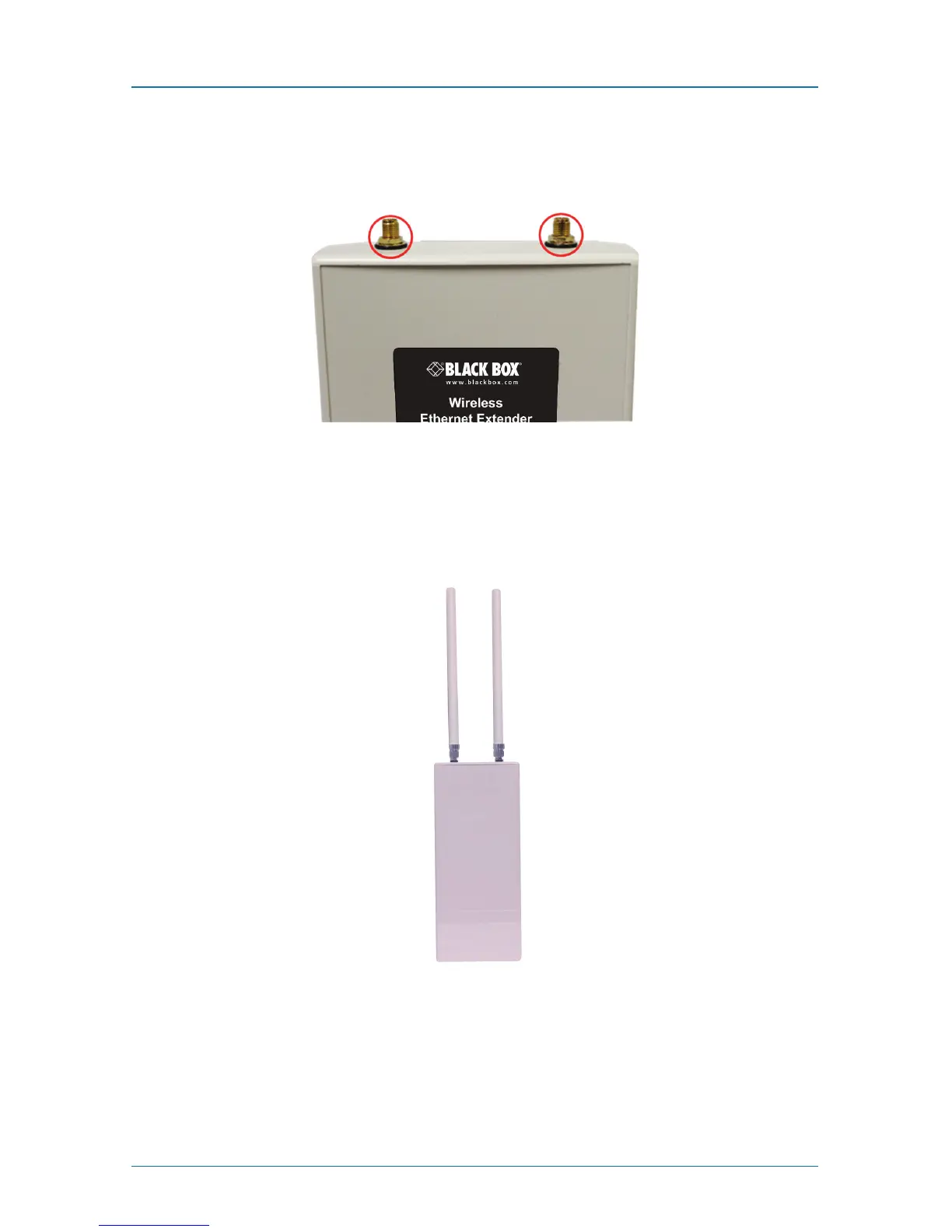
The Wireless Ethernet Extender provides two reverse SMA antenna connectors for
connecting the external antennas.
Figure 3-6. External antenna connectors.
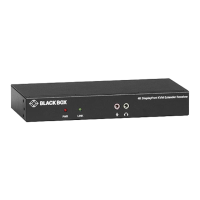
1. Connect your external antennas to the SMA-type connectors on top of the
Wireless Ethernet Extender. For longer distance, we recommend using
higher-gain antennas to best suit the application.
Figure 3-7. External antennas connected to the extender.
WARNING: Users MUST power off the extender first before connecting the
external antennas to it. Do not power on the device without physically
attaching the antenna; otherwise, your extender might be damaged.











 To Next Page