6
POCKETMAIL COMPOSER
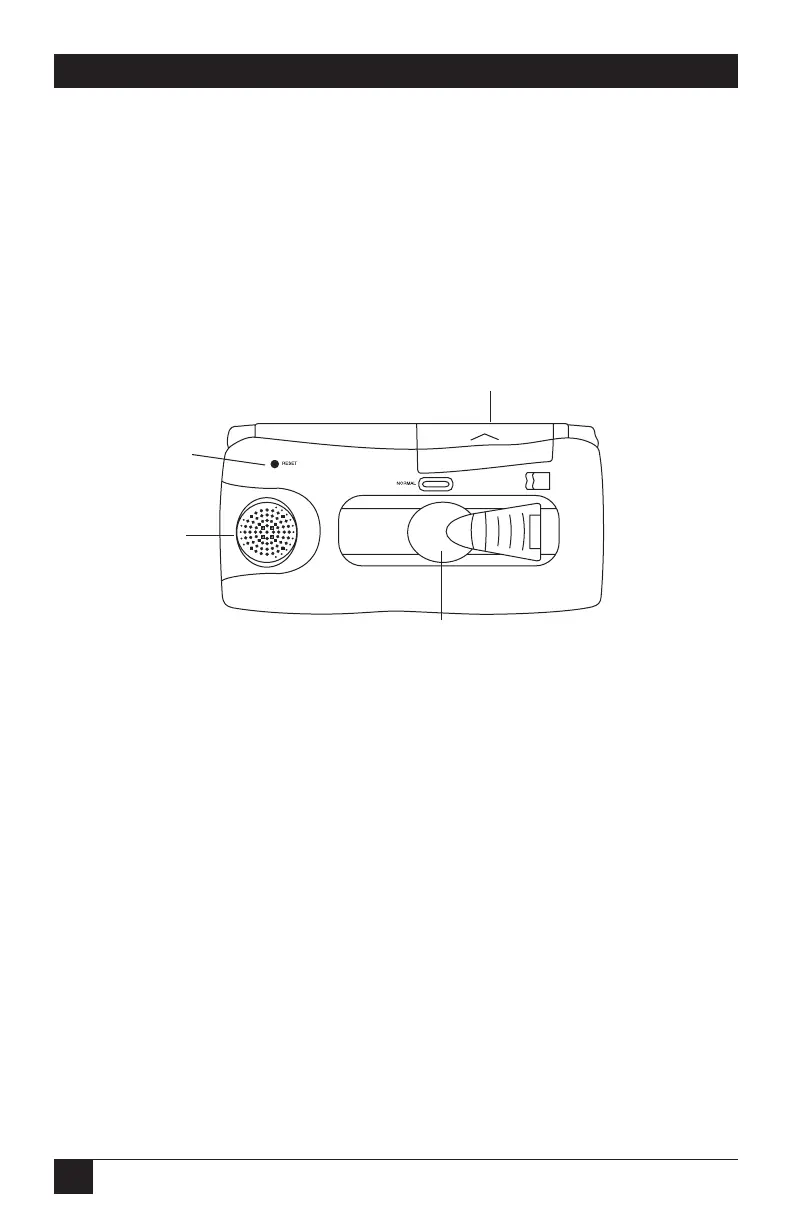
Looking at the Bottom of the PocketMail Composer
The outside bottom of the Composer houses its communications and power
hardware.
• Adjustable microphone arm and speaker allow you to align the microphone
with the telephone receiver to communicate with the PocketMail server.
• The AA battery compartment houses the two AA batteries required to power
the Composer.
Figure Q-3. Bottom of the Composer.
Installing the Batteries
Before you install the batteries, make sure the Composer is turned off.
Battery compartment
Reset button
Speaker
Adjustable microphone
Battery replacement switch



 To Next Page