7
QUICK START GUIDE
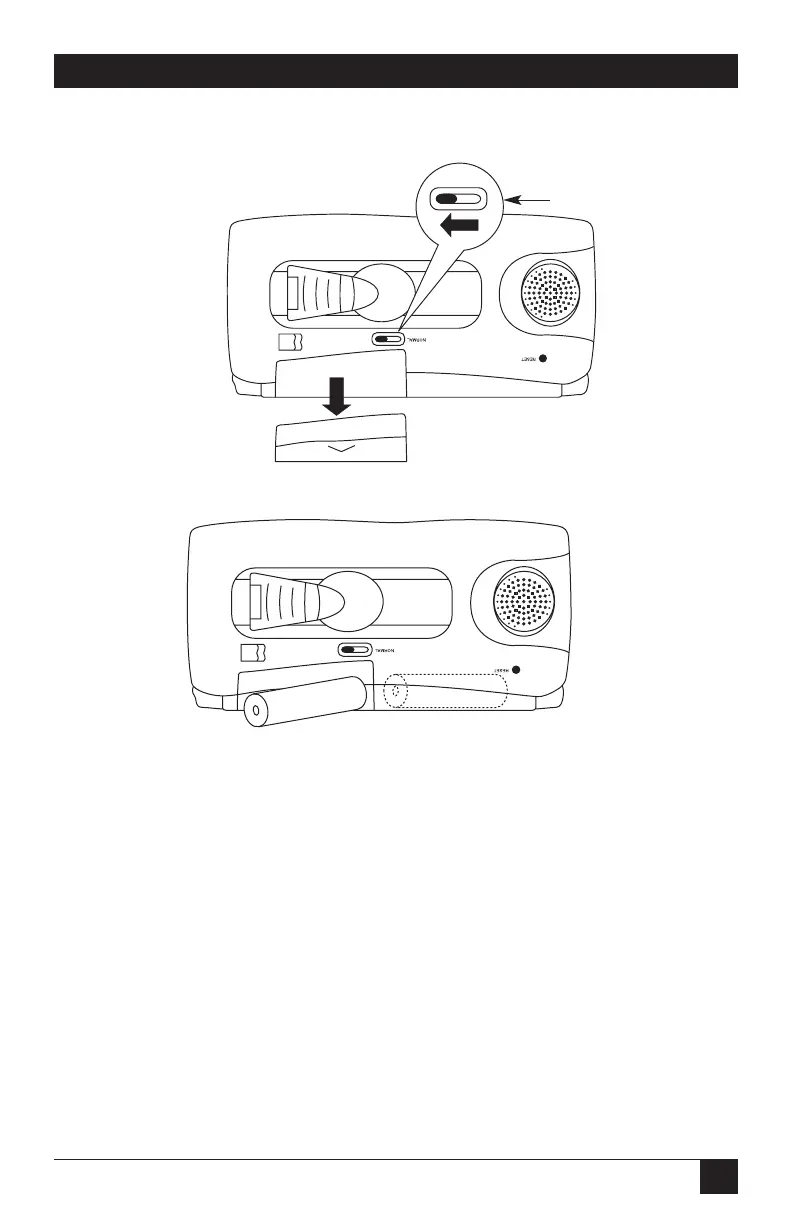
To install batteries in your PocketMail Composer:
Figure Q-4. Moving the battery replacement switch to the open position.
Figure Q-5. Installing the batteries.
1. Move the battery replacement switch to the open position, as shown in Figure
Q-4. Note that a red dot appears next to the switch, as explained in Step 4,
below.
2. Release the battery compartment and install two AA batteries as shown in
Figure Q-5.
3. Close the battery compartment as shown in Figure Q-6.
Battery
Replacement Switch



 To Next Page