8
POCKETMAIL COMPOSER
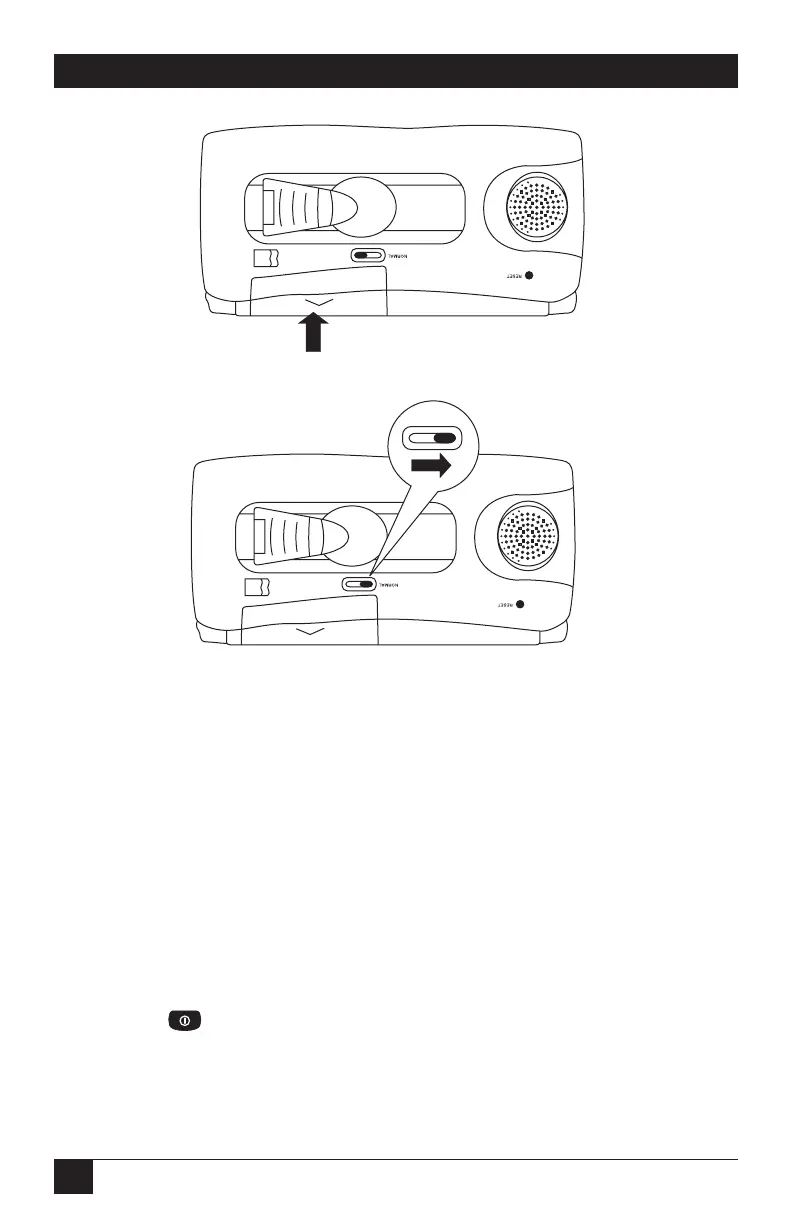
Figure Q-6. Closing the battery compartment.
Figure Q-7. Closing the battery replacement switch.
4. Move the battery replacement switch back to the closed position as shown in
Figure Q-7.
NOTE
The Composer will not function if the battery replacement switch is not
correctly repositioned.
5. Your Composer is ready for use.
Turning the PocketMail Composer On and Off
You can turn on the Composer by pressing any one of the following buttons:
• Pressing turns on the Composer and displays the “Welcome to
PocketMail” screen followed by the Main screen. After you activate your
PocketMail service, it will go straight to the Main screen.



 To Next Page