BLACKSTONEPRODUCTS.COM/SUPPORT
ENGLISH
| OWNER’S MANUALTROUBLESHOOTING
CUSTOMER SUPPORT
Visit us online at BlackstoneProducts.com/support
for assistance concerning appliance use, replacement parts, or
your warranty.
CUSTOMER SUPPORT HOURS:
Monday – Friday
7:00 am – 5:00 pm (Mountain Time)
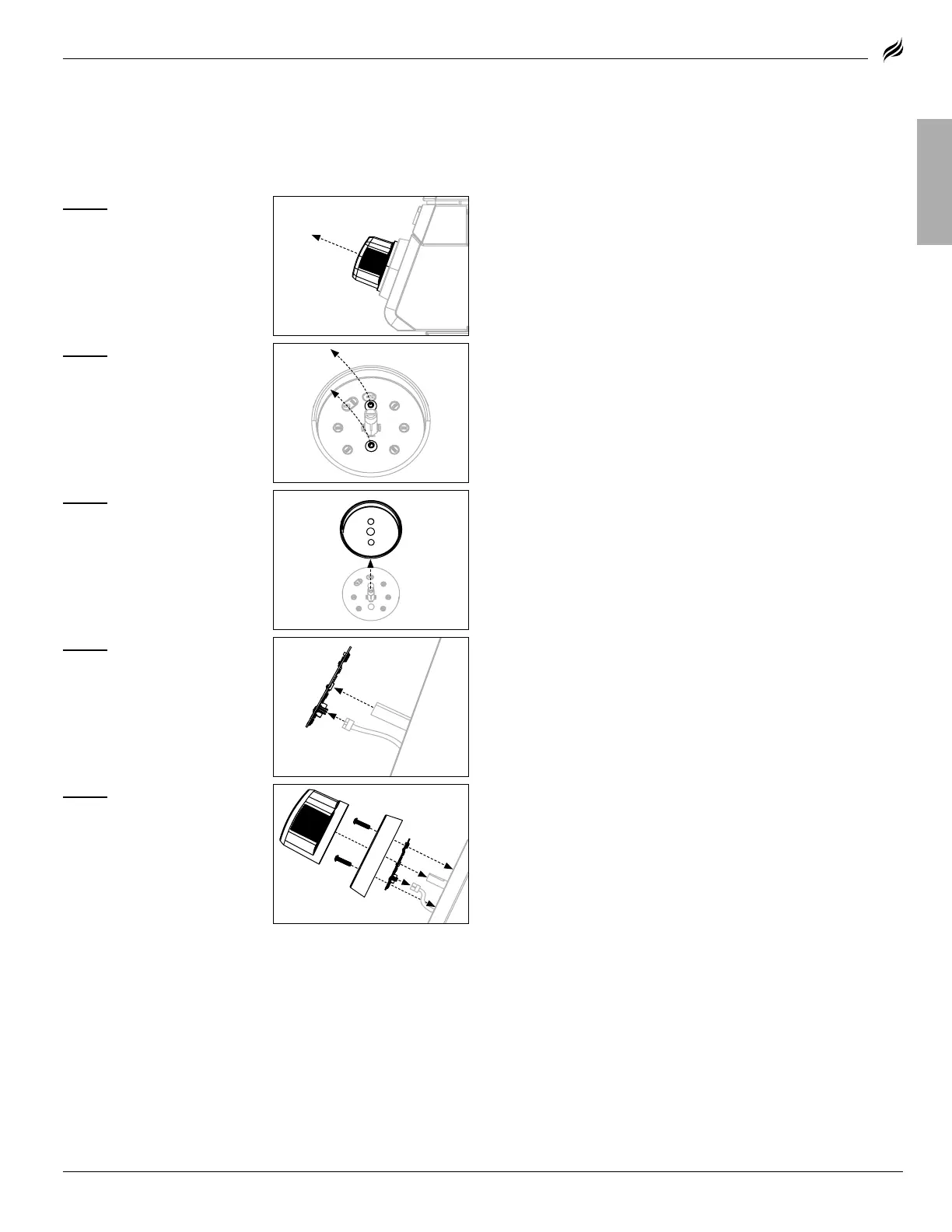
STEP 01
Pull out the non-func-
tional control knob and set aside.
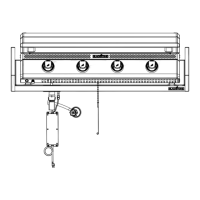
REPLACING THE CONTROL KNOB’S PRINTED
CIRCUIT BOARD
If the control knob does not work, the PCB may need to be replaced.
STEP 02
Use a Philips head
screwdriver to remove the two
(2) M4x10 screws from the knob
bezel and set aside.
STEP 03
Remove the knob bezel
and set aside.
STEP 04
Lift out the knob PCB,
and disconnect the wire from the
back of the knob PCB.
STEP 05
Plug the connector into
the new knob PCB.
Reverse the above assembly
steps to reinstall the
control knob.
MODEL:


 To Next Page