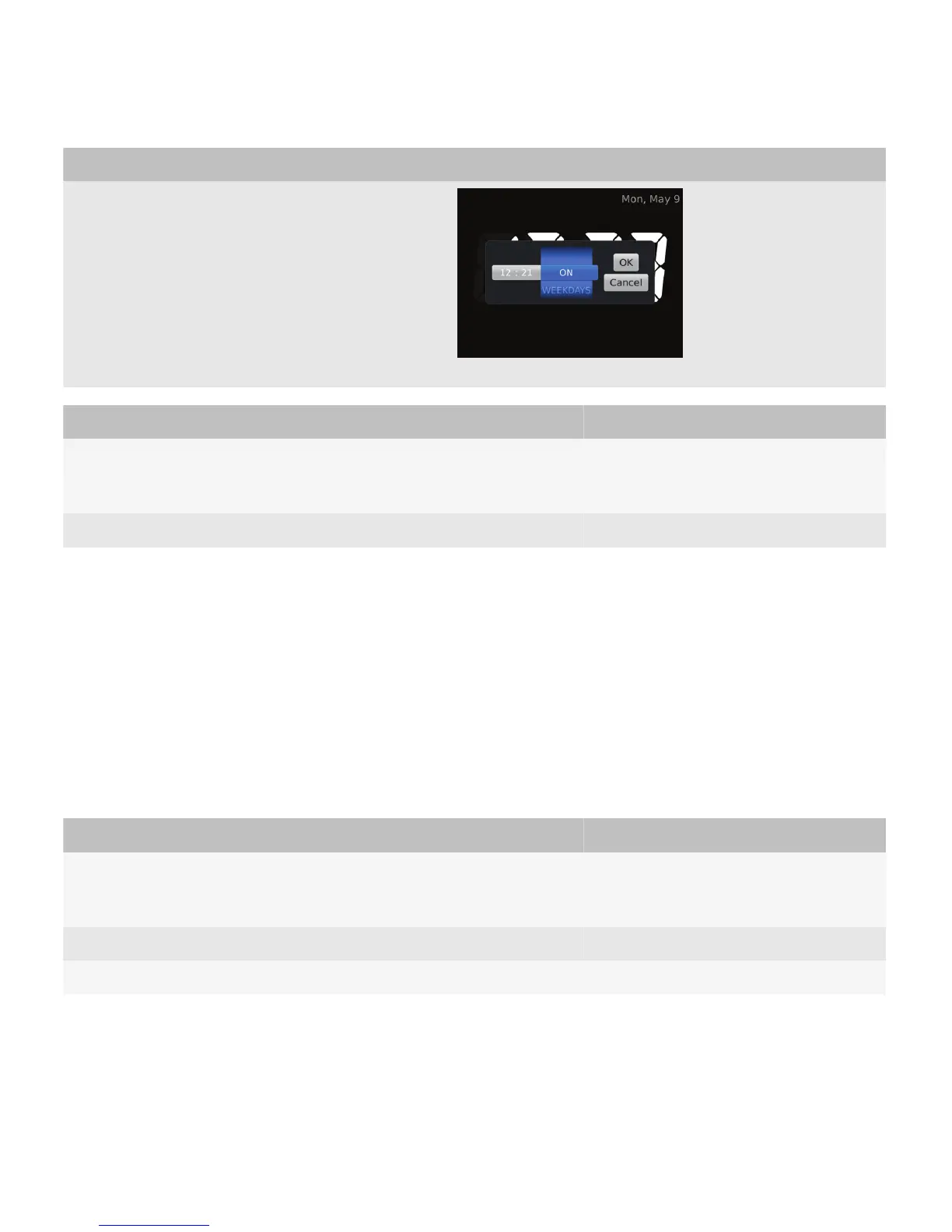
Type of picker Description
User goal Action using the navigation keys Action using a touch screen
Find an item in the list. Move a finger vertically on the trackpad.
• Drag a finger vertically on the screen.
• Swipe up or down on the screen.
Choose an item from the list. Click the trackpad. Lift a finger from the screen.
Best practice: Implementing file pickers
• Specify a specific view to display the types of files that match the user's goal. For example, if a user is browsing
pictures, display pictures in the file picker.
• Allow users to start browsing from an appropriate default folder if possible.
Spin boxes
Use a spin box to allow users to choose an item from an ordered list easily. For example, use spin boxes to allow users to
find a number or to change the day of the week.
User goal Action using the navigation keys Action using a touch screen
Find an item in the list. Move a finger vertically on the trackpad.
• Drag a finger vertically on the screen.
• Swipe up or down on the screen.
Choose an item from the list. Click the trackpad. Lift a finger from the screen.
Move to another spin box. Move a finger vertically on the trackpad. Drag a finger vertically on the screen.
UI Guidelines Containers and components
85














 To Next Page