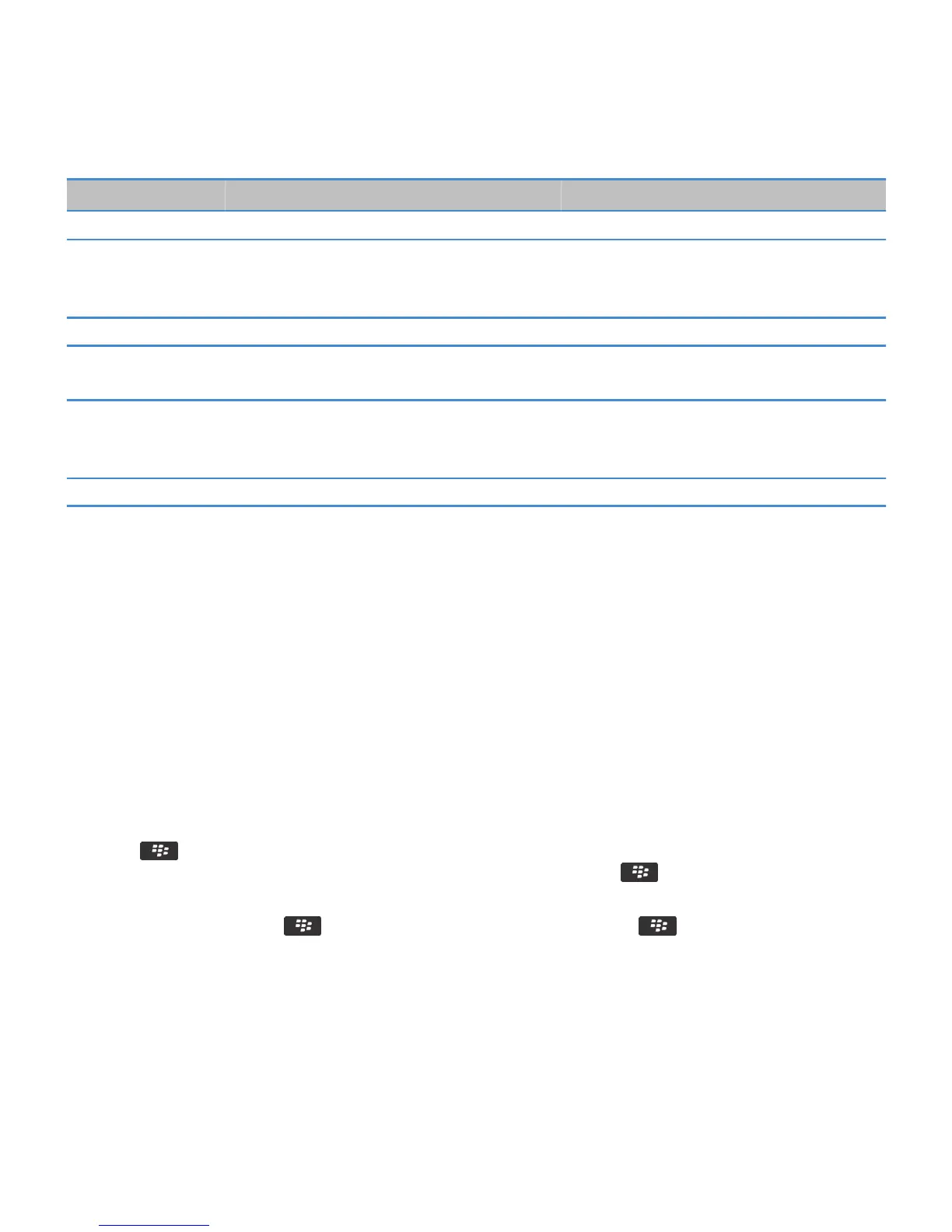
File extensions Video file formats Audio file formats
• Ogg Vorbis
AAC
—
• AAC-LC
• AAC+
• eAAC+
AMR — AMR-NB
QCP
—
• QCELP
• EVRC
WAV
—
• PCM
• G711 U/A
• GSM 610
MID — Wave Synthesizer
For information about media file extensions and media file formats for your smartphone, visit www.blackberry.com/docs/
smartphones and click Smartphones > BlackBerry Smartphones > Supported Media.
Music
How to: Music
Shuffle or repeat songs
1. On the Home screen, click the Media icon > Music icon.
2. Do one of the following:
• To shuffle and play all of your songs, click Shuffle Songs.
• To shuffle all the songs by an artist, or in an album, genre, or playlist, find and highlight one of these categories. Press
the key > Shuffle.
• To repeat the song, playlist, album, or artist that is currently playing, press the key > Repeat > Current Song,
Playlist, Album, or All Songs.
To stop shuffling songs, press the key > Shuffle. To stop repeating songs, press the key > Repeat > Off.
User Guide
Media
134










 To Next Page