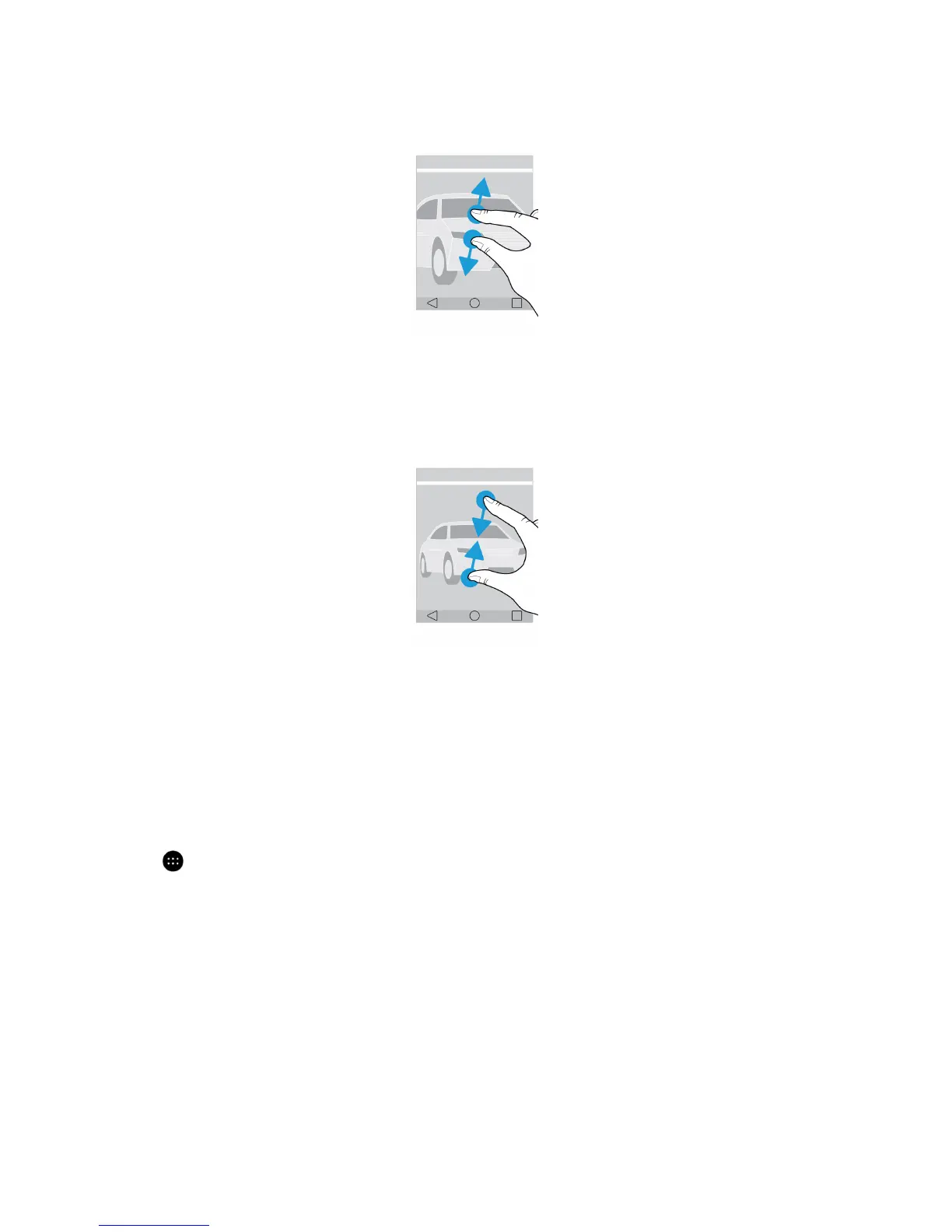
To zoom out, slide two fingers together.
Tip: In some cases, you can tap twice to zoom in or zoom out.
Apps, widgets, and shortcuts
About apps, widgets, and shortcuts
When you tap
on your home screen, a tray opens where you can access installed apps and widgets and set up
shortcuts.
• The Apps tab includes a complete list of the apps installed on your device, including apps that you download on Google
Play
™
.
• Widgets are like miniature apps that you can often interact with on the home screen. For example, the BBM widget
shows a small view of your current chats. The Bookmarks widget shows all of the websites that you have bookmarked so
that you can open them right from the home screen.
• Shortcuts help you perform the tasks that you do the most. For example, if you frequently write email, you can set up an
email shortcut. Tapping the shortcut opens an email composer.
User Guide Setup and basics
13














 To Next Page