10
User guide
Scroll or move between items
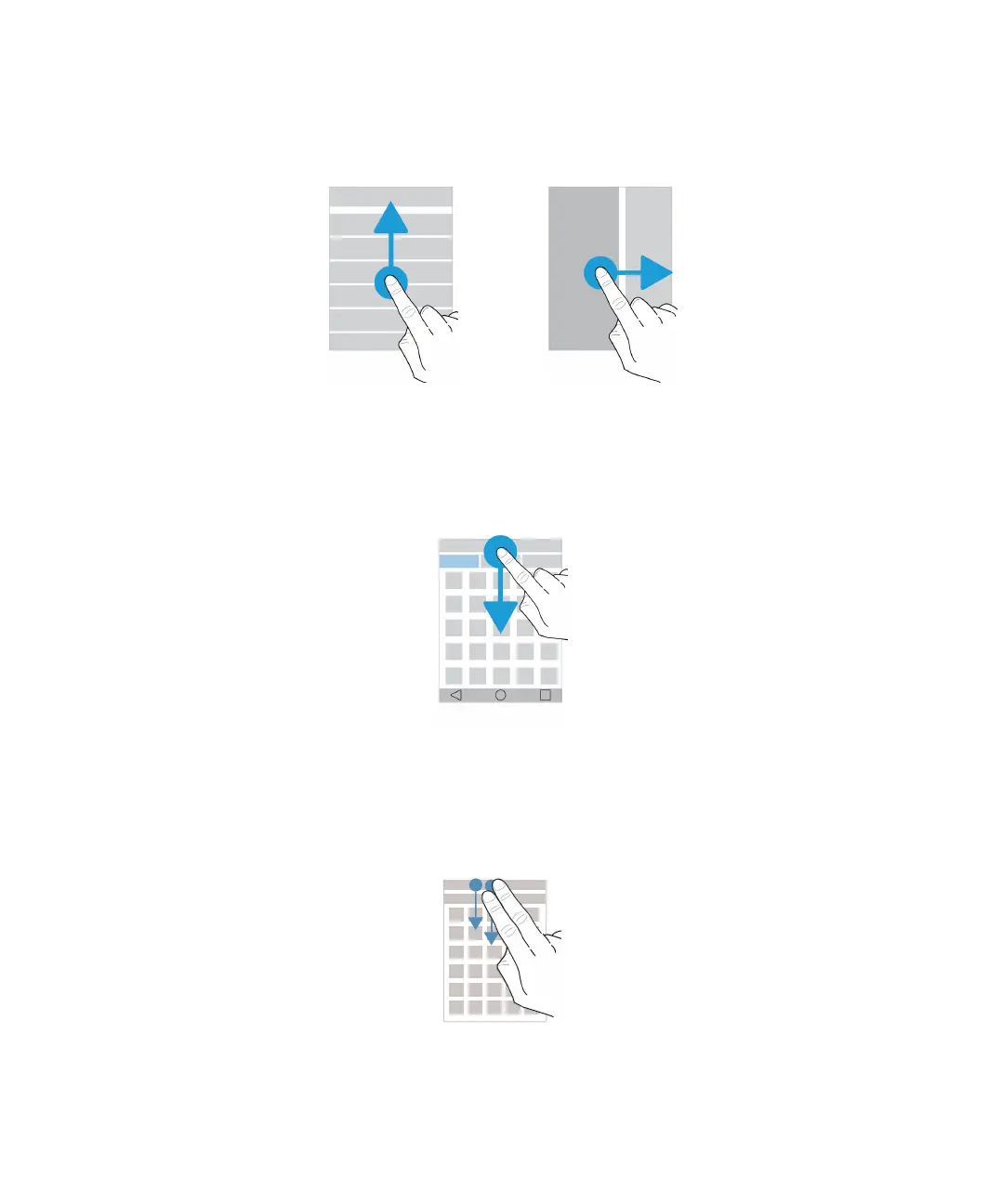
Slide your finger to scroll through a list or move between items, such as photos.
Check your notifications
You can check your latest notifications (for example, email messages and text messages) at any time.
Swipe down from the top of the screen. Tap a notification to open it or pull down to see more notifications.
Open Quick Settings
You can open Quick Settings to turn on or turn off common settings such as Wi-Fi and airplane mode. Swipe down from the
top of the screen once using two fingers, or twice using one finger.
Setup and basics















 To Next Page