7
User guide
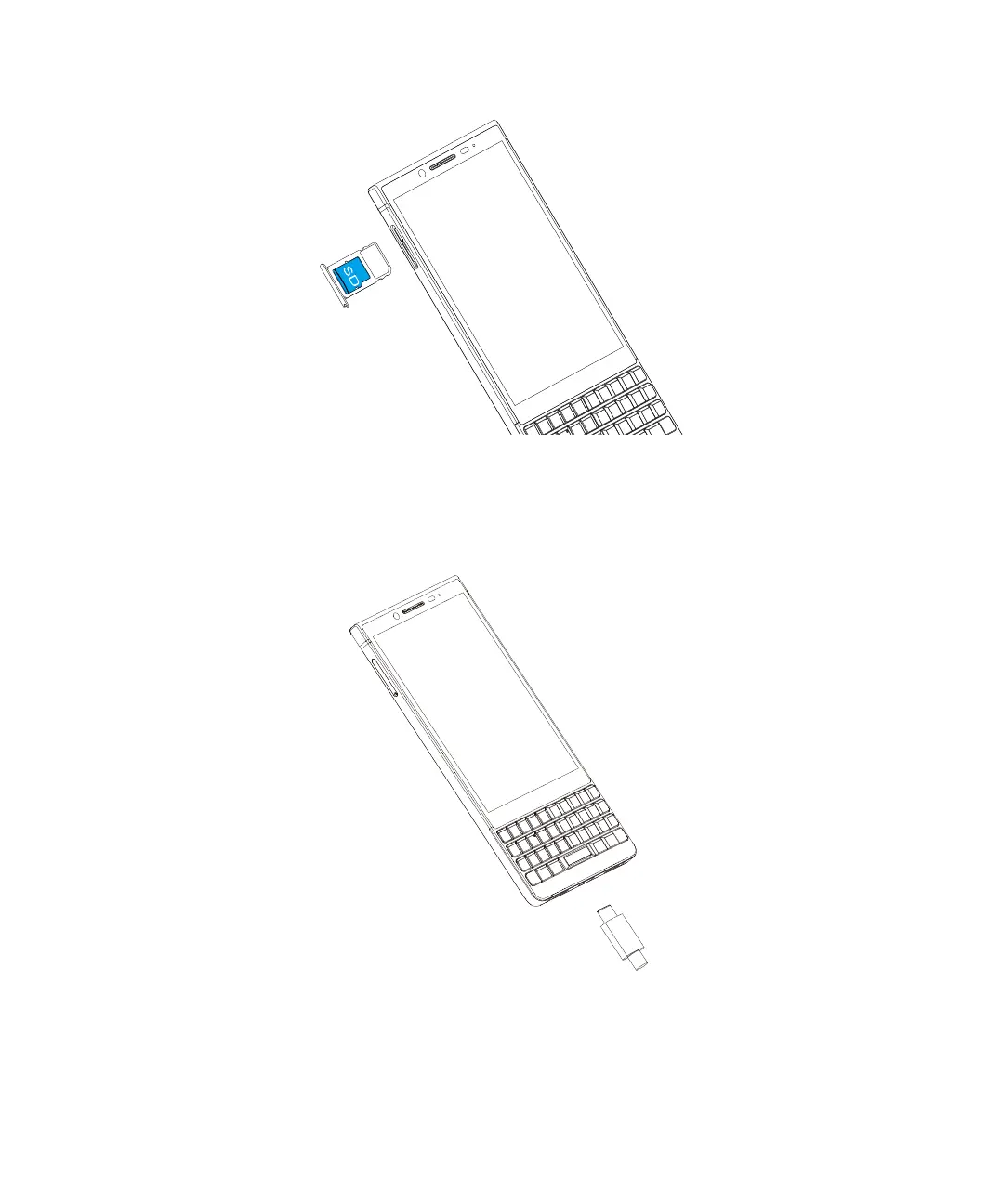
4. Put the media card in the tray.
5. Push the tray back into the slot.
Charging the battery
Connect the battery charger to your phone and power source respectively.
Tip: To reduce power consumption and energy waste, when the battery is fully charged, disconnect your charger; switch
off Wi-Fi, GPS, Bluetooth or background-running applications when not in use; reduce the backlight time, etc.
WARNING! Please note your phone is a unibody device, the back cover and battery are not removable.
Setup and basics















 To Next Page