Using Documents to Go
The following features are available in Documents To Go on BlackBerry PlayBook tablets running OS 2.0 or later.
Copying and pasting
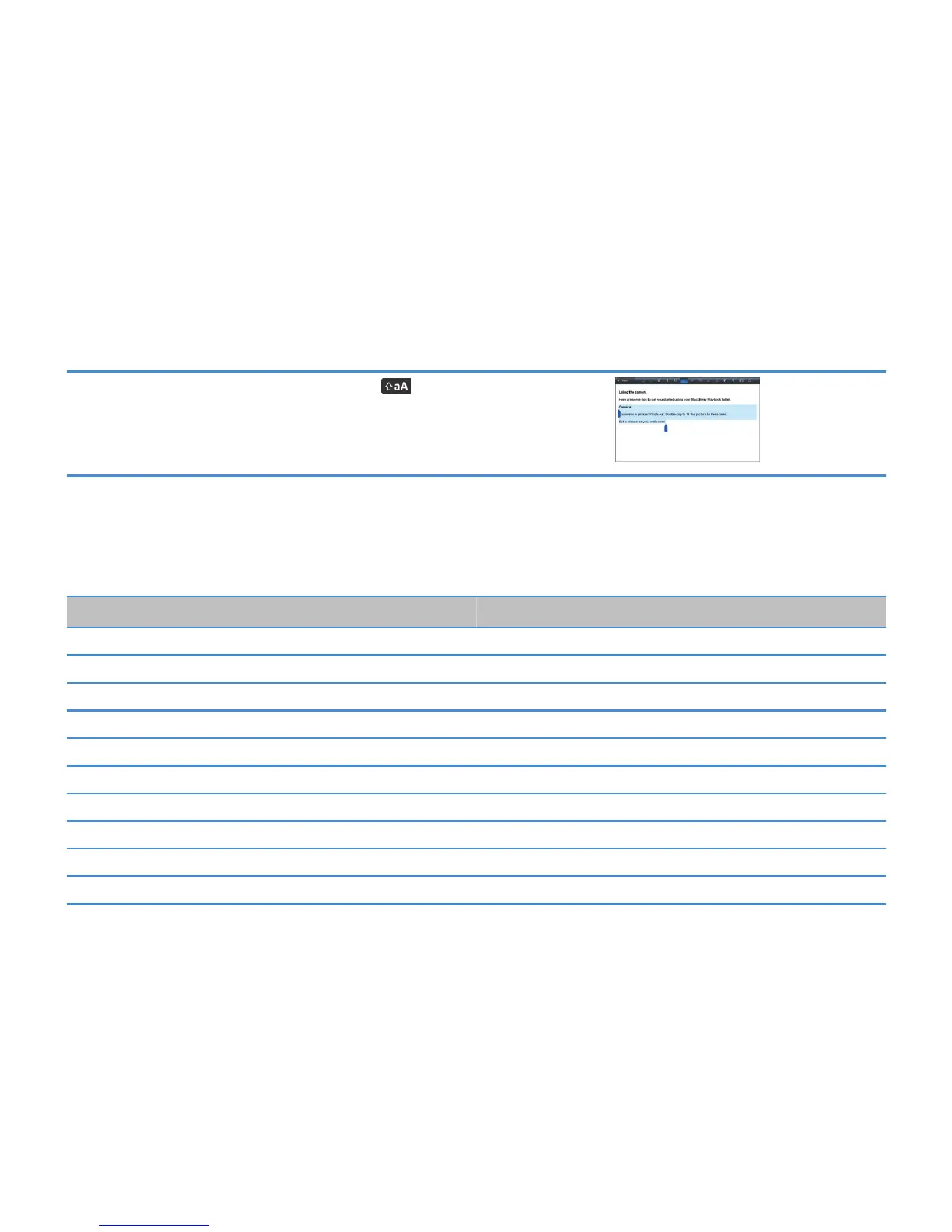
To highlight the text you want to copy, press the key and the arrow keys. Press
Ctrl + C.
To paste the text, place your pointer where you want to paste. Press Ctrl + V.
Shortcuts
To Do
Select all text Ctrl and A
Cut Ctrl and X
Copy Ctrl and C
Bold Ctrl and B
Italics Ctrl and I
Underline Ctrl and U
Paste Ctrl and V
Move the insertion point in text fields Arrow keys
Move one word to the left at a time Ctrl and left arrow
Move one word to the right at a time Ctrl and right arrow
User Guide
Using Documents to Go
9



 To Next Page