Blackmagic URSA Viewfinder50
False Color - Switches the false color feature on and off. False color overlays different colors
onto your image that represent exposure values for different elements in your image. For
example, pink represents optimum exposure for skin tones. By monitoring the pink false color
when recording people, you can maintain consistent exposure for skin tones. Similarly, when
elements in your image change from yellow to red, that means they are now over exposed.
Overlay - Switches overlays on and off. The type of guides and status information displayed
in the overlays are set in your camera.
Zoom - Turns the zoom feature on and off.
Film to Video - Switches between film and video display mode. Refer to the 'settings/display
settings' section in this manual for information on film and video mode.
Meters - Switches between the types of meters to display in overlay view. The options are
‘histogram’, ‘audio’, ‘both’ or ‘none’.
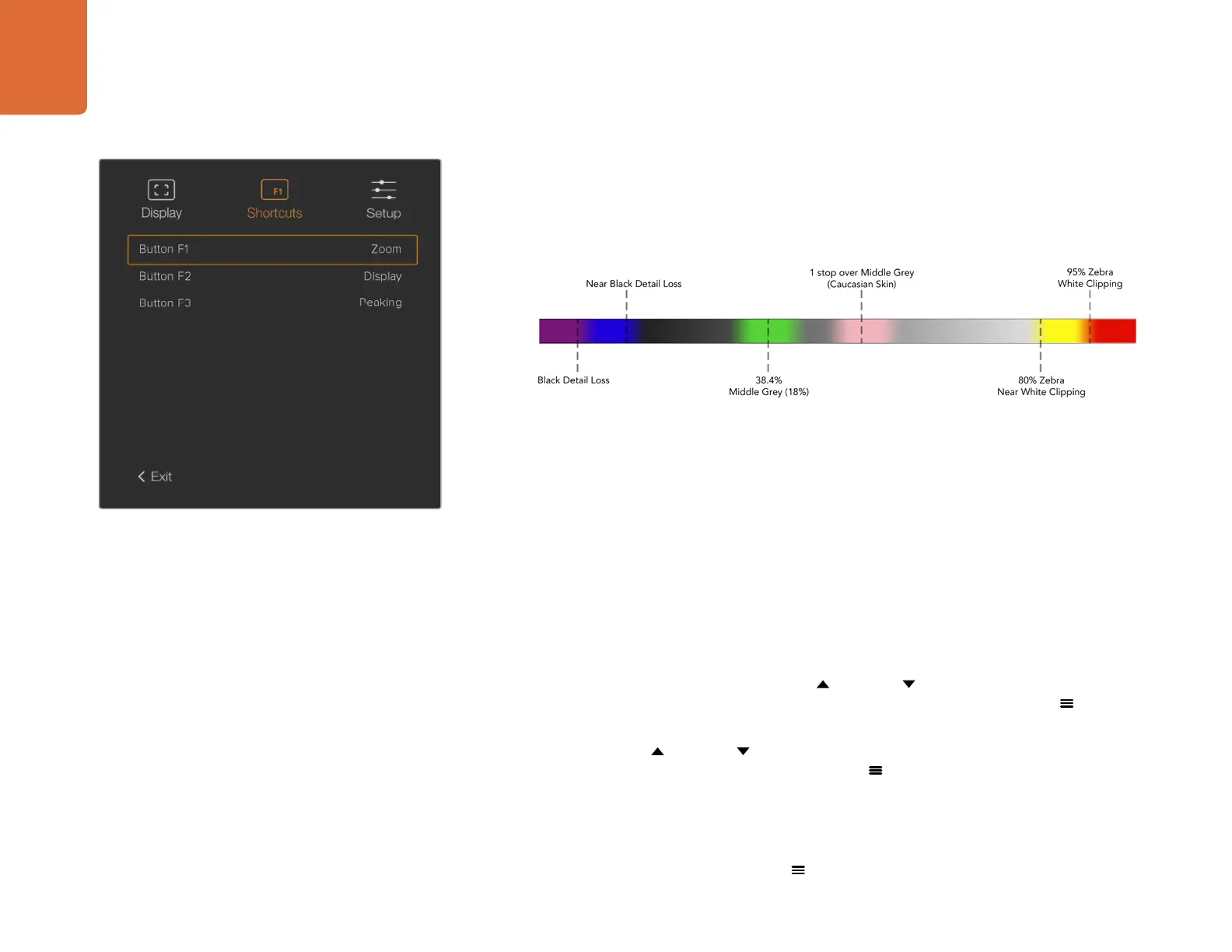
Shortcuts
The shortcut function is useful when you need to quickly access a particular setting for a frequently
used feature. To customize your shortcut buttons:
Step 1. In the ‘shortcuts’ menu, press the 'up'
or 'down' button to move up or down and
select one of the 3 buttons to make it your shortcut button. Press the 'menu'
button to
confirm your selection.
Step 2. Press the 'up'
or 'down' button to toggle and select one of the features below to
assign to the shortcut button. Press the 'menu'
button to confirm your selection.
B&W Peaking Zebra
False Colour Display Zoom
Film to Video Meters Focus Chart
Step 3. Scroll to ‘exit’ and press the 'menu'
button to close the menu display view.
The 'shortcuts' settings in URSA Viewfinder.
False Color Chart



 To Next Page