Blackmagic Design - Leading the creative video revolution
™
Multibridge
Windows XP
™
Mac OS X
™
Troubleshooting
Q: I have loaded the Multibridge Utility and I can see the
interface but all of the menus are greyed out.
A. Ensure that the USB and Power cables are properly
connected.
Q: My existing audio tracks are gone or have been replace
with another audio track or its gone completely.
A: If you embed audio channels into a SDI stream the existing
Audio Stream will be replaced.
If things go wrong...
There are three steps to getting help.
Step 1.
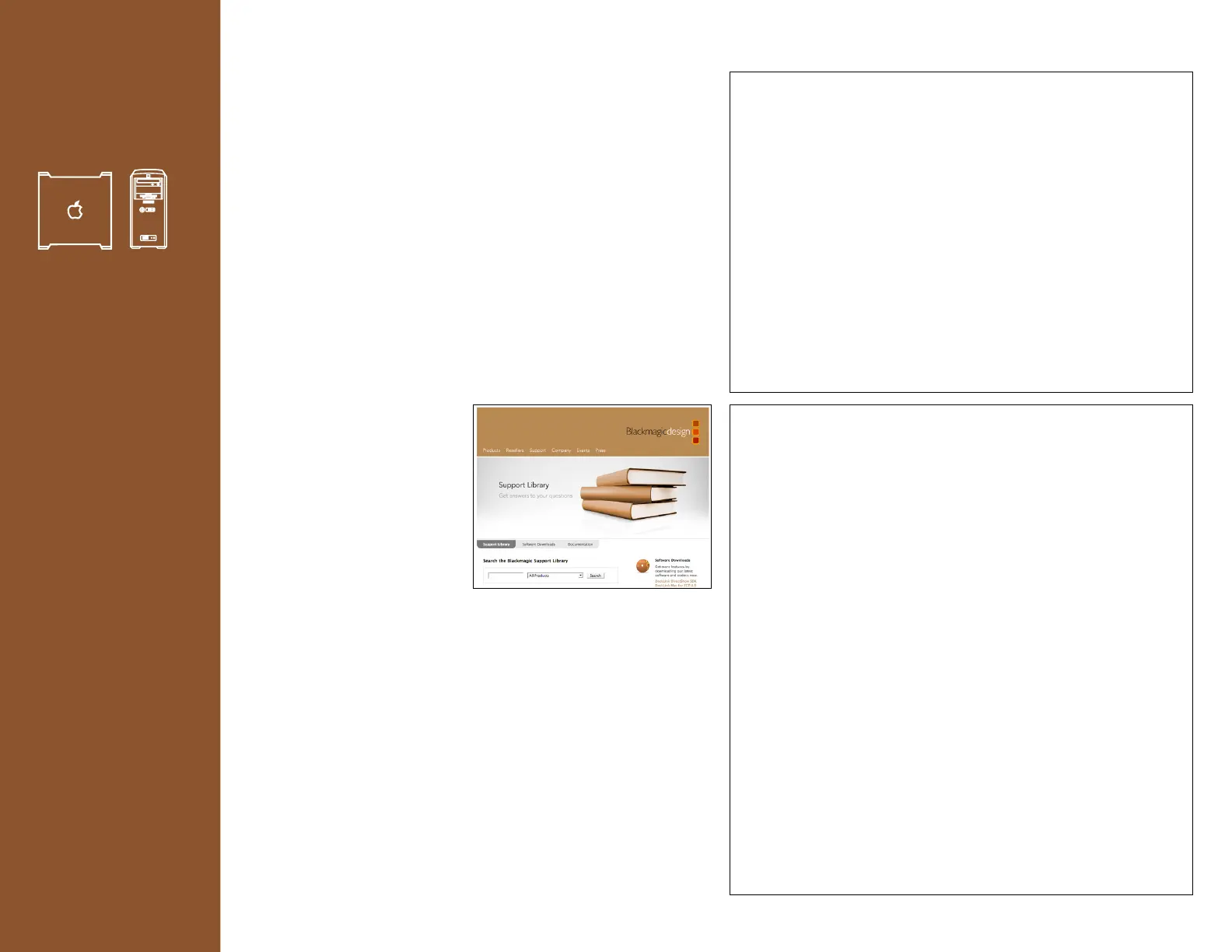
Check out the Blackmagic
Design web site
www.blackmagic-design.com
and click on the “Support”
page for the latest support
information.
Step 2.
Call your dealer. Your dealer will have the latest technical
updates from Blackmagic Design and should be able to give
you immediate assistance. We also recommend you check
out the support options your dealer offers as they can arrange
various support plans based on your workflow requirements.
Step 3.
The next option is to email us via the support web form lo-
cated at www.blackmagic-design.com/support/
Please provide us with as much information as possible
regarding your technical problem and system specifications
so that we may try to respond to your problem as quickly as
possible.
Example - Tech Note Number 084
No audio from any outputs on Multibridge
The Multibridge is based upon the modern SD-SDI and HD-SDI
standards. SDI supports video with embedded audio. If there is no
video signal, then there is no signal in to which the audio can be
embedded and that is why you will not hear audio on the outputs of
Multibridge.
To ensure that your audio will be outputted by Multibridge, make
sure you have a token video signal connected to an analog or digital
video input. The audio will then be embedded in to the SDI video
stream.
If you are only interested in audio and not in video, then set your
capture application to capture audio without video as this will save a
lot of disk space.
Example - Tech Note Number 085
No audio on Multibridge audio monitoring outputs
but SDI out works
The audio monitoring outputs are designed to de-embed audio
from the SDI input(s) of Multibridge. Multibridge does not currently
de-embed audio from its SDI output(s).
The audio monitoring outputs (ie the RCA and AES outputs)
of Multibridge will de-embed audio from the SDI input(s) of
Multibridge. If you are feeding analog video and audio to
Multibridge, it will successfully combine them in to an SDI stream
and will output SDI video with embedded audio.
However because there was no SDI audio being inputted in to
Multibridge, the audio monitoring outputs will have no audio.
Similarly, if you were to use an old-style NLE system with separate
SDI video output and AES audio output, Multibridge will success-
fully combine the two signals in to an SDI stream and will output SDI
video with embedded audio. However because there was no SDI au-
dio being inputted in to Multibridge, the audio monitoring outputs
will have no audio.
Once again, the audio monitoring outputs are designed to de-em-
bed audio from the SDI input(s) of Multibridge.
Multibridge does not currently de-embed audio from its SDI
output(s). This behavior could be changed in the future as we learn
of other workflows in different facilities.
17










 To Next Page