Blackmagic Design - Leading the creative video revolution
™
Multibridge
Windows XP
™
Mac OS X
™
Software Installation
Installation Guidelines for PC and Apple workstations:
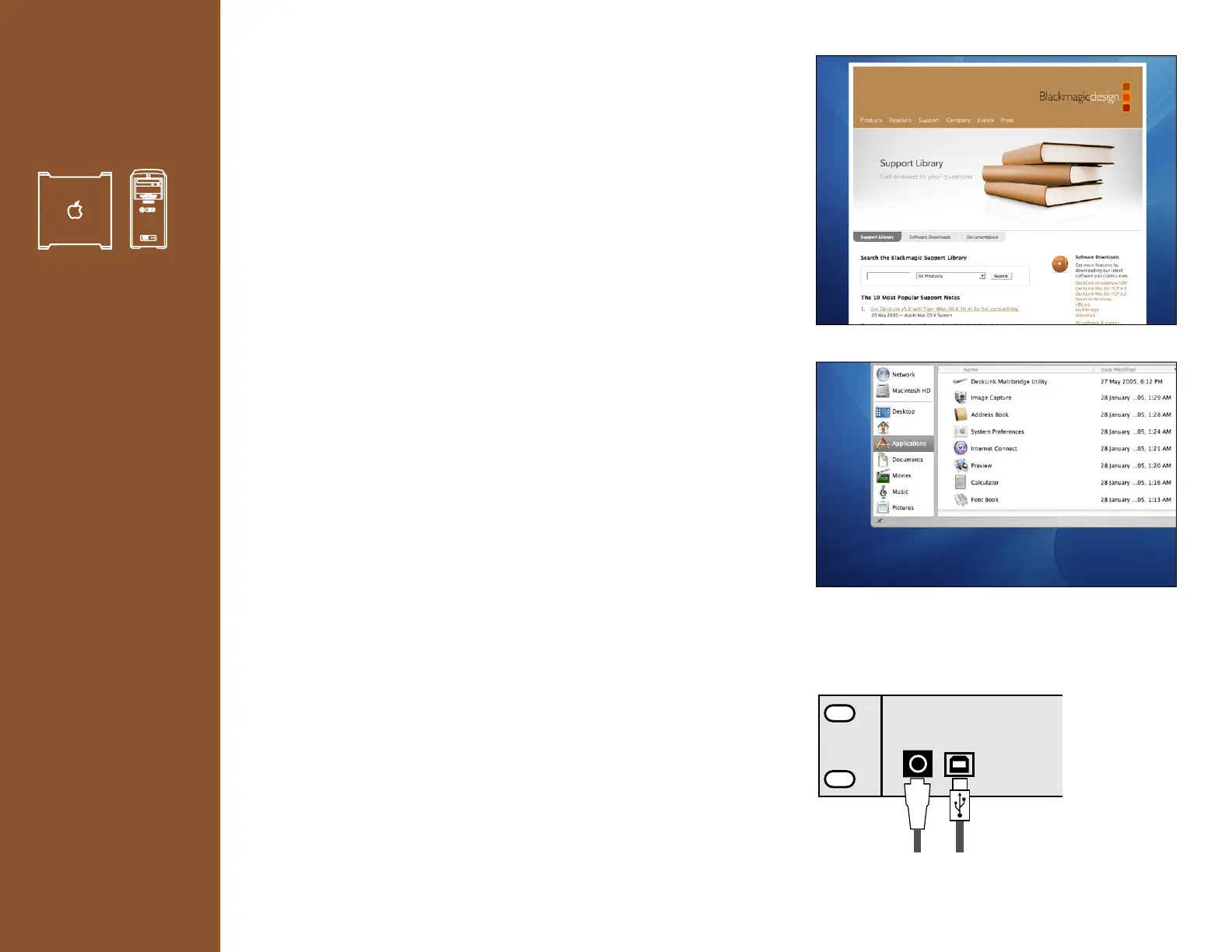
1. Install Multibridge software package.
This can be downloaded from http://www.blackmagic-design.com/support/
Apple users must reboot after installation.
2. Start Multibridge Utility by clicking on the Multibridge Utility icon.
Macintosh OS X
Applications folder > DeckLink Multibridge Utility.
Windows XP
Programs > Blackmagic Design > DeckLink Multibridge >
DeckLink Multibridge Utility.
3. Connect power and USB cables. (See diagram A)
Multibridge will be detected by the computer.
At this point, Windows XP users will see an unsigned driver message.
Simply click OK.
4. A system message may appear requesting that you update firmware.
Select update firmware. This can take a couple of minutes.
Once complete, disconnect the power.
Wait 5 seconds and then reconnect.
Note: If the message doesn’t appear, your firmware is already up to date.
5. The menus of the Multibridge Utility should now be accessible and you
should be able to modify the settings.
If you find any menus are grayed out and inaccessible, it may be that the
menu is not relevant to the current workflow and has been automatically
grayed out.
If all menus are grayed out, you may need to download a newer version of
the Multibridge Utility.
Alternatively, the computer may not be connected to Multibridge via USB.
Sometimes older USB 1.1 cables don’t work well with USB 2.0 connections
and it is better to use a well-shielded USB cable.
6
Diagram A.










 To Next Page