Contents
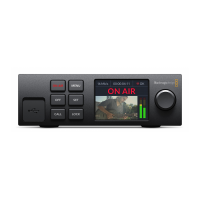
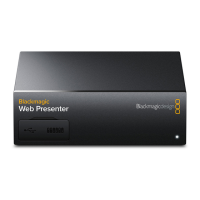
Blackmagic Web Presenter
Getting Started 4
Plugging in Power 4
Plugging in Video 4
Plugging in Audio 5
Connecting to your Computer 5
Setting Blackmagic Web Presenter as your Webcam 5
Using Blackmagic Web Presenter with Third Party Software 6
Using Blackmagic Web Presenter with Skype 6
Using Blackmagic Web Presenter to Stream with YouTube Live 7
To set your Web Presenter as a new device 7
Setting up a YouTube Live streaming channel 9
Using Teranex Mini Smart Panel 11
Installing Teranex Mini Smart Panel 11
Smart Panel Features 12
Teranex Mini Rack Shelf 12
Using the Built In Switcher 13
Using Camera Tally 13
Appendix 15
Help 17
Regulatory Notices and SafetyInformation 18
Warranty 19



 To Next Page