Using Blackmagic Web Presenter with Third Party Software
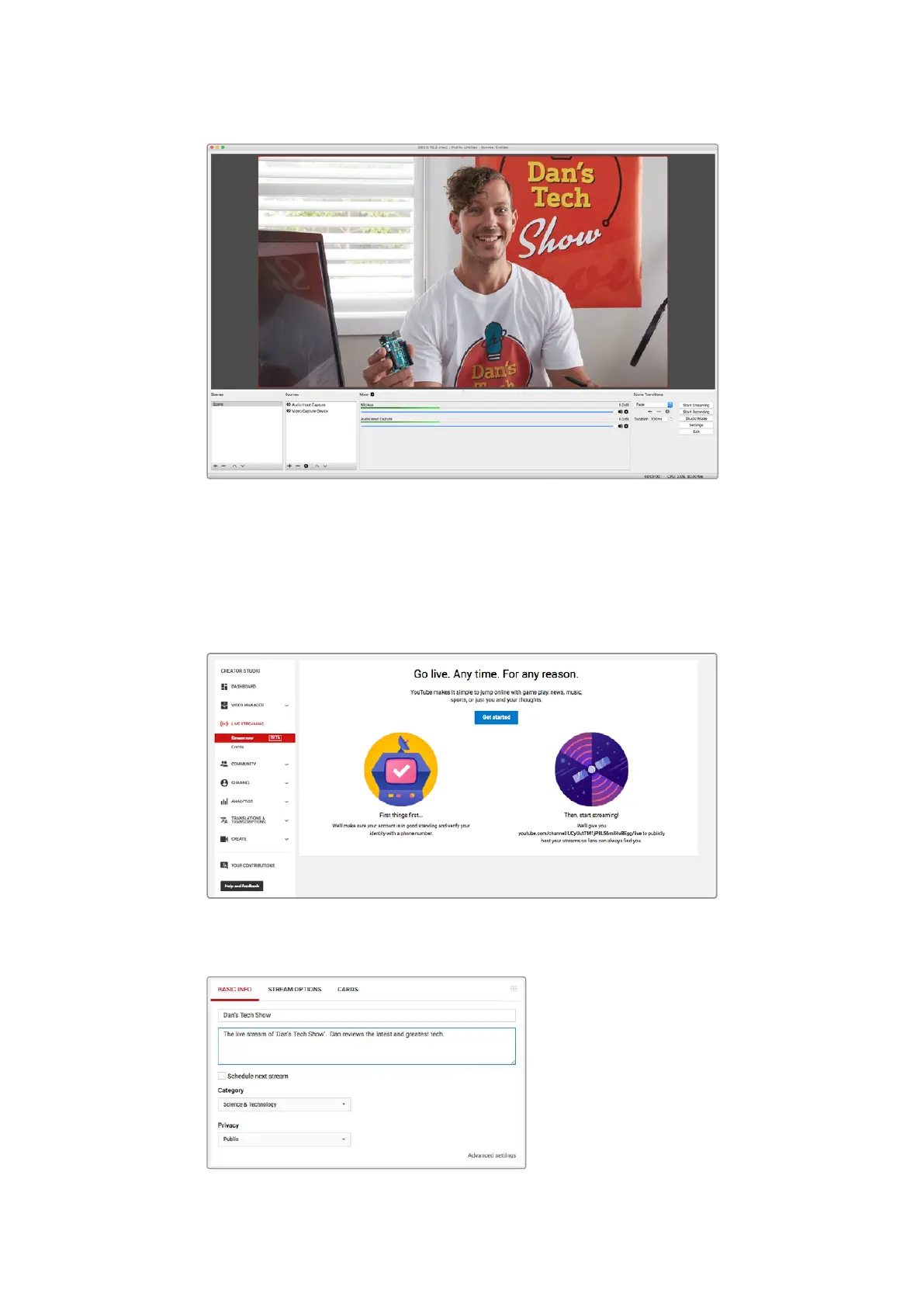
Setting the base ‘canvas’ and ‘scaled’ resolution to
1280 x 720 lets you view the input video full screen
Setting up a YouTube Live streaming channel
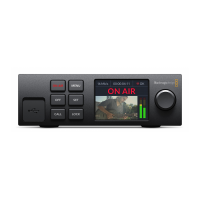
Now you need to create a YouTube live streaming channel. In your browser, go to
www.youtube.com/live_dashboard and sign in or create a new Google account.
1 Select live streaming on the left hand side, and then click ‘get started’.
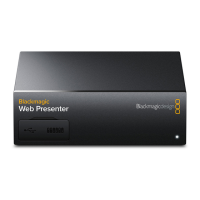
2 Type in the details about your stream and choose if you would like to make it
a public or a private stream.
9



 To Next Page