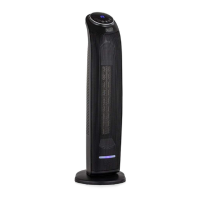
Overview of Control Panel and Remote
8
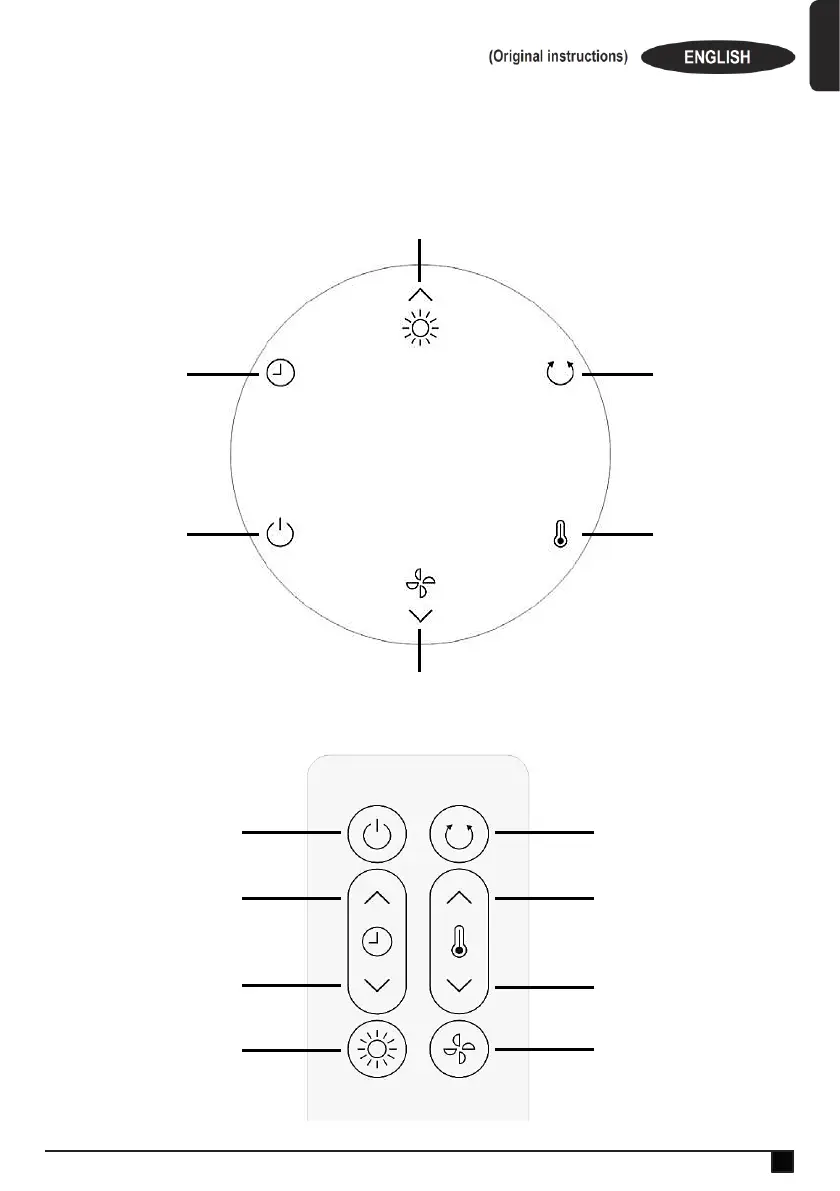
CONTROL PANEL
REMOTE CONTROL
Power on/off
Timer Mode then
touch up/down icons
to select timer hours
Oscillation/Swing
Heating Temperature
Selection Mode then
touch up/down icons
to select heating
temperature
Heating Mode. Also used to increase heating temperature and timer hours.
Cooling Mode. Also used to decrease heating temperature and timer hours.
Power on/off
Increase timer hours
Decrease timer hours
Select low heating mode
then touch again to select
high heat setting
Oscillation/Swing
Increase heating temperature
Decrease heating temperature
Select low cooling mode
then touch again to select
high cooling setting


 To Next Page