Page 6 Page 7
PARTS & FEATURES
SET UP & USE
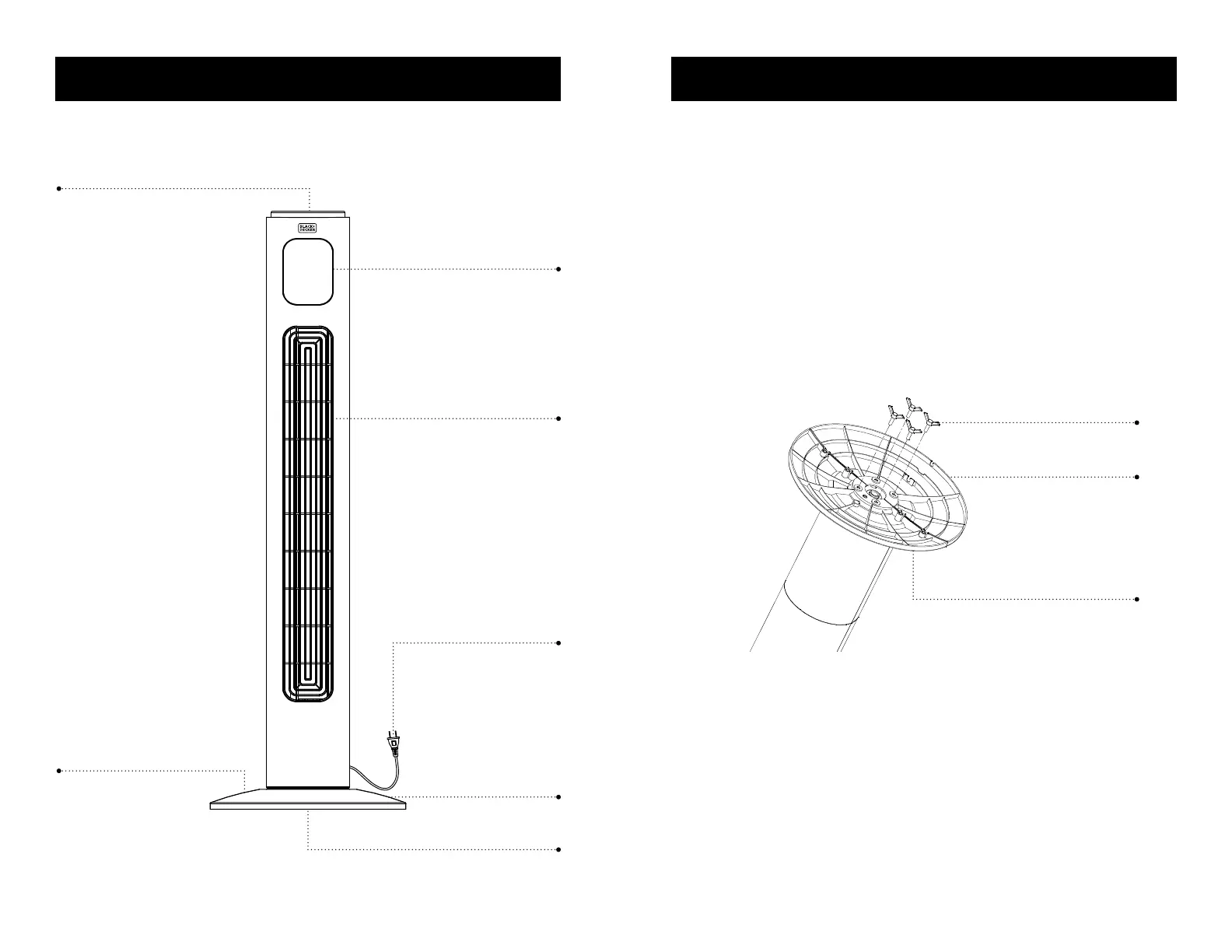
LED Display
Control Panel
Air Outlet
Front Base
4 Buttery Screws
Rear Base (not shown)
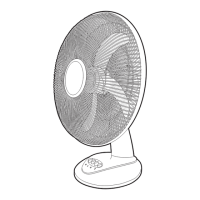
Line Drawing for reference only. Illustration may dier slightly from model.
Power Cord
SET UP & USE
ASSEMBLY INSTRUCTIONS
The base of the tower fan comes with 2 parts. The rear base has a space for the
power cord.
1. Attach the front half of the base, aligning the holes in the base with the screw
holes in the base of the tower fan.
2. Lead the power cord through the center hole and insert the back half of the base
to the front half.
3. Secure with the four supplied buttery screws as shown. Turn each of the screws
clockwise until fully inserted.
4. Thread the power cord through the cut out spaces on the base.
Buttery screws
Rear base
Front base



 To Next Page