Page 13
SET UP & USE
Cycle
indicator
Screen
Press this button to turn on your dishwasher, the screen lights up.
Heavy
For heavily soiled items include pots and pans with dried on
food.
Normal
This is the standard program suitable for normally soiled loads,
such as pots, plates, glasses and lightly soiled pans.
ECO
For normally soiled loads, such as pots, plates, glasses and
lightly soiled pans.
Glass
For lightly soiled dishware and glass.
90 min
For normal/lightly soiled loads that need a quick wash and do
not need to be completely dry.
Rapid
A shorter wash for lightly soiled loads that do not need to be
completely dry.
Rinse Aid
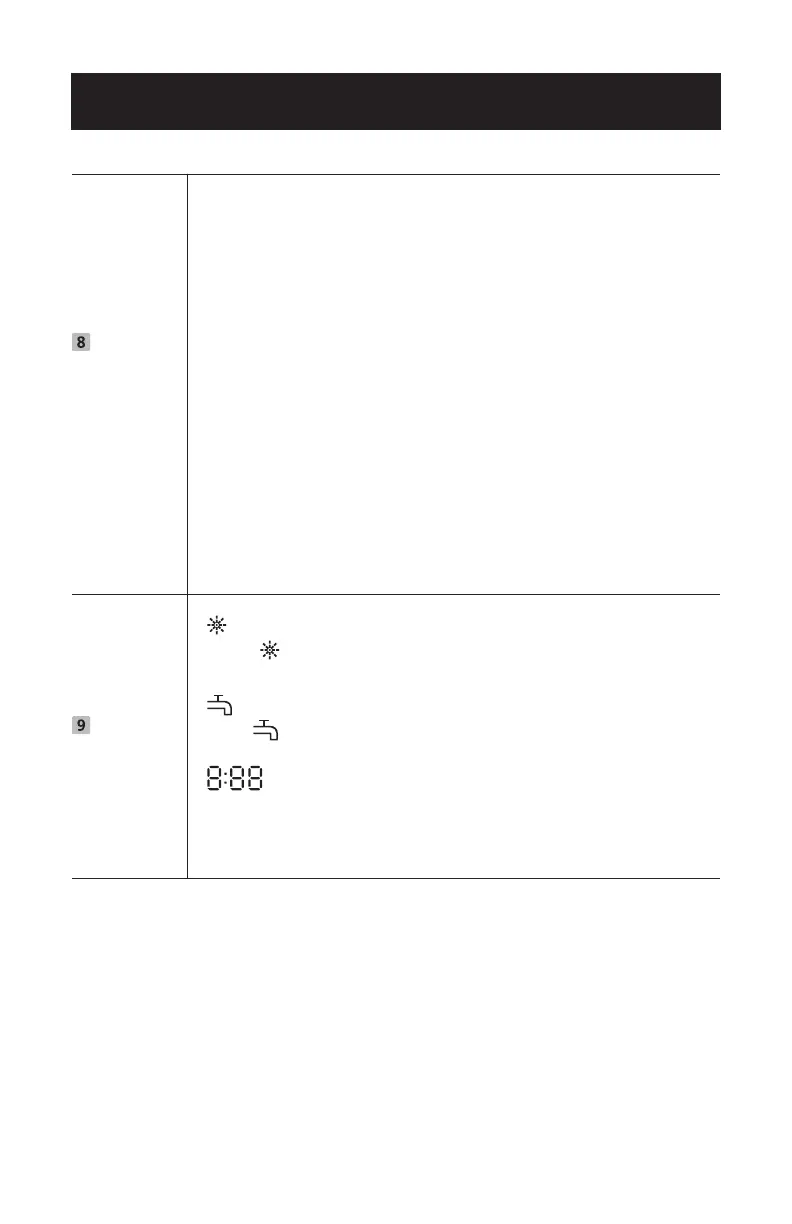
If the “ ”indicator is lit, it means the dishwasher is low on dish-
washer rinse aid and requires a refill.
Water Faucet
If the indicator is lit, it means the water faucet is closed.
Time Display
Indicates remaining cycle time, delay start time and error codes.
For each cycle time the display will show the remaining time
counting down until it reaches 0:00 indicating the end of the
cycle. after 8 seconds the display will indicate END.



 To Next Page