ENGLISH
(Original instructions)
12
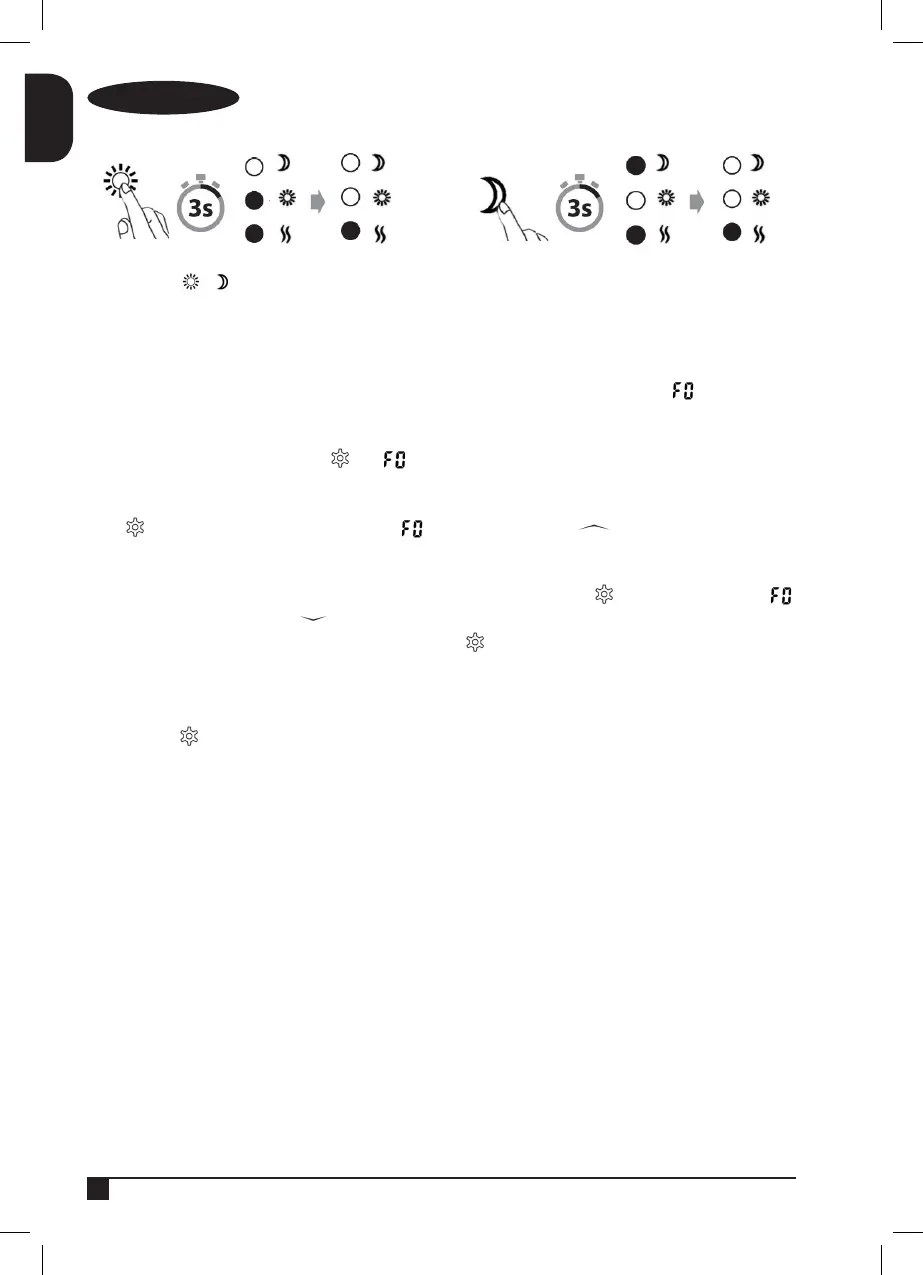
Cancel a program
Press and hold or (depending on the period that you wish to cancel) for 3 seconds
“Open Window” function
The heater has an “Open Window” function
If a window is opened in the space where the heater is located and the temperature falls 2°C or more in 2 minutes, a
sensor will detect the sudden temperature drop. The heater will switch off automatically and display on the screen.
The heater will switch itself back on after 10 minutes. Nonetheless, the radiator can be switched back on manually before
the 10 minutes have elapsed by pressing . The icon will disappear and show the previous operating mode by
default
Press and hold for 5 seconds, this will display the program, next press the button to access the ‘open
window’ function, the “ON” icon will be displayed and ash for 15 seconds to be conrmed automatically, or just press to
conrm manually.
If the ‘open window’ function is active and you wish to deactivate it, press and hold the button for 5 seconds, the
program will appear, now press the button to deactivate the ‘open window’ function, the “OFF” icon will appear and
ash for 15 seconds to be conrmed automatically, or just press to conrm manually.
Reset to “Factory” mode
Switch off the heater’s main switch.
Press and hold while switching the heater’s main switch back to ‘ON’.
Memory function
The heater remembers free-mode temperature settings and automatically returns to the desired temperature after a power
cut. However, it will not remember the daytime and night-time mode settings.


 To Next Page