Revision 7.00 / LB-0462 – CerePlex Direct Instructions for Use
Analog Input
Auxiliary analog signals can be recorded through three analog input BNC ports
located to the left of the digital headstage input connectors on the front panel.
The analog input range is ±5.0 V and should come from a source of less than
100 Ω.
Digital Input
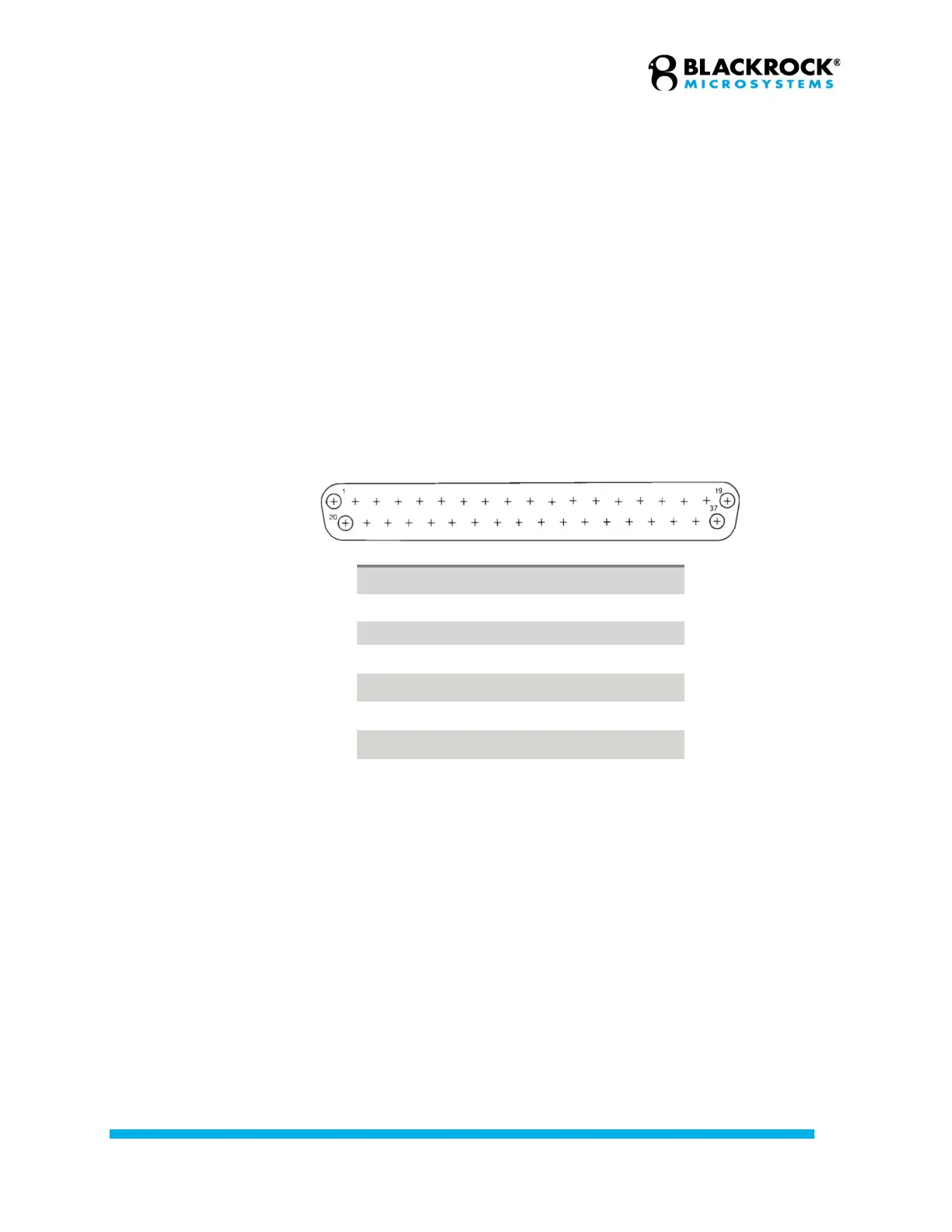
Digital events can be recorded through the 16-bit DB37 input port.
Fast Settle Input
The CerePlex Direct has a BNC connector located on the back panel labeled ‘FS’
that serves as a fast settle input. The fast settle connector is tied to each of the
digital headstage banks in the front. The signal fed into the BNC connector is
passed straight through the system to Pin 14 on the digital data connector, so
that downstream digital headstages can receive a fast settle signal. The two
other BNC connectors are labeled NC and reserved for future feature use.
CerePlex Direct Outputs
USB Data Line to PC
The CerePlex Direct has a Hi-Speed USB 2.0 B connector on the back panel that
can connect the CerePlex Direct to the host PC via a USB A-B cable.
The USB LED on the front panel indicates the status of the CerePlex Direct:
upon powering on the CerePlex Direct, the USB will be a brightly lit yellow. When
CerePlex Direct Suite is initialized, the LED will flash blue briefly, then turn yellow
while Central loads the configuration file. Once the configurations have been
loaded by Central, the LED will turn continuously blue.
Digital Input Pin # Description
1, 18, 19 NC
2 Dig In 0
3 Dig In 1
… …
16 Dig In 14
17 Dig In 15
20-37 GND
Digital Input Port Pinout


 To Next Page