5
Keyboard Shortcuts
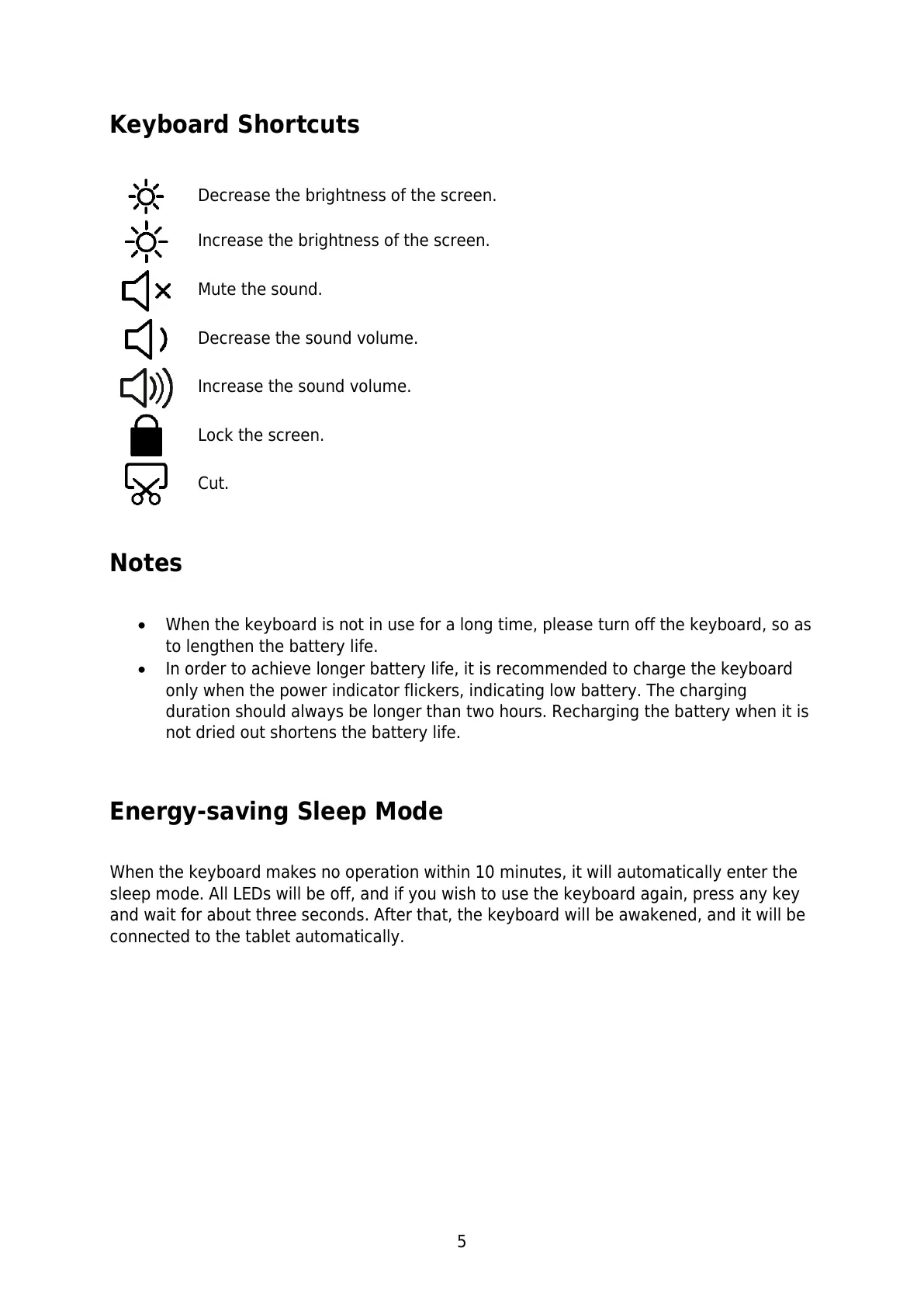
Decrease the brightness of the screen.
Increase the brightness of the screen.
Decrease the sound volume.
Increase the sound volume.
Notes
When the keyboard is not in use for a long time, please turn off the keyboard, so as
to lengthen the battery life.
In order to achieve longer battery life, it is recommended to charge the keyboard
only when the power indicator flickers, indicating low battery. The charging
duration should always be longer than two hours. Recharging the battery when it is
not dried out shortens the battery life.
Energy-saving Sleep Mode
When the keyboard makes no operation within 10 minutes, it will automatically enter the
sleep mode. All LEDs will be off, and if you wish to use the keyboard again, press any key
and wait for about three seconds. After that, the keyboard will be awakened, and it will be
connected to the tablet automatically.


 To Next Page