Ver.00 Rev.06/19/18
What is included?
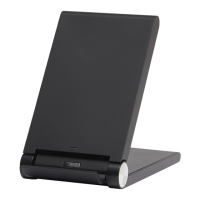
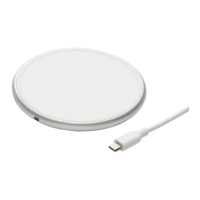
• Wireless Charging Pad
• A 3ft/914mm Micro-USB cable
• A 18W AC QC Adaptor
Specifications
• Wireless Charging Pad
Micro-USB, 5V/2A, 9V/1.67A
Wireless Charging Pad LED Indicator/Status
Connected to power, standby for charging.
Or, device is fully charged.
Foreign object detected
(Remove it before charging)
How to Charge Your Devices
○
1
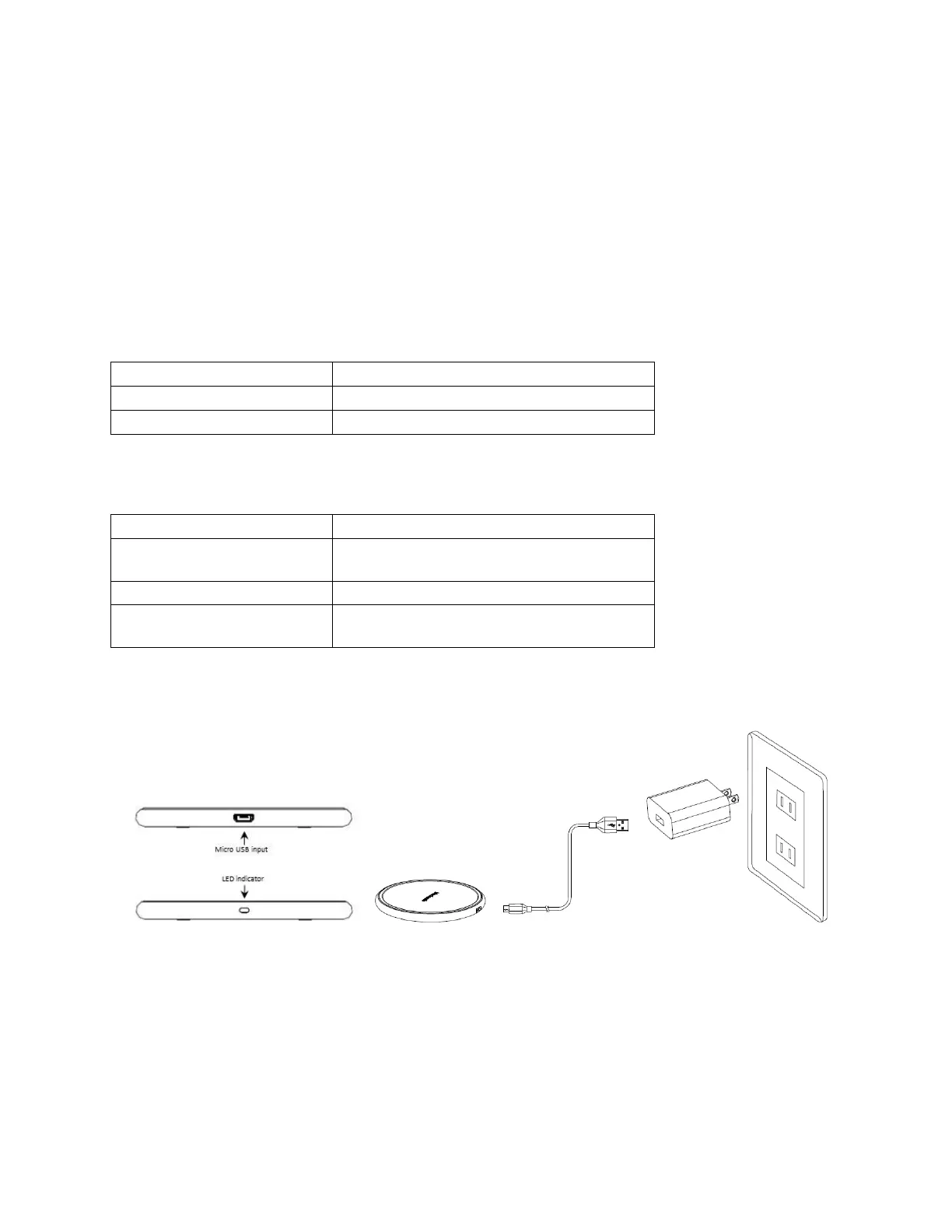
1, Insert the USB end of cable into power adaptor, and connect Micro-USB end of the cable with the
wireless charger, the green LED indicator lights up after it is connected well.


 To Next Page