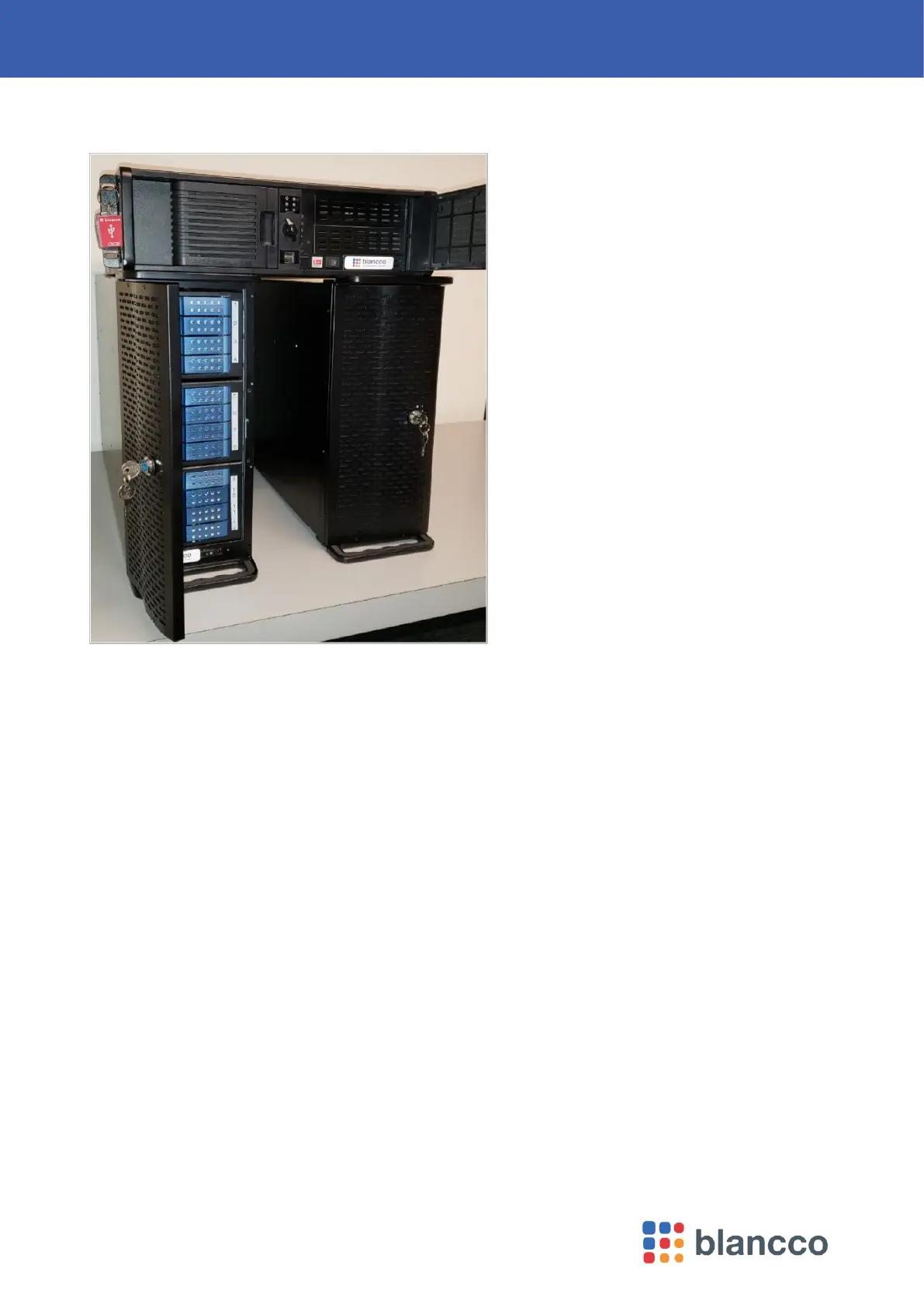
8 Blancco 24 Bay Drive Eraser
2 Process steps
The appliance come with the following:
• One 3U server with
o Pre-installed Blancco Drive Eraser
o Pre-installed Blancco Management Console
o 100 per drive licenses of Blancco Drive Eraser Server Edition on a USB HASP key
• Two towers with 12 drive bays each
• Power cables and data cables
• 4x 2.5-inch to 3.5-inch hard drive adapters
The user of the appliance will need to supply the following:
• USB Keyboard
• USB Mouse
• VGA Monitor
Warning!
Please follow proper ESD procedure to avoid damage to the drives and to avoid ESD shock. User should be
trained for handling sensitive ESD devices such as hard drives. This manual assumes all ESD procedures
and precautions are followed and adhered to.
The normal erasure process consists of the following steps:
1. Insert the drives for erasure in the towers.
2. Turn on the two towers – wait until all drives led stop blinking.
3. Turn on the server.



 To Next Page