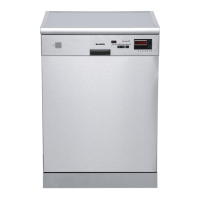
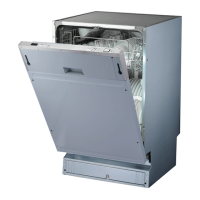
before using it for the first tim e.
To get the best performance from your dishwas her, read all operating instructions
10
11
Ba ck View
1
2
3
4
5
6
7
8
9
Fron t vi ew
Lower basket
Dispenser
Cupshelf
Sp ray a rm s
Filt er a s sembly
Inlet pipe connector
Drain pipe
Upper basket
Cutlery rack
Top s pray arm
1
I nner pip e
5
6
7
8
9
11
10
3
2
4
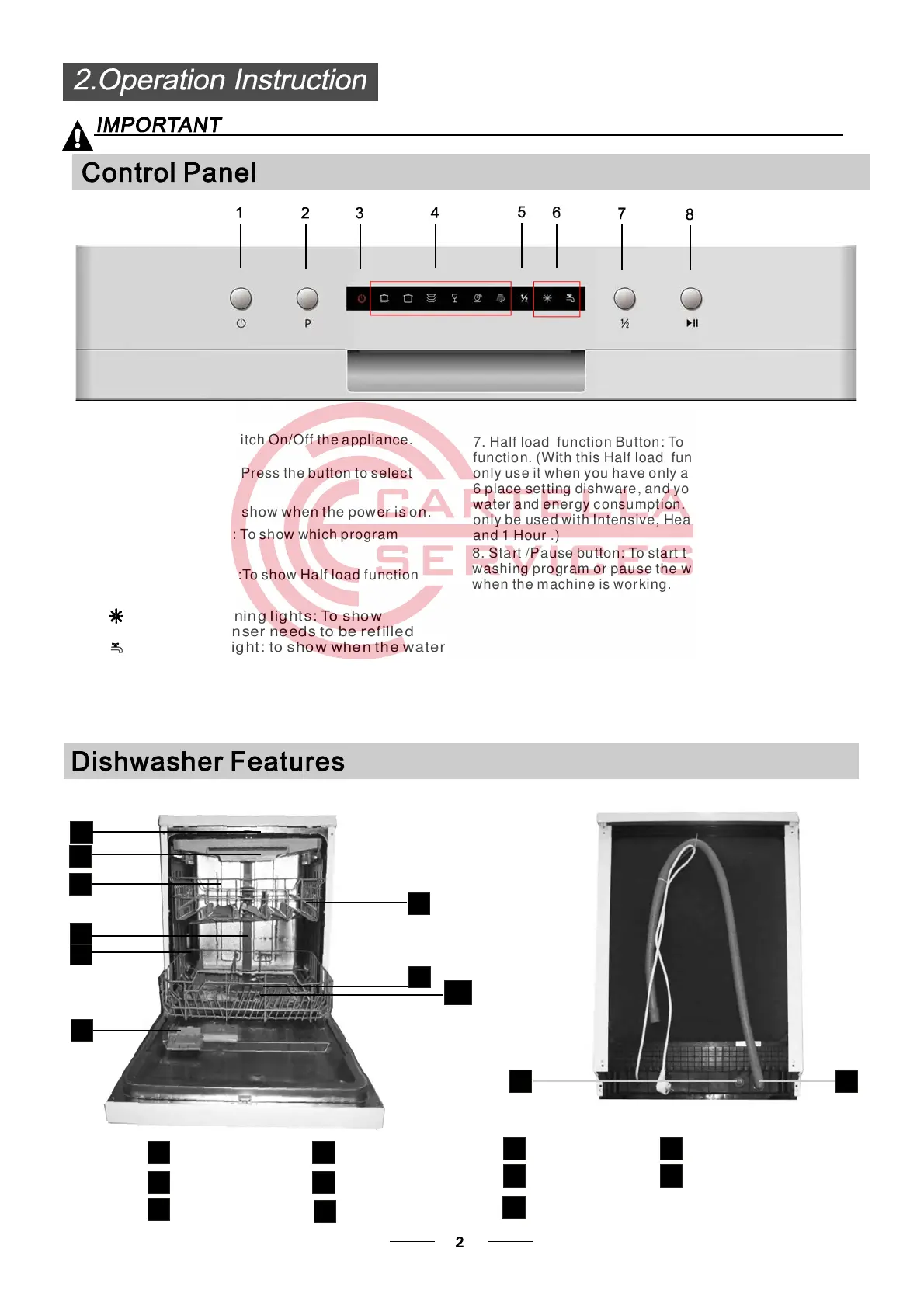
8. S ta rt /Pa use bu tton: To start the sel ected
wash ing pro gram or pau se t he washin g program
when th e m achin e is wor king.
1. On/Off Button: t o switch On/Off thea ppliance.
7. Half load fun cti on But ton : To select H alf lo ad
function. (With this Half load functionyoucan
onl y use it when you ha ve o nly a bo ut or less t han
6 place setting , and you will see less
wa ter and ener gy c onsumpt ion. can
onl y be use d wi th Int ens ive, Heavy, Nor mal, Glas s
and 1 Hour .)
di s hwa r e
This fu nc tion
3. P ower ind icat or :To sho w whe n the pow er i s o n .
2. Program Button: To Press thebutton to select
appr opriate Pr ogram.
4. Prog ram i ndi c ato r s: To sh ow w h ic h pro g ra m
you havechoose.
5. Hal f load i ndicators :To sh ow Half l oad fu nct ion
starting up or not.
Ri nse aid war nin g lig ht s : To show
when the dispenser needs to be refilled
Wa ter faucet li ght : to show w hen the w ater
fauc et i s not tur n ed on.
6.


 To Next Page